Sign In Start Free Trial
Account

Add to playlist

Create a Playlist

Modal Close icon
You need to login to use this feature.
  • Book Overview & Buying iOS Programming Cookbook
  • Table Of Contents Toc
  • Feedback & Rating feedback
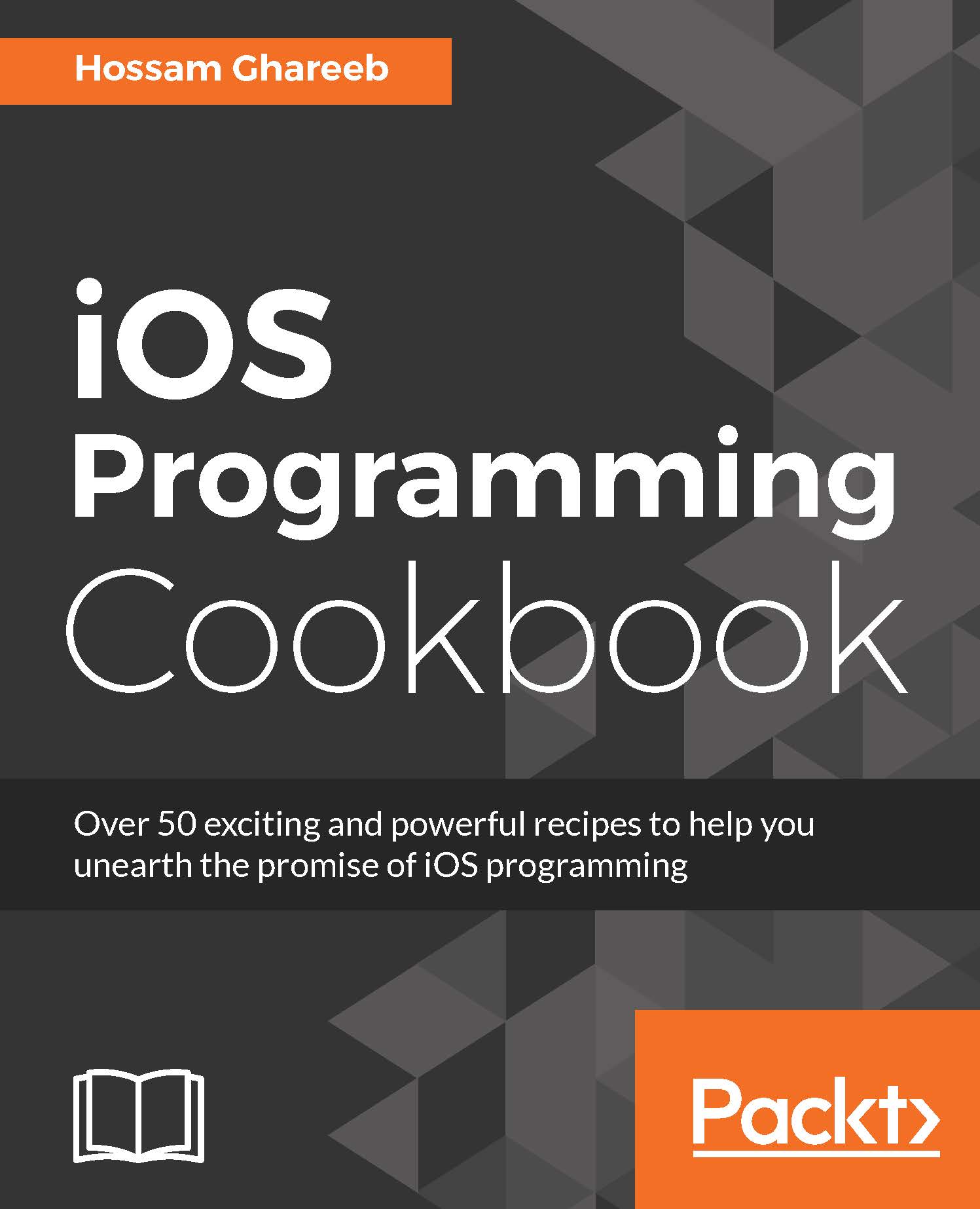
iOS Programming Cookbook

iOS Programming Cookbook

By : Hossam Ghareeb
3.5 (2)
close
close
iOS Programming Cookbook

iOS Programming Cookbook

3.5 (2)
By: Hossam Ghareeb

Overview of this book

Do you want to understand all the facets of iOS programming and build complex iOS apps? Then you have come to the right place. This problem-solution guide will help you to eliminate expensive learning curves and focus on specific issues to make you proficient at tasks and the speed-up time involved. Beginning with some advanced UI components such as Stack Views and UICollectionView, you will gradually move on to building an interface efficiently. You will work through adding gesture recognizer and touch elements on table cells for custom actions. You will work with the Photos framework to access and manipulate photos. You will then prepare your app for multitasking and write responsive and highly efficient apps. Next, you will integrate maps and core location services while making your app more secure through various encryption methods. Finally, you will dive deep into the advanced techniques of implementing notifications while working with memory management and optimizing the performance of your apps. By the end of the book, you will master most of the latest iOS 10 frameworks.
Table of Contents (16 chapters)
close
close

Working with gestures like swipe, pan, rotation, and tap


When users use your app, clicking is not only the possible way that user can interact with the app. iOS provides you with gesture recognizers such as the most commonly used gestures by users, such as swipe or tap gestures. Although it is very nice to support gestures in you app, misusing them may lead to a very bad user experience and cause conflicts to your users. Another problem is that most users don't know that you have to swipe in a specific area to get an action done, so it's recommended that you show a tutorial or notes on screen, telling users about what gestures you support so that they become aware of them.

Getting ready

In this recipe, we will show you a simple UIView that can interact with multiple gesture recognizers; but before getting started, let's explain briefly the difference between the various gesture recognizers:

  • UITapGestureRecognizer: This is a gesture recognizer that detects taps on UIViews with any number of...

Visually different images
CONTINUE READING
83
Tech Concepts
36
Programming languages
73
Tech Tools
Icon Unlimited access to the largest independent learning library in tech of over 8,000 expert-authored tech books and videos.
Icon Innovative learning tools, including AI book assistants, code context explainers, and text-to-speech.
Icon 50+ new titles added per month and exclusive early access to books as they are being written.
iOS Programming Cookbook
notes
bookmark Notes and Bookmarks search Search in title playlist Add to playlist download Download options font-size Font size

Change the font size

margin-width Margin width

Change margin width

day-mode Day/Sepia/Night Modes

Change background colour

Close icon Search
Country selected

Close icon Your notes and bookmarks

Confirmation

Modal Close icon
claim successful

Buy this book with your credits?

Modal Close icon
Are you sure you want to buy this book with one of your credits?
Close
YES, BUY

Submit Your Feedback

Modal Close icon
Modal Close icon
Modal Close icon