Sign In Start Free Trial
Account

Add to playlist

Create a Playlist

Modal Close icon
You need to login to use this feature.
  • Book Overview & Buying Ionic 2 Cookbook
  • Table Of Contents Toc
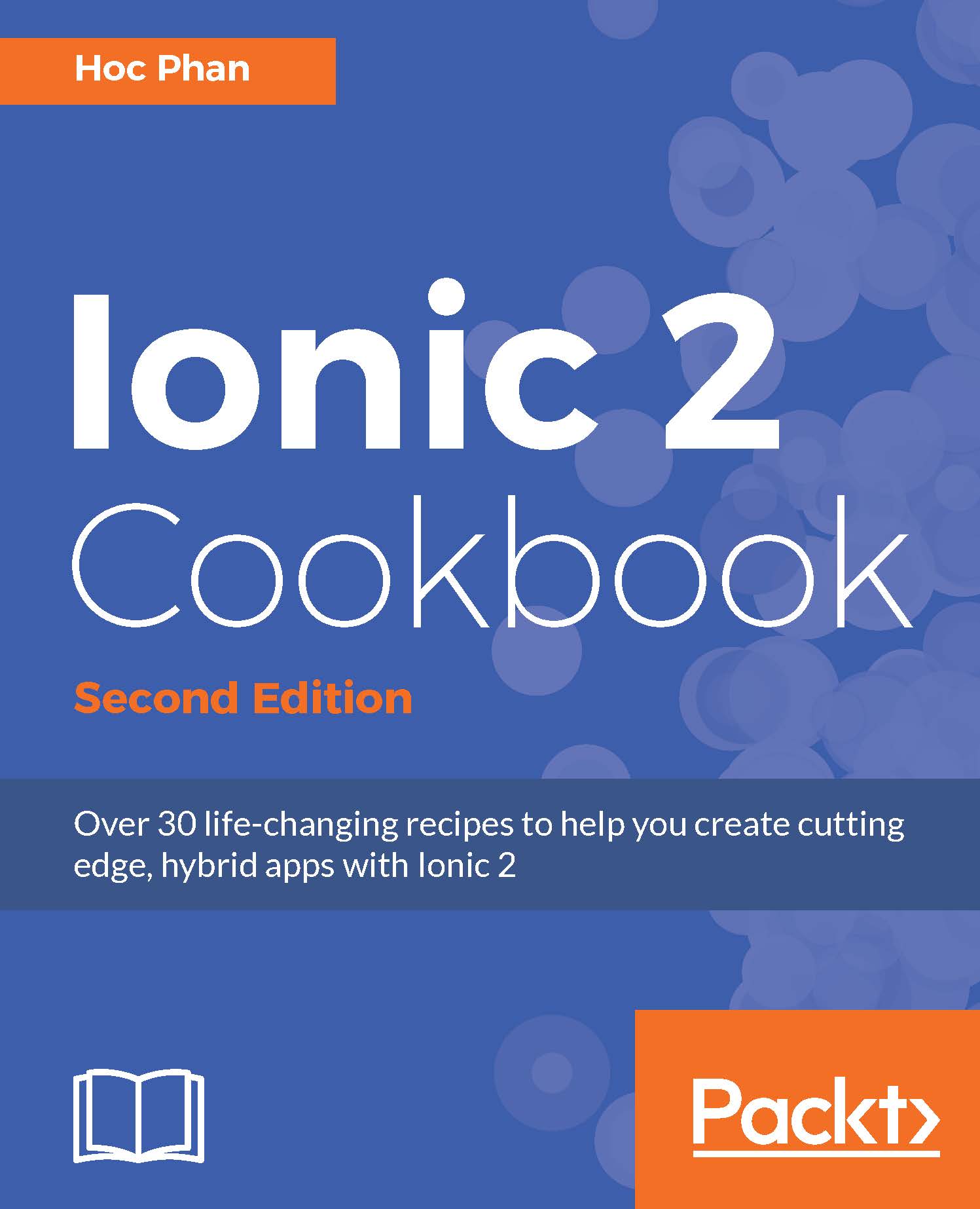
Ionic 2 Cookbook

Ionic 2 Cookbook - Second Edition

By : Hoc Phan
4 (10)
close
close
Ionic 2 Cookbook

Ionic 2 Cookbook

4 (10)
By: Hoc Phan

Overview of this book

Developing real-time apps is the need of the hour, and apps that deal with humongous amounts of user data and real-time information that needs to be updated frequently are in high demand. Currently, one of the most popular frameworks for this task is Ionic Framework, which is undergoing a major makeover. This book will get you started with Ionic and help you create Angular 2 components that interact with templates. From there, you’ll work with Ionic components and find out how to share data efficiently between them. You’ll discover how to make the best use of the REST API to handle back-end services and then move on to animating the application to make it look pretty. You’ll learn to add in a local push notification in order to test the app. You’ll work with Cordova to support native functionalities on both iOS and Android. From there, you’ll get to grips with using the default themes for each platform as well as customizing your own. Finally, you’ll see how best to deploy your app to different platforms. This book will solve all your Ionic-related issues through dedicated recipes that will help you get the best out of Ionic.
Table of Contents (11 chapters)
close
close
10
Index

Viewing the app using the Ionic CLI

So far, you have been testing the web app portion of Ionic. Most of the time, you will need to actually run the app on a physical device or at least an emulator to see how the app behaves and whether all native features work.

Getting Ready

You will need to have the emulator installed. iOS emulator comes when you do npm install -g ios-sim and the Android emulator comes with Android Studio. To test the app on a physical device, you must connect the device to your computer via a USB connection.

How to do it…

  1. Add the specific platform (such as iOS) and build the app using the following command line:
      $ ionic platform add ios
      $ ionic build ios
    

    Note

    Note that you need to do the platform add before building the app. However, if you use the standard template from the Ionic CLI, it should already have the iOS platform included. To build and run for Android, you can replace iOS with Android.

  2. To emulate the app using the iOS emulator, use the following command line:
      $ ionic emulate ios
    
  3. To run the app on the actual physical iPhone device, use the command line as shown:
      $ ionic run ios --device
    
CONTINUE READING
83
Tech Concepts
36
Programming languages
73
Tech Tools
Icon Unlimited access to the largest independent learning library in tech of over 8,000 expert-authored tech books and videos.
Icon Innovative learning tools, including AI book assistants, code context explainers, and text-to-speech.
Icon 50+ new titles added per month and exclusive early access to books as they are being written.
Ionic 2 Cookbook
notes
bookmark Notes and Bookmarks search Search in title playlist Add to playlist download Download options font-size Font size

Change the font size

margin-width Margin width

Change margin width

day-mode Day/Sepia/Night Modes

Change background colour

Close icon Search
Country selected

Close icon Your notes and bookmarks

Confirmation

Modal Close icon
claim successful

Buy this book with your credits?

Modal Close icon
Are you sure you want to buy this book with one of your credits?
Close
YES, BUY

Submit Your Feedback

Modal Close icon
Modal Close icon
Modal Close icon