Sign In Start Free Trial
Account

Add to playlist

Create a Playlist

Modal Close icon
You need to login to use this feature.
  • Book Overview & Buying Swift iOS Programming for Kids
  • Table Of Contents Toc
  • Feedback & Rating feedback
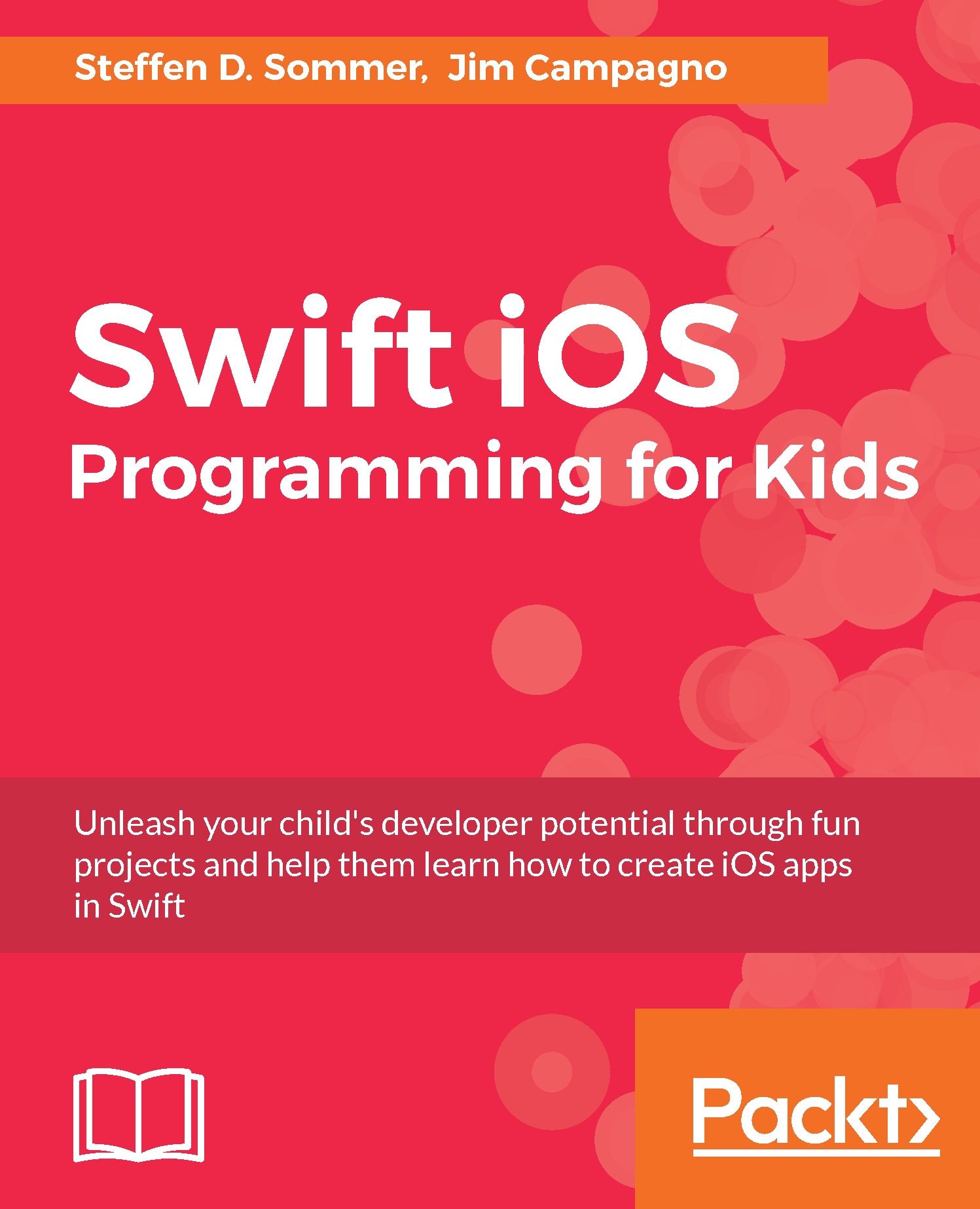
Swift iOS Programming for Kids

Swift iOS Programming for Kids

By : D. Sommer, Campagno
4.2 (5)
close
close
Swift iOS Programming for Kids

Swift iOS Programming for Kids

4.2 (5)
By: D. Sommer, Campagno

Overview of this book

This book starts at the beginning by introducing programming through easy to use examples with the Swift Playgrounds app. Kids are regularly encouraged to explore and play with new concepts to support knowledge acquisition and retention – these newly learned skills can then be used to express their own unique ideas. Children will be shown how to create their first iOS application and build their very own movie night application.
Table of Contents (15 chapters)
close
close
2
2. Getting Set Up
10
10. Pokémon Battle
13
13. Space Pizza Delivery

Our first class


Go ahead and create a new Xcode playground and delete the autogenerated content. Let's continue with our example of modeling a person by adding the following to our playground:

class Person {
 
}

Note

All related source code for this chapter can be found here: https://github.com/swift-book-projects/swift-3-programming-for-kids/tree/master/Chapter-9

Let's take a look at the simple code we just wrote. The class keyword is how we define a class in Swift. Remember that a class is our abstract representation of something we are trying to model and the object is the instance of our class. Next, Person is the name of our class, and is also called our type. In Swift, we capitalize the names of our classes. This is similar to other types we have seen so far, such as String and Int; the difference being that this is a type that we define ourselves.

If we want to instantiate our new class that does not hold any functionality, we will do it by writing the following code:

let bob = Person...
Visually different images
CONTINUE READING
83
Tech Concepts
36
Programming languages
73
Tech Tools
Icon Unlimited access to the largest independent learning library in tech of over 8,000 expert-authored tech books and videos.
Icon Innovative learning tools, including AI book assistants, code context explainers, and text-to-speech.
Icon 50+ new titles added per month and exclusive early access to books as they are being written.
Swift iOS Programming for Kids
notes
bookmark Notes and Bookmarks search Search in title playlist Add to playlist download Download options font-size Font size

Change the font size

margin-width Margin width

Change margin width

day-mode Day/Sepia/Night Modes

Change background colour

Close icon Search
Country selected

Close icon Your notes and bookmarks

Confirmation

Modal Close icon
claim successful

Buy this book with your credits?

Modal Close icon
Are you sure you want to buy this book with one of your credits?
Close
YES, BUY

Submit Your Feedback

Modal Close icon
Modal Close icon
Modal Close icon