


-
Book Overview & Buying
-
Table Of Contents

Android Development with Kotlin
By :


Android Development with Kotlin
By:
Overview of this book
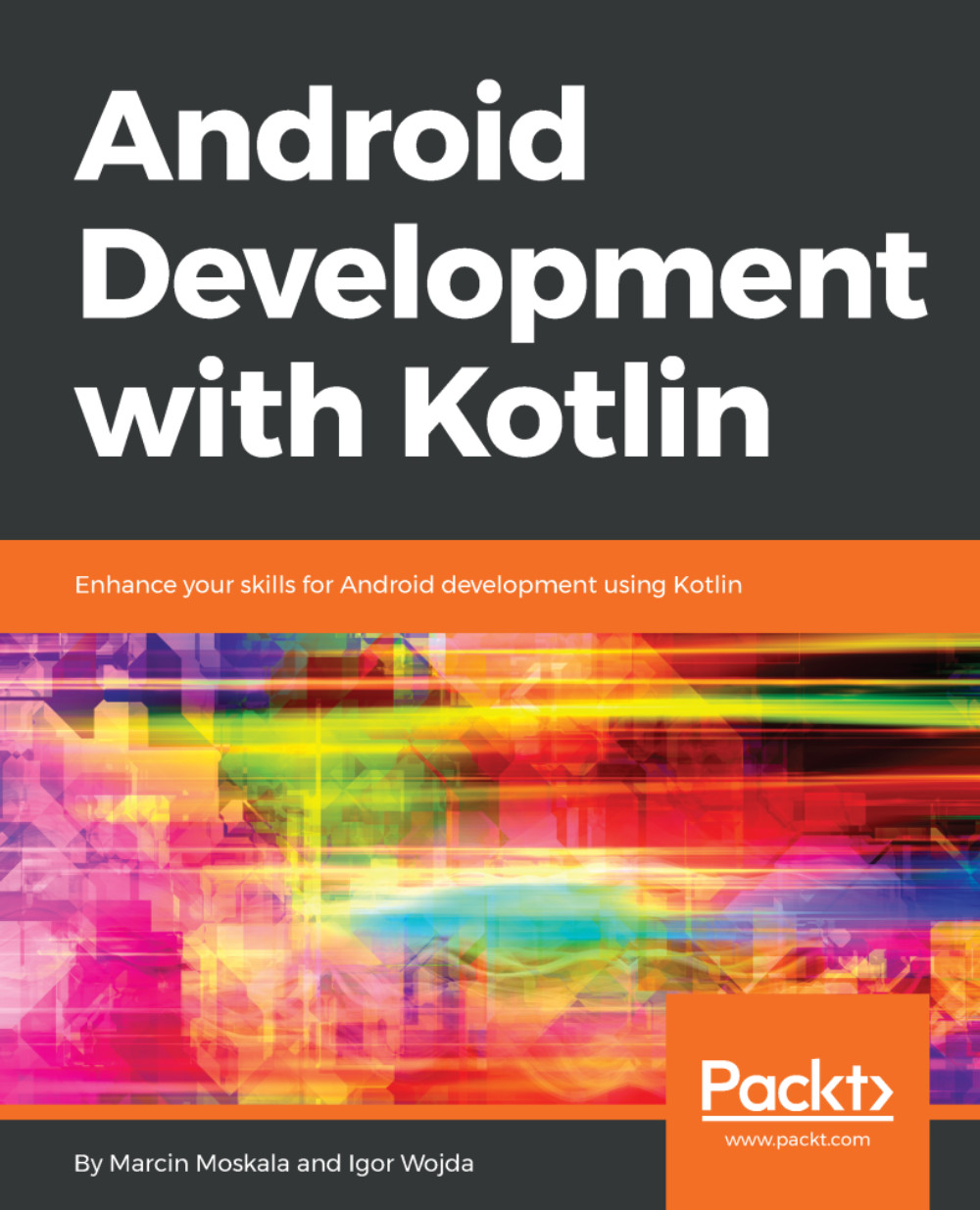
Nowadays, improved application development does not just mean building better performing applications. It has become crucial to find improved ways of writing code. Kotlin is a language that helps developers build amazing Android applications easily and effectively. This book discusses Kotlin features in context of Android development. It demonstrates how common examples that are typical for Android development, can be simplified using Kotlin. It also shows all the benefits, improvements and new possibilities provided by this language.
The book is divided in three modules that show the power of Kotlin and teach you how to use it properly. Each module present features in different levels of advancement. The first module covers Kotlin basics. This module will lay a firm foundation for the rest of the chapters so you are able to read and understand most of the Kotlin code. The next module dives deeper into the building blocks of Kotlin, such as functions, classes, and function types. You will learn how Kotlin brings many improvements to the table by improving common Java concepts and decreasing code verbosity. The last module presents features that are not present in Java. You will learn how certain tasks can be achieved in simpler ways thanks to Kotlin.
Through the book, you will learn how to use Kotlin for Android development. You will get to know and understand most important Kotlin features, and how they can be used. You will be ready to start your own adventure with Android development with Kotlin.
Table of Contents (10 chapters)
Preface


 Free Chapter
Beginning Your Kotlin Adventure
Laying a Foundation

Playing with Functions
Classes and Objects
Functions as First-Class Citizens
Generics Are Your Friends
Extension Functions and Properties
Delegates
Making Your Marvel Gallery Application


