


-
Book Overview & Buying
-
Table Of Contents

Android Programming with Kotlin for Beginners
By :


Android Programming with Kotlin for Beginners
By:
Overview of this book
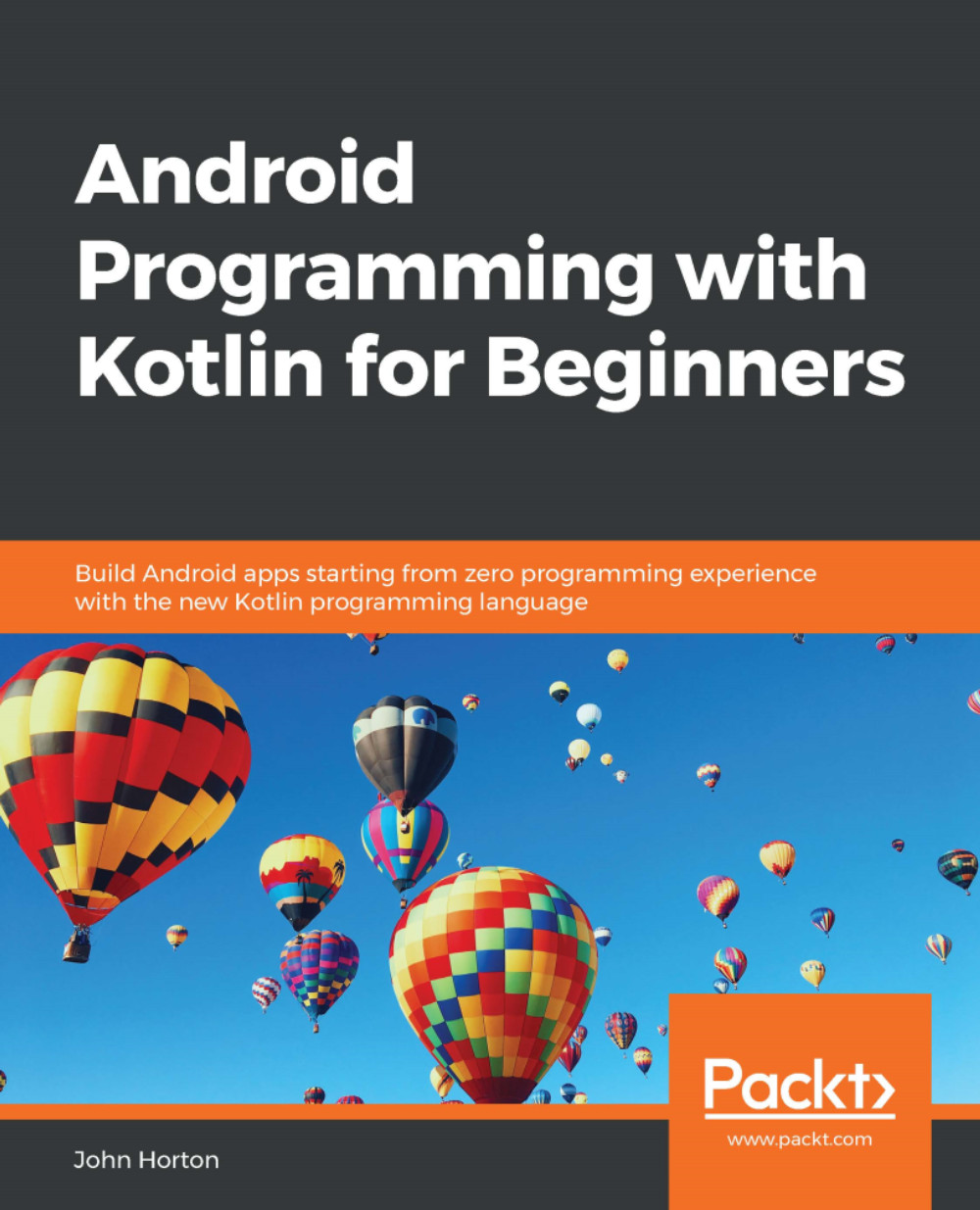
Android is the most popular mobile operating system in the world and Kotlin has been declared by Google as a first-class programming language to build Android apps. With the imminent arrival of the most anticipated Android update, Android 10 (Q), this book gets you started building apps compatible with the latest version of Android.
It adopts a project-style approach, where we focus on teaching the fundamentals of Android app development and the essentials of Kotlin by building three real-world apps and more than a dozen mini-apps. The book begins by giving you a strong grasp of how Kotlin and Android work together before gradually moving onto exploring the various Android APIs for building stunning apps for Android with ease. You will learn to make your apps more presentable using different layouts. You will dive deep into Kotlin programming concepts such as variables, functions, data structures, Object-Oriented code, and how to connect your Kotlin code to the UI. You will learn to add multilingual text so that your app is accessible to millions of more potential users. You will learn how animation, graphics, and sound effects work and are implemented in your Android app.
By the end of the book, you will have sound knowledge about significant Kotlin programming concepts and start building your own fully featured Android apps.
Table of Contents (31 chapters)
Preface


 Free Chapter
1. Getting Started with Android and Kotlin
2. Kotlin, XML, and the UI Designer
3. Exploring Android Studio and the Project Structure
4. Getting Started with Layouts and Material Design
5. Beautiful Layouts with CardView and ScrollView
6. The Android Lifecycle
7. Kotlin Variables, Operators, and Expressions
8. Kotlin Decisions and Loops
9. Kotlin Functions
10. Object-Oriented Programming

11. Inheritance in Kotlin
12. Connecting Our Kotlin to the UI and Nullability
13. Bringing Android Widgets to Life
14. Android Dialog Windows
15. Handling Data and Generating Random Numbers
16. Adapters and Recyclers
17. Data Persistence and Sharing
18. Localization
19. Animations and Interpolations
20. Drawing Graphics
21. Threads and Starting the Live Drawing App
22. Particle Systems and Handling Screen Touches
23. Android Sound Effects and the Spinner Widget
24. Design Patterns, Multiple Layouts, and Fragments
25. Advanced UI with Paging and Swiping
26. Advanced UI with Navigation Drawer and Fragment
27. Android Databases
28. A Quick Chat Before You Go
A. Other Book You May Enjoy
Index


