


-
Book Overview & Buying
-
Table Of Contents

Flutter Design Patterns and Best Practices
By :


Flutter Design Patterns and Best Practices
By:
Overview of this book
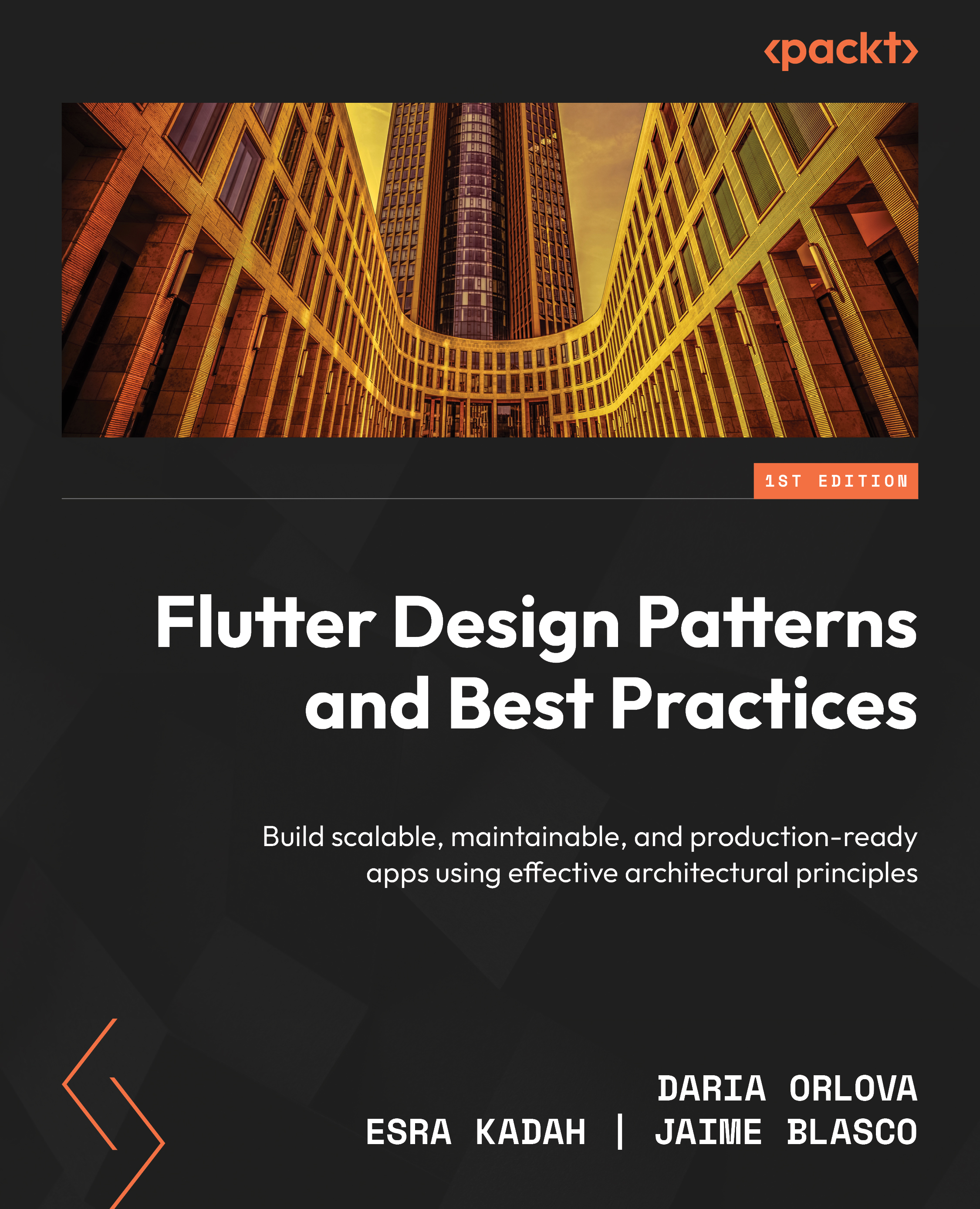
Flutter’s rapid adoption by developers and businesses alike has led to an increased demand for skilled developers who can deliver high-quality Flutter apps. Flutter can be a great tool to develop apps for yourself, but you don’t always need to consider things like scalability or business goals as a hobbyist. When you build apps for a business, however, you must use specific tools to help the business achieve its goals. This requires solutions to be fast, reliable, and delivered on time. This book will help you meet these business requirements.
You'll begin by learning how to build responsive UIs that work on all devices. Next, you'll delve into state management, understanding how to select the appropriate solution and gaining hands-on experience with InheritedWidget, ChangeNotifier, and BLoC. Later, you'll move on to high-level practices such as layered architecture, dependency injection, and repository patterns. The book will also show you how to develop features of any complexity, such as multithreading and native layer implementations. You'll also learn how to ensure the quality of your solutions by prioritizing testing.
By the end of this book, you'll be able to deliver well-architected Flutter projects that are stable, scalable, and maintainable.
*Email sign-up and proof of purchase required
Table of Contents (20 chapters)
Preface


Part 1: Building Delightful User Interfaces
 Free Chapter
Chapter 1: Best Practices for Building UIs with Flutter
Chapter 2: Responsive UIs for All Devices
Part 2: Connecting UI with Business Logic
Chapter 3: Vanilla State Management
Chapter 4: State Management Patterns and Their Implementations
Chapter 5: Creating Consistent Navigation
Part 3: Exploring Practical Design Patterns and Architecture Best Practices
Chapter 6: The Responsible Repository Pattern
Chapter 7: Implementing the Inversion of Control Principle
Chapter 8: Ensuring Scalability and Maintainability with Layered Architecture
Chapter 9: Mastering Concurrent Programming in Dart
Chapter 10: A Bridge to the Native Side of Development
Part 4: Ensuring App Quality and Stability
Chapter 11: Unit Tests, Widget Tests, and Mocking Dependencies
Chapter 12: Static Code Analysis and Debugging Tools

Chapter 13: Unlock Your Exclusive Benefits
Index
Other Books You May Enjoy


