


-
Book Overview & Buying
-
Table Of Contents

iOS 26 Programming for Beginners - Tenth Edition
By :


iOS 26 Programming for Beginners
By:
Overview of this book
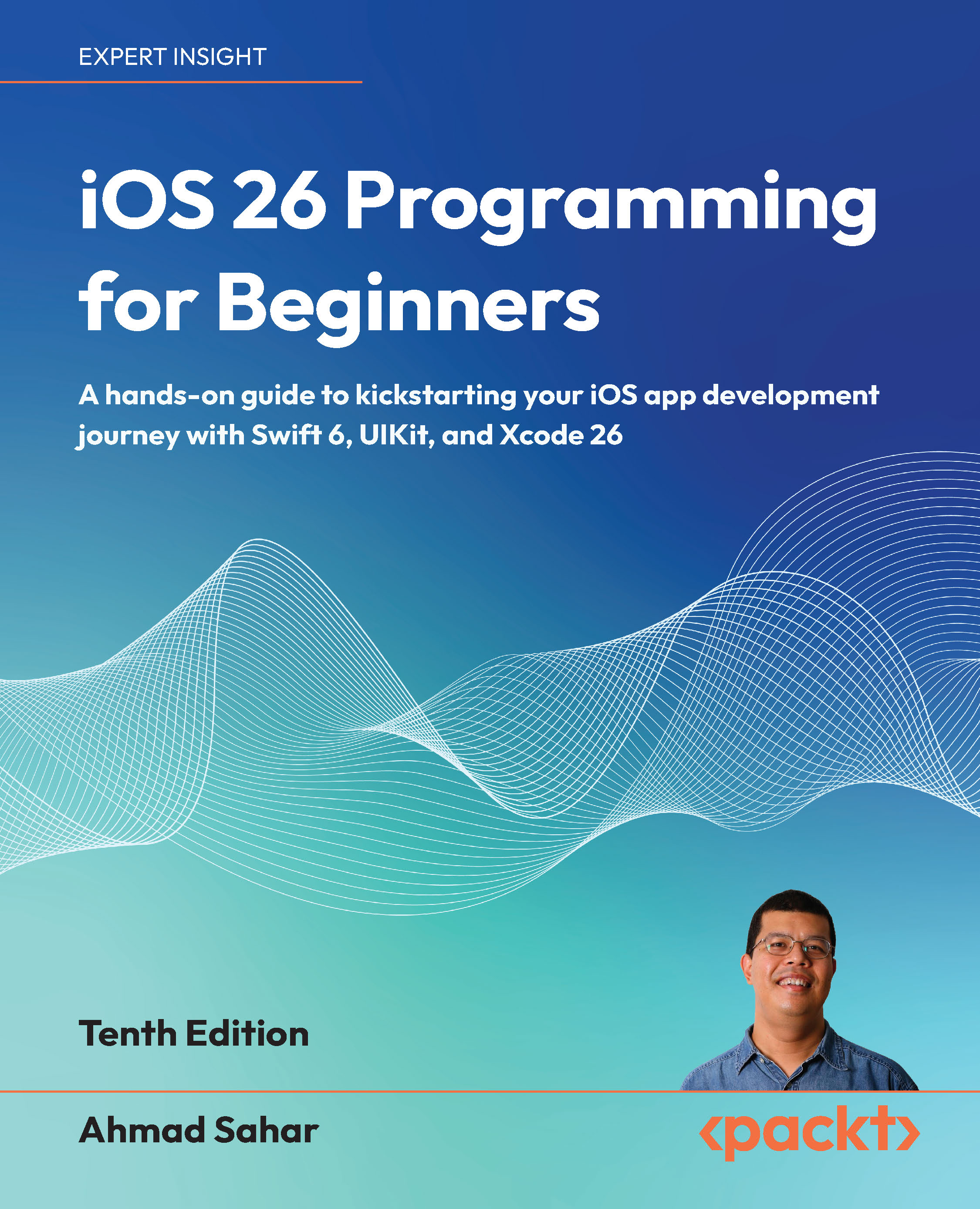
iOS 26 Programming for Beginners returns in its 10th edition, fully updated to reflect Apple’s latest innovations in app development. Perfect for complete newcomers as well as those transitioning from other platforms, this practical guide walks you through every step of building your first iOS app using Swift 6 and Xcode 26.
Following a project-based approach, you’ll create a feature-rich journal app while mastering UIKit fundamentals, including storyboards, navigation, data persistence, media integration, and map-based features. Each chapter builds on the last with clear explanations, step-by-step instructions, and real-world examples that reinforce your learning.
Along the way, you’ll enhance your app with Apple Intelligence, Apple’s on-device AI platform, to deliver smart, personalized user experiences. You’ll also leverage the elegant Liquid Glass UI design system introduced in iOS 26, to give your app a modern and immersive feel.
By the end of this book, you’ll have built and deployed a complete iOS app and gained the essential skills to pursue a career in mobile development.
Table of Contents (35 chapters)
Preface


Hello, Xcode
Simple Values and Types
Conditionals and Optionals
Range Operators and Loops
Collection Types
Functions and Closures
Classes, Structures, and Enumerations
Protocols, Extensions, and Error Handling
Swift Concurrency
Design
Set Up the User Interface
Build the User Interface
Complete the User Interface
Modify App Screens
Code
MVC and Table Views
Get Data into Table Views

Pass Data Between View Controllers
Core Location and MapKit
JSON Files
Custom Views
Camera and Photo Library
Search
Collection Views
Features
Adopt Liquid Glass
Icon Composer
Apple Intelligence
Foundation Models
Test and Submit Your App to the App Store
Unlock Your Exclusive Benefits
Other Books You May Enjoy
Index


