


-
Book Overview & Buying
-
Table Of Contents

Android Programming for Beginners - Fourth Edition
By :


Android Programming for Beginners
By:
Overview of this book
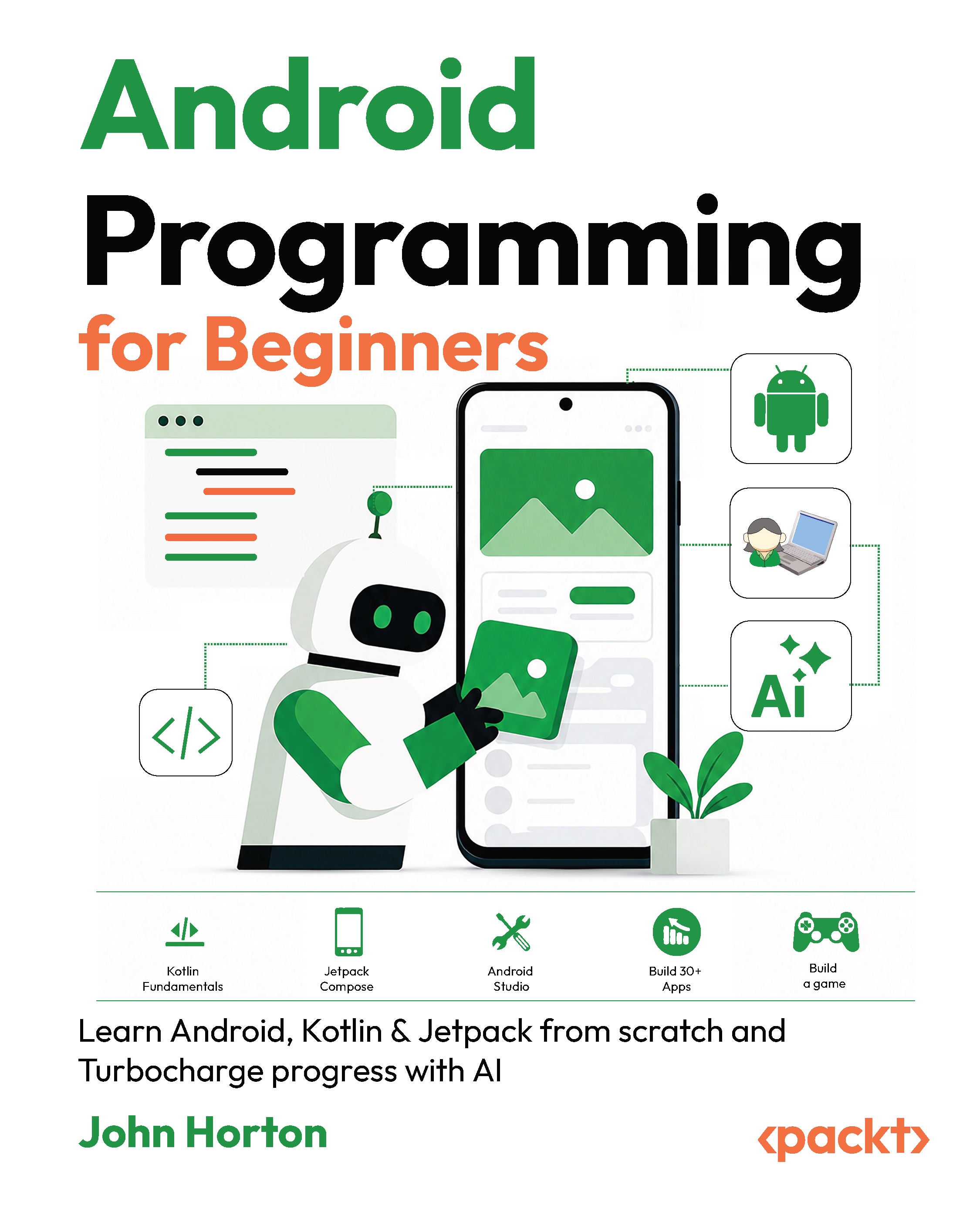
Modern Android development has evolved rapidly, with Kotlin and Jetpack Compose becoming the standard tools for building powerful mobile applications. Android Programming for Beginners provides a practical introduction for readers with little or no coding experience. Rather than overwhelming you with theory, the book teaches concepts gradually through hands-on experimentation and small, focused apps that reinforce core programming fundamentals.
You will begin by learning Kotlin essentials including variables, loops, functions, lambdas, collections, and object-oriented programming before moving into Android Studio and Jetpack Compose. As your skills grow, you will create interactive projects ranging from UI layouts and games to multimedia and database-driven applications. Along the way, you will explore Android development techniques such as state management, navigation, Material Design, Room databases, Canvas drawing, and responsive layouts.
To help future-proof your workflow, each chapter also includes optional AI-assisted programming exercises that show how modern coding tools can support experimentation, accelerate development, and deepen understanding. By the end of the book, you will have built a portfolio of Android apps and gained the confidence to continue toward advanced mobile development projects independently.
Table of Contents (36 chapters)
Preface


Chapter 1: Installing Android Studio & Building an App
Chapter 2: Building More Apps: Comments, Logging, Lifecycle & Interactivity
Chapter 3: Variables, Types, & Operators
Chapter 4: Controlling the Flow of Your Program with if and else
Chapter 5: Ranges & When
Chapter 6: Iteration
Chapter 7: Functions
Chapter 8: Jetpack, Composable Functions & Revisiting Hello World
Chapter 9: @Preview and Remember
Part 2: Data Structures, Kotlin Fundamentals & More Advanced UIs
Chapter 10: Handling Data with a List & Inputting Data with a TextField
Chapter 11: Handling Data with Set
Chapter 12: Handling Data with Map
Chapter 13: Lambdas
Chapter 14: Kotlin, Java & Nullable

Chapter 15: Scope Functions & Advanced Collections
Chapter 16: Advanced Layouts: FAB, Box, Card & Chip
Chapter 17: Regular Expressions & The Calculator app
Part 3: Object-Oriented Programming & Building More Advanced Apps
Chapter 18: An Introduction to Object-Oriented Programming
Chapter 19: Class Functions, Constructors & Visibility Modifiers
Chapter 20: Inheritance, Polymorphism & Abstract Classes
Chapter 21: App Navigation, Data classes, & Starting the Multi-Screen App
Chapter 22: Interfaces, Companion objects, Databases, Git & Finishing the Multi-Screen App
Chapter 23: Drawing Graphics with Canvas
Chapter 24: Enums, Random Numbers & Starting the Space Shooter Game
Chapter 25: Threads & Finishing the Space Shooter Game
Part 4: Vibe Coding & Learning with AI
Chapter 26: Vibe Coding for Beginners
Chapter 27: Coding & Learning Jetpack with AI
Chapter 28: Coding & Learning Kotlin with AI
Chapter 29: Unlock the Code Bundle and the PDF Version
Other Books You May Enjoy
Index


