-
Book Overview & Buying
-
Table Of Contents

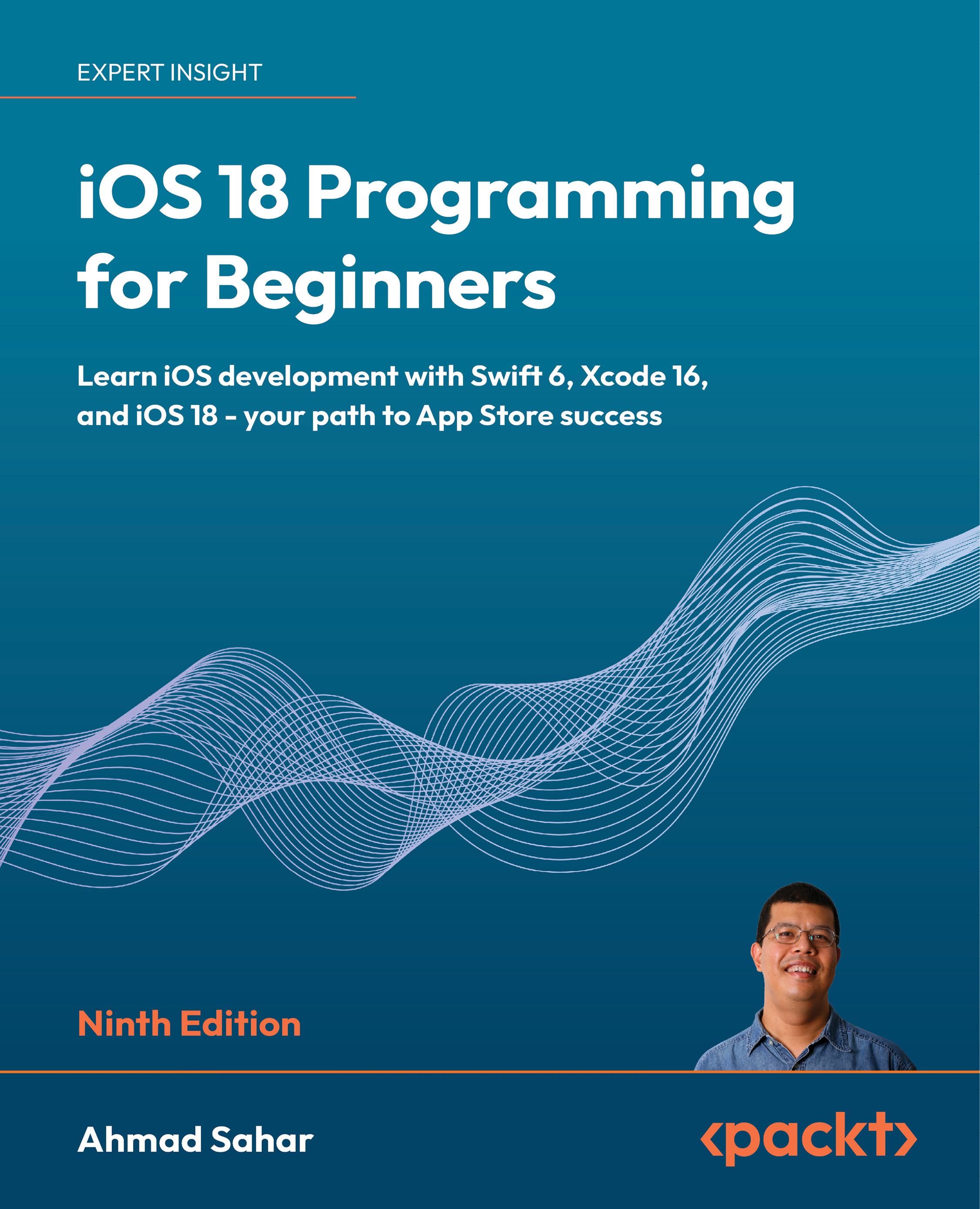
iOS 18 Programming for Beginners - Ninth Edition
By :


iOS 18 Programming for Beginners
By:
Overview of this book
Want to turn your app idea into reality? iOS 18 Programming for Beginners is a guide that revolves around building a journal app, designed to teach you practical iOS development skills from the ground up. Through this approach, you'll gain hands-on experience with Xcode programming and progress through building a UI and filling it with functionality.
Starting with the fundamentals of Swift 6, you'll learn how to construct user interfaces using storyboards and segues before diving into essential iOS concepts like table views, data handling, and map integration. The step-by-step tutorials guide you through key tasks such as persisting data with JSON, creating custom views, and integrating media into your apps. You’ll also discover how to enhance your apps using Apple Intelligence, incorporating machine learning and smart features to create cutting-edge iOS applications. The final chapters focus on crucial aspects of app development, including Swift Testing to ensure your app is robust, and submitting your app to the App Store—demystifying the journey from development to deployment.
Whether you're a beginner or transitioning to iOS development, this guide will equip you with the skills needed to create and publish your own apps.
Table of Contents (34 chapters)
Preface


Exploring Xcode
Simple Values and Types
Conditionals and Optionals
Range Operators and Loops
Collection Types
Functions and Closures
Classes, Structures, and Enumerations
Protocols, Extensions, and Error Handling
Swift Concurrency
Part 2: Design
Setting Up the User Interface
Building Your User Interface
Finishing Up Your User Interface
Modifying App Screens
Part 3: Code
Getting Started with MVC and Table Views
Getting Data into Table Views
Passing Data between View Controllers
Getting Started with Core Location and MapKit
Getting Started with JSON Files
Getting Started with Custom Views
Getting Started with the Camera and Photo Library
Getting Started with Search
Getting Started with Collection Views
Part 4: Features
Getting Started with SwiftData
Getting Started with SwiftUI
Getting Started with Swift Testing
Getting Started with Apple Intelligence

Testing and Submitting Your App to the App Store
Other Books You May Enjoy
Index