Sign In Start Free Trial
Account

Add to playlist

Create a Playlist

Modal Close icon
You need to login to use this feature.
  • Book Overview & Buying CoffeeScript Application Development
  • Table Of Contents Toc
  • Feedback & Rating feedback
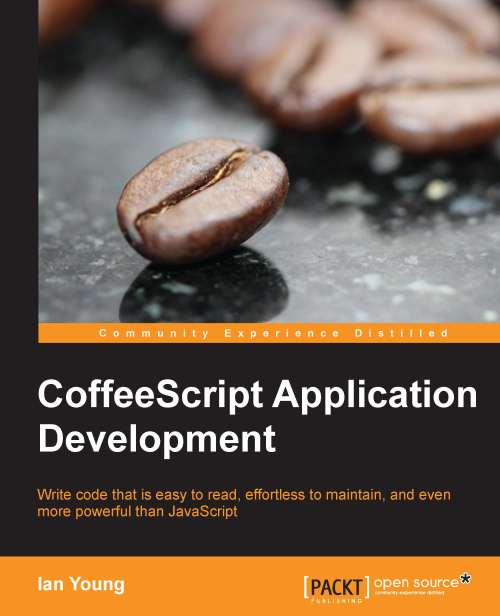
CoffeeScript Application Development

CoffeeScript Application Development

By : Ian Greenleaf Young
4.8 (6)
close
close
CoffeeScript Application Development

CoffeeScript Application Development

4.8 (6)
By: Ian Greenleaf Young

Overview of this book

JavaScript is becoming one of the key languages in web development. It is now more important than ever across a growing list of platforms. CoffeeScript puts the fun back into JavaScript programming with elegant syntax and powerful features. CoffeeScript Application Development will give you an in-depth look at the CoffeeScript language, all while building a working web application. Along the way, you'll see all the great features CoffeeScript has to offer, and learn how to use them to deal with real problems like sprawling codebases, incomplete data, and asynchronous web requests. Through the course of this book you will learn the CoffeeScript syntax and see it demonstrated with simple examples. As you go, you'll put your new skills into practice by building a web application, piece by piece. You'll start with standard language features such as loops, functions, and string manipulation. Then, we'll delve into advanced features like classes and inheritance. Learn advanced idioms to deal with common occurrences like external web requests, and hone your technique for development tasks like debugging and refactoring. CoffeeScript Application Development will teach you not only how to write CoffeeScript, but also how to build solid applications that run smoothly and are a pleasure to maintain.
Table of Contents (19 chapters)
close
close
CoffeeScript Application Development
Credits
About the Author
Acknowledgements
About the Reviewers
www.PacktPub.com
Preface
1
Index

Arrays


Arrays, at their most simple, look very similar to JavaScript.

languages = [ "english", "spanish", "french" ]
console.log languages[1]

You may use a trailing comma and it will be compiled away:

languages = [
  "english",
  "spanish",
  "french",
]

becomes:

var languages;
languages = ["english", "spanish", "french"];

Many people prefer this style, as it makes it easier to change the contents of an array or object. And you'll be thankful for this safeguard if you've ever left a trailing comma in a JavaScript array, only to discover (always at a very inconvenient time) that it causes an execution-halting error in one particular browser. The browser in question will remain unnamed for the sake of our collective blood pressure. I want this book to be a book about nice things. Happy things.

If you're feeling daring, you can eschew commas altogether. That's right! When the members of your array are declared on separate lines, you may omit the commas and CoffeeScript will still know what to do.

languages...
Visually different images
CONTINUE READING
83
Tech Concepts
36
Programming languages
73
Tech Tools
Icon Unlimited access to the largest independent learning library in tech of over 8,000 expert-authored tech books and videos.
Icon Innovative learning tools, including AI book assistants, code context explainers, and text-to-speech.
Icon 50+ new titles added per month and exclusive early access to books as they are being written.
CoffeeScript Application Development
notes
bookmark Notes and Bookmarks search Search in title playlist Add to playlist font-size Font size

Change the font size

margin-width Margin width

Change margin width

day-mode Day/Sepia/Night Modes

Change background colour

Close icon Search
Country selected

Close icon Your notes and bookmarks

Confirmation

Modal Close icon
claim successful

Buy this book with your credits?

Modal Close icon
Are you sure you want to buy this book with one of your credits?
Close
YES, BUY

Submit Your Feedback

Modal Close icon
Modal Close icon
Modal Close icon