Sign In Start Free Trial
Account

Add to playlist

Create a Playlist

Modal Close icon
You need to login to use this feature.
  • Book Overview & Buying Mastering Git
  • Table Of Contents Toc
  • Feedback & Rating feedback
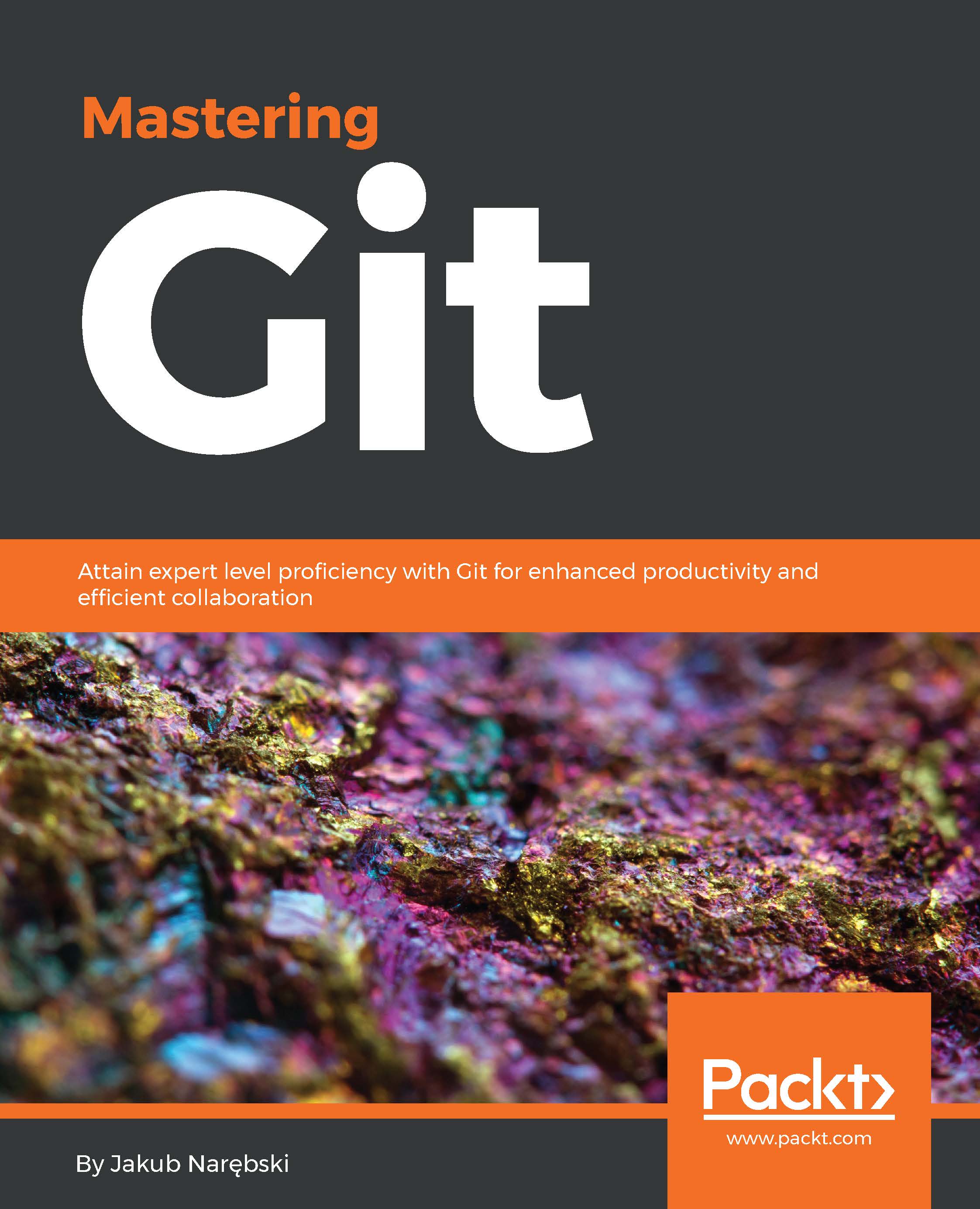
Mastering Git

Mastering Git

By : Narębski
close
close
Mastering Git

Mastering Git

By: Narębski

Overview of this book

Git is one of the most popular types of Source Code Management (SCM) and Distributed Version Control System (DVCS). Despite the powerful and versatile nature of the tool enveloping strong support for nonlinear development and the ability to handle large projects efficiently, it is a complex tool and often regarded as “user-unfriendly”. Getting to know the ideas and concepts behind the architecture of Git will help you make full use of its power and understand its behavior. Learning the best practices and recommended workflows should help you to avoid problems and ensure trouble-free development. The book scope is meticulously designed to help you gain deeper insights into Git's architecture, its underlying concepts, behavior, and best practices. Mastering Git starts with a quick implementation example of using Git for a collaborative development of a sample project to establish the foundation knowledge of Git operational tasks and concepts. Furthermore, as you progress through the book, the tutorials provide detailed descriptions of various areas of usage: from archaeology, through managing your own work, to working with other developers. This book also helps augment your understanding to examine and explore project history, create and manage your contributions, set up repositories and branches for collaboration in centralized and distributed version control, integrate work from other developers, customize and extend Git, and recover from repository errors. By exploring advanced Git practices, you will attain a deeper understanding of Git’s behavior, allowing you to customize and extend existing recipes and write your own.
Table of Contents (14 chapters)
close
close
13
Index

An introduction to version control and Git

A version control system (sometimes called revision control) is a tool that lets you track the history and attribution of your project files over time (stored in a repository), and which helps the developers in the team to work together. Modern version control systems help them work simultaneously, in a non-blocking way, by giving each developer his or her own sandbox, preventing their work in progress from conflicting, and all the while providing a mechanism to merge changes and synchronize work.

Distributed version control systems such as Git give each developer his or her own copy of the project's history, a clone of a repository. This is what makes Git fast: nearly all operations are performed locally, and are flexible: you can set up repositories in many ways. Repositories meant for developing also provide a separate working area (or a worktree) with project files for each developer. The branching model used by Git enables cheap local branching and flexible branch publishing, allowing to use branches for context switching and for sandboxing different works in progress (making possible, among other things, a very flexible topic branch workflow).

The fact that the whole history is accessible allows for long-term undo, rewinding back to last working version, and so on. Tracking ownership of changes automatically makes it possible to find out who was responsible for any given area of code, and when each change was done. You can compare different revisions, go back to the revision a user is sending a bug report against, and even automatically find out which revision introduced a regression bug. The fact that Git is tracking changes to the tips of branches with reflog allows for easy undo and recovery.

A unique feature of Git is that it enables explicit access to the staging area for creating commits (new revisions of a project). This brings additional flexibility to managing your working area and deciding on the shape of a future commit.

All this flexibility and power comes at a cost. It is not easy to master using Git, even though it is quite easy to learn its basic use. This book will help you attain this expertise, but let's start with a reminder about basics with Git.

Visually different images
CONTINUE READING
83
Tech Concepts
36
Programming languages
73
Tech Tools
Icon Unlimited access to the largest independent learning library in tech of over 8,000 expert-authored tech books and videos.
Icon Innovative learning tools, including AI book assistants, code context explainers, and text-to-speech.
Icon 50+ new titles added per month and exclusive early access to books as they are being written.
Mastering Git
notes
bookmark Notes and Bookmarks search Search in title playlist Add to playlist font-size Font size

Change the font size

margin-width Margin width

Change margin width

day-mode Day/Sepia/Night Modes

Change background colour

Close icon Search
Country selected

Close icon Your notes and bookmarks

Confirmation

Modal Close icon
claim successful

Buy this book with your credits?

Modal Close icon
Are you sure you want to buy this book with one of your credits?
Close
YES, BUY

Submit Your Feedback

Modal Close icon
Modal Close icon
Modal Close icon