Sign In Start Free Trial
Account

Add to playlist

Create a Playlist

Modal Close icon
You need to login to use this feature.
  • Book Overview & Buying Selenium Design Patterns and Best Practices
  • Table Of Contents Toc
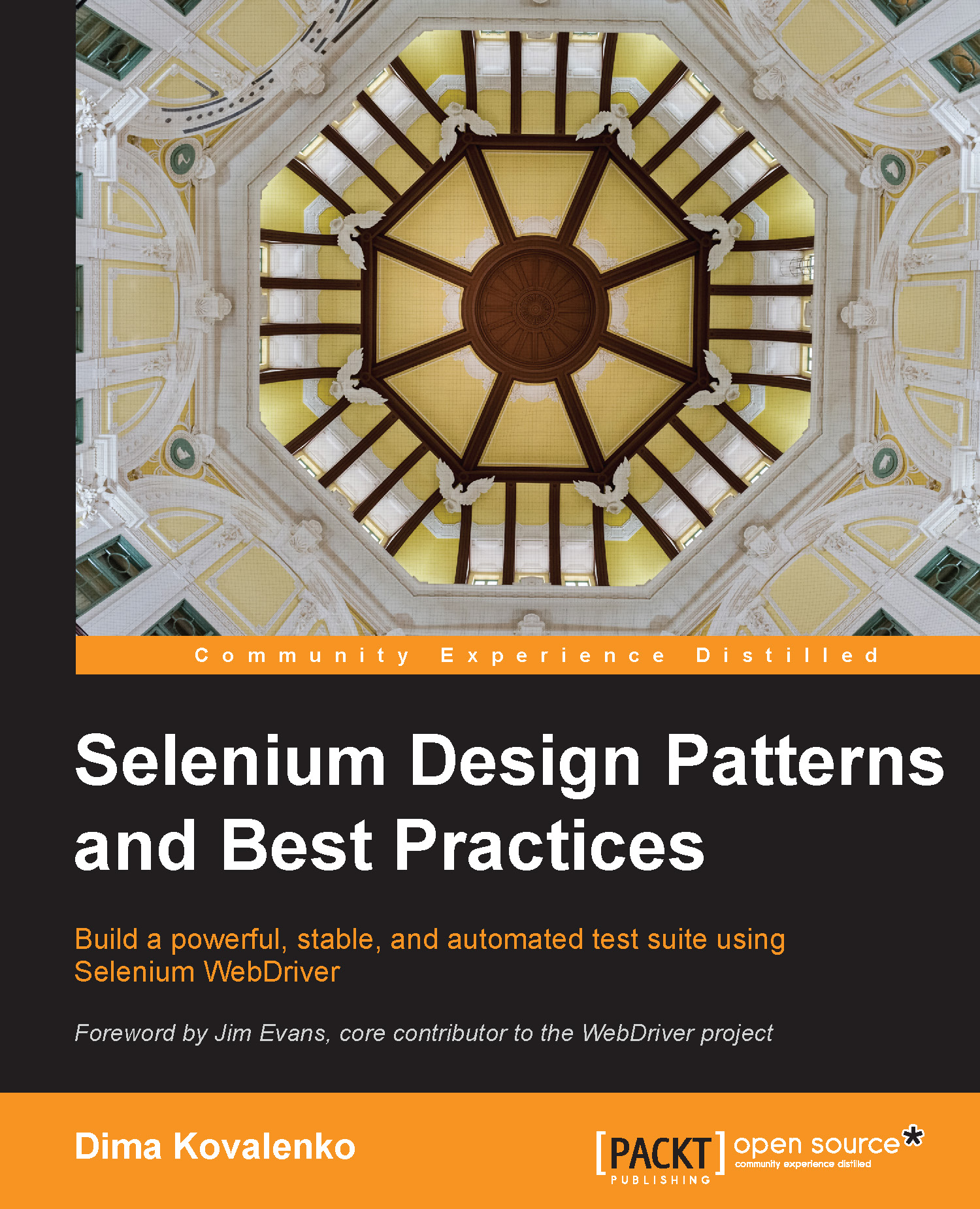
Selenium Design Patterns and Best Practices

Selenium Design Patterns and Best Practices

By : Kovalenko
3.9 (11)
close
close
Selenium Design Patterns and Best Practices

Selenium Design Patterns and Best Practices

3.9 (11)
By: Kovalenko

Overview of this book

Selenium WebDriver is a global leader in automated web testing. It empowers users to perform complex testing scenarios with its simple and powerful interface. This guide will provide you with all the skills you need to successfully create a functional Selenium test suite. Starting from the very beginning of the Selenium IDE, this book will show you how to transition into a real programing language such as Ruby or Java. You will quickly learn how to improve your code quality with refactoring and the skills needed to plan for the future development of your website to future-proof your test suite. With ample test examples running against a life-like e-commerce store and detailed step-by-step code review and explanations, you will be ready to test any challenge web developers might throw your way. This book is intended for anyone who wants to create a test suite that is easy to maintain by expanding your knowledge until you feel truly confident and comfortable with Selenium.
Table of Contents (11 chapters)
close
close
10
Index

Running the Cucumber suite


Now that we are familiar with the project layout, let's execute some tests. To start, let's install the Cucumber gem. So, run the following command in the terminal:

gem install cucumber

After the gem has been installed, we have several commands we can use to run our tests from the root of the working directory:

  1. To execute the whole suite in the default profile, we simply run the following command in our terminal from the root of our workspace:

    cucumber
    

    The Cucumber gem will automatically find the features directory. If your features are located in another directory, you will need to specify the path to that directory like this:

    cucumber some/other/directory
    
  2. Use the -p flag to specify a different profile at the time of execution. To run our whole test suite in the ci profile, we can use this command:

    cucumber –p ci
    
  3. We do not need to execute the whole test suite every single time. If we want to run only a single file or all the feature files in a directory, we just...

CONTINUE READING
83
Tech Concepts
36
Programming languages
73
Tech Tools
Icon Unlimited access to the largest independent learning library in tech of over 8,000 expert-authored tech books and videos.
Icon Innovative learning tools, including AI book assistants, code context explainers, and text-to-speech.
Icon 50+ new titles added per month and exclusive early access to books as they are being written.
Selenium Design Patterns and Best Practices
notes
bookmark Notes and Bookmarks search Search in title playlist Add to playlist font-size Font size

Change the font size

margin-width Margin width

Change margin width

day-mode Day/Sepia/Night Modes

Change background colour

Close icon Search
Country selected

Close icon Your notes and bookmarks

Confirmation

Modal Close icon
claim successful

Buy this book with your credits?

Modal Close icon
Are you sure you want to buy this book with one of your credits?
Close
YES, BUY

Submit Your Feedback

Modal Close icon
Modal Close icon
Modal Close icon