Sign In Start Free Trial
Account

Add to playlist

Create a Playlist

Modal Close icon
You need to login to use this feature.
  • Book Overview & Buying QGIS 2 Cookbook
  • Table Of Contents Toc
  • Feedback & Rating feedback
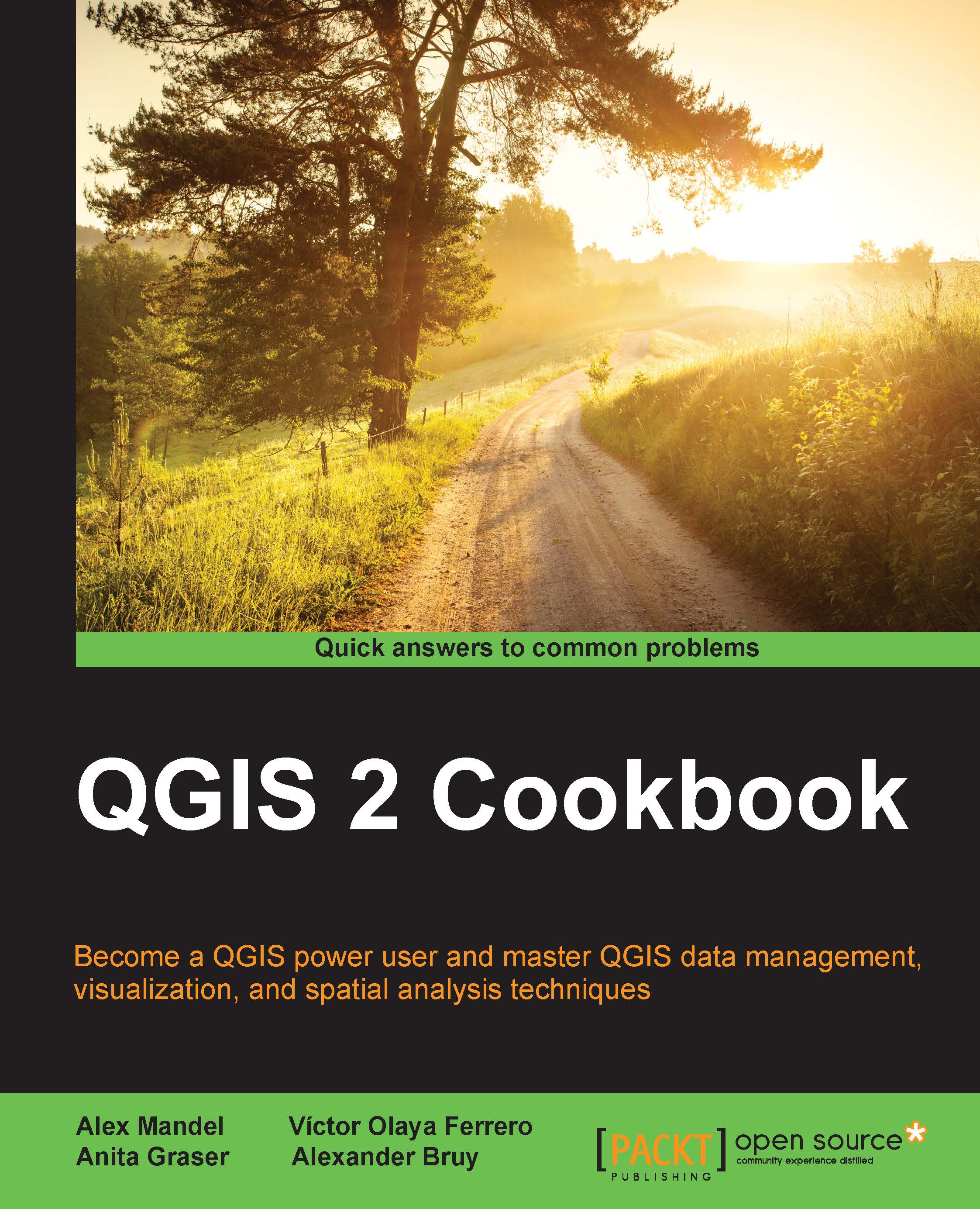
QGIS 2 Cookbook

QGIS 2 Cookbook

By : Mandel, Olaya Ferrero, Anita Graser
5 (1)
close
close
QGIS 2 Cookbook

QGIS 2 Cookbook

5 (1)
By: Mandel, Olaya Ferrero, Anita Graser

Overview of this book

QGIS is a user-friendly, cross-platform desktop geographic information system used to make maps and analyze spatial data. QGIS allows users to understand, question, interpret, and visualize spatial data in many ways that reveal relationships, patterns, and trends in the form of maps. This book is a collection of simple to advanced techniques that are needed in everyday geospatial work, and shows how to accomplish them with QGIS. You will begin by understanding the different types of data management techniques, as well as how data exploration works. You will then learn how to perform classic vector and raster analysis with QGIS, apart from creating time-based visualizations. Finally, you will learn how to create interactive and visually appealing maps with custom cartography. By the end of this book, you will have all the necessary knowledge to handle spatial data management, exploration, and visualization tasks in QGIS.
Table of Contents (14 chapters)
close
close
13
Index

Adding plugins with Python dependencies

While the most common and widely-used Python packages are shipped with QGIS, and they can be used by plugins without any additional actions, some QGIS plugins need third-party Python packages, which are not available with the default QGIS installation.

This recipe shows you how to add missing Python packages to the QGIS installation.

Getting ready

To follow this recipe, you may need administrator rights if you are a Windows user, and QGIS is installed in the system drive.

How to do it…

This steps will install pip — a Python package management tool:

  1. Download the get-pip.py file from https://raw.githubusercontent.com/pypa/pip/master/contrib/get-pip.py and save it somewhere on your hard drive, for example in D:\Downloads.
  2. Open the OSGeo4W command prompt as administrator. Right-click on the OSGeo4W Shell shortcut on your Desktop and select Run as Administrator from the context menu. If you cannot find this shortcut on your Desktop, look for it...
Visually different images
CONTINUE READING
83
Tech Concepts
36
Programming languages
73
Tech Tools
Icon Unlimited access to the largest independent learning library in tech of over 8,000 expert-authored tech books and videos.
Icon Innovative learning tools, including AI book assistants, code context explainers, and text-to-speech.
Icon 50+ new titles added per month and exclusive early access to books as they are being written.
QGIS 2 Cookbook
notes
bookmark Notes and Bookmarks search Search in title playlist Add to playlist font-size Font size

Change the font size

margin-width Margin width

Change margin width

day-mode Day/Sepia/Night Modes

Change background colour

Close icon Search
Country selected

Close icon Your notes and bookmarks

Confirmation

Modal Close icon
claim successful

Buy this book with your credits?

Modal Close icon
Are you sure you want to buy this book with one of your credits?
Close
YES, BUY

Submit Your Feedback

Modal Close icon
Modal Close icon
Modal Close icon