-
Book Overview & Buying
-
Table Of Contents

IntelliJ IDEA Essentials
By :


IntelliJ IDEA Essentials
By:
Overview of this book
Starting with a walkthrough of the main workspace, you will get up and running with IDEA from the word go. You will learn how to exploit IDEA's software development tools and use the various product features such as source code control, the debugger, and the many code generation tools.
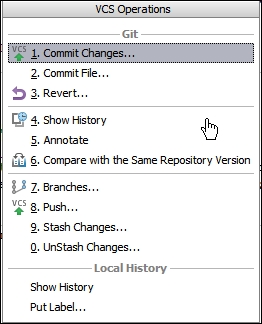
You will then move on to advanced topics such as how IntelliJ helps in version control, managing change lists, viewing differences and changes, and reverting changes. You will also learn how IDEA can be used for agile development and web development, as well as its integration with frameworks such as Gradle.
Complete with tips and tricks, this book will make sure that you have an in-depth and extensive knowledge of informed programming.
Table of Contents (12 chapters)
Preface


 Free Chapter
1. Get to Know Your IDE, Fast
2. Off We Go – To the Code
3. The Editor
4. Make It Better – Refactoring
5. Make It Happen – Running Your Project
6. Building Your Project
7. Red or Green? Test Your Code
8. Squash'em – The Debugger
9. Working with Your Team

10. Not Enough? Extend It
Index