Sign In Start Free Trial
Account

Add to playlist

Create a Playlist

Modal Close icon
You need to login to use this feature.
  • Book Overview & Buying wxPython Application Development Cookbook
  • Table Of Contents Toc
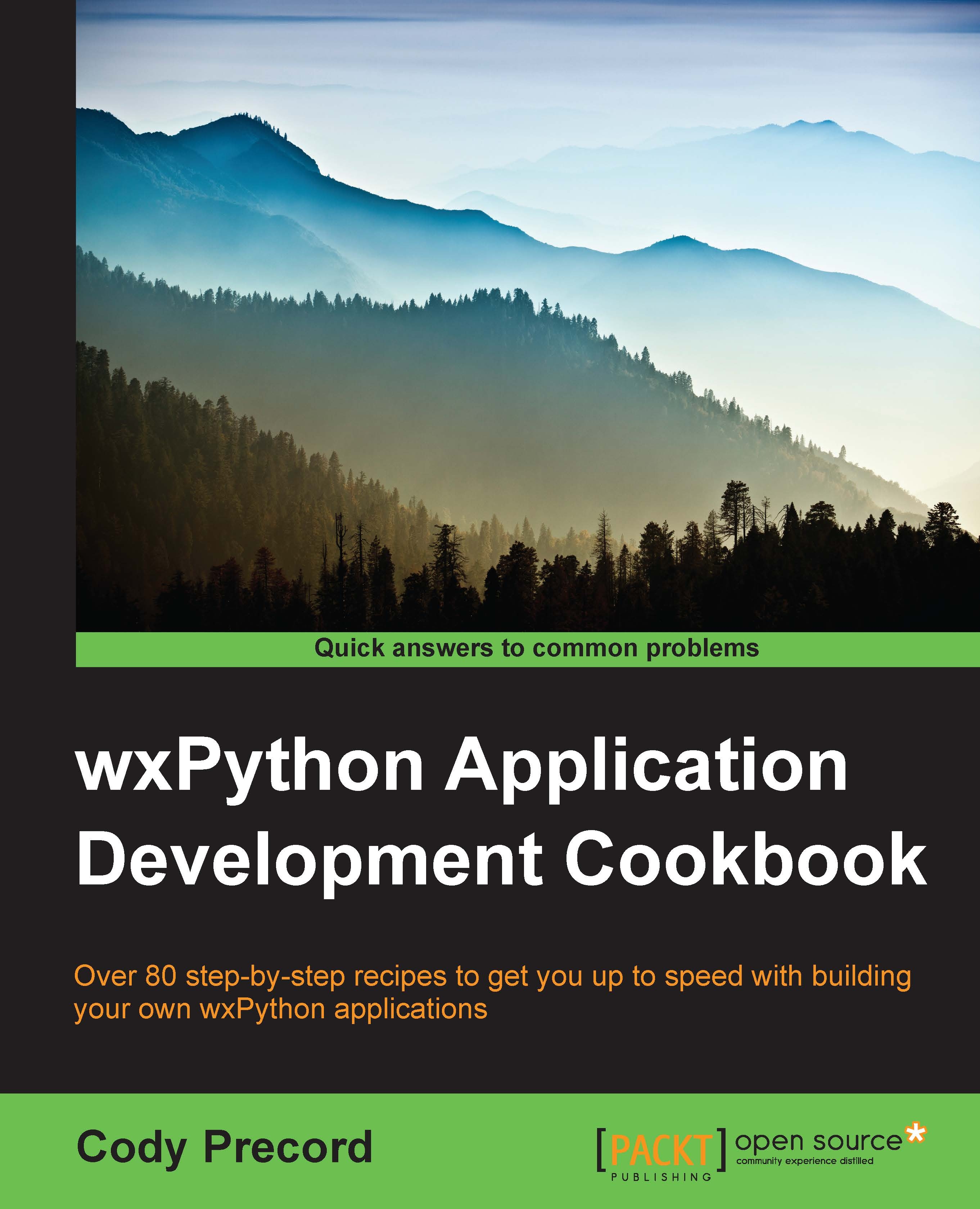
wxPython Application Development Cookbook

wxPython Application Development Cookbook

By : Cody Precord
3.5 (6)
close
close
wxPython Application Development Cookbook

wxPython Application Development Cookbook

3.5 (6)
By: Cody Precord

Overview of this book

wxPython is a GUI toolkit for the Python programming language built on top of the cross-platform wxWidgets GUI libraries. wxPython provides a powerful set of tools that allow you to quickly and efficiently building applications that can run on a variety of different platforms. Since wxWidgets provides a wrapper around each platform’s native GUI toolkit, the applications built with wxPython will have a native look and feel wherever they are deployed. This book will provide you with the skills to build highly functional and native looking user interfaces for Python applications on multiple operating system environments. By working through the recipes, you will gain insights into and exposure to creating applications using wxPython. With a wide range of topics covered in the book, there are recipes to get the most basic of beginners started in GUI programming as well as tips to help experienced users get more out of their applications. The recipes will take you from the most basic application constructs all the way through to the deployment of complete applications.
Table of Contents (12 chapters)
close
close
11
Index

Searching text with FindReplaceDialog


In many applications that display textual data, it can be useful to provide a way to search this data for keywords or sequences of text. FindReplaceDialog can be used for this task. The dialog allows us several options to control how a search is to be carried out as well as to specify the string that is being looked for in the data. However, it is the application's responsibility to take this data and perform the actual search. In this recipe, we will take a look at how to retrieve data from the dialog and use it to perform a basic search.

Getting ready

This recipe will use the class created in the previous recipe of this chapter, Selecting files with FileDialog, as a base to show how to use FindReplaceDialog, so you may want to take a quick look back at the preceding recipe before proceeding with this one.

How to do it…

Here are the steps that you need to perform:

  1. First, we need to import the code from the previous recipe and extend the art map, as follows...

CONTINUE READING
83
Tech Concepts
36
Programming languages
73
Tech Tools
Icon Unlimited access to the largest independent learning library in tech of over 8,000 expert-authored tech books and videos.
Icon Innovative learning tools, including AI book assistants, code context explainers, and text-to-speech.
Icon 50+ new titles added per month and exclusive early access to books as they are being written.
wxPython Application Development Cookbook
notes
bookmark Notes and Bookmarks search Search in title playlist Add to playlist font-size Font size

Change the font size

margin-width Margin width

Change margin width

day-mode Day/Sepia/Night Modes

Change background colour

Close icon Search
Country selected

Close icon Your notes and bookmarks

Confirmation

Modal Close icon
claim successful

Buy this book with your credits?

Modal Close icon
Are you sure you want to buy this book with one of your credits?
Close
YES, BUY

Submit Your Feedback

Modal Close icon
Modal Close icon
Modal Close icon