Sign In Start Free Trial
Account

Add to playlist

Create a Playlist

Modal Close icon
You need to login to use this feature.
  • Book Overview & Buying Odoo Development Cookbook
  • Table Of Contents Toc
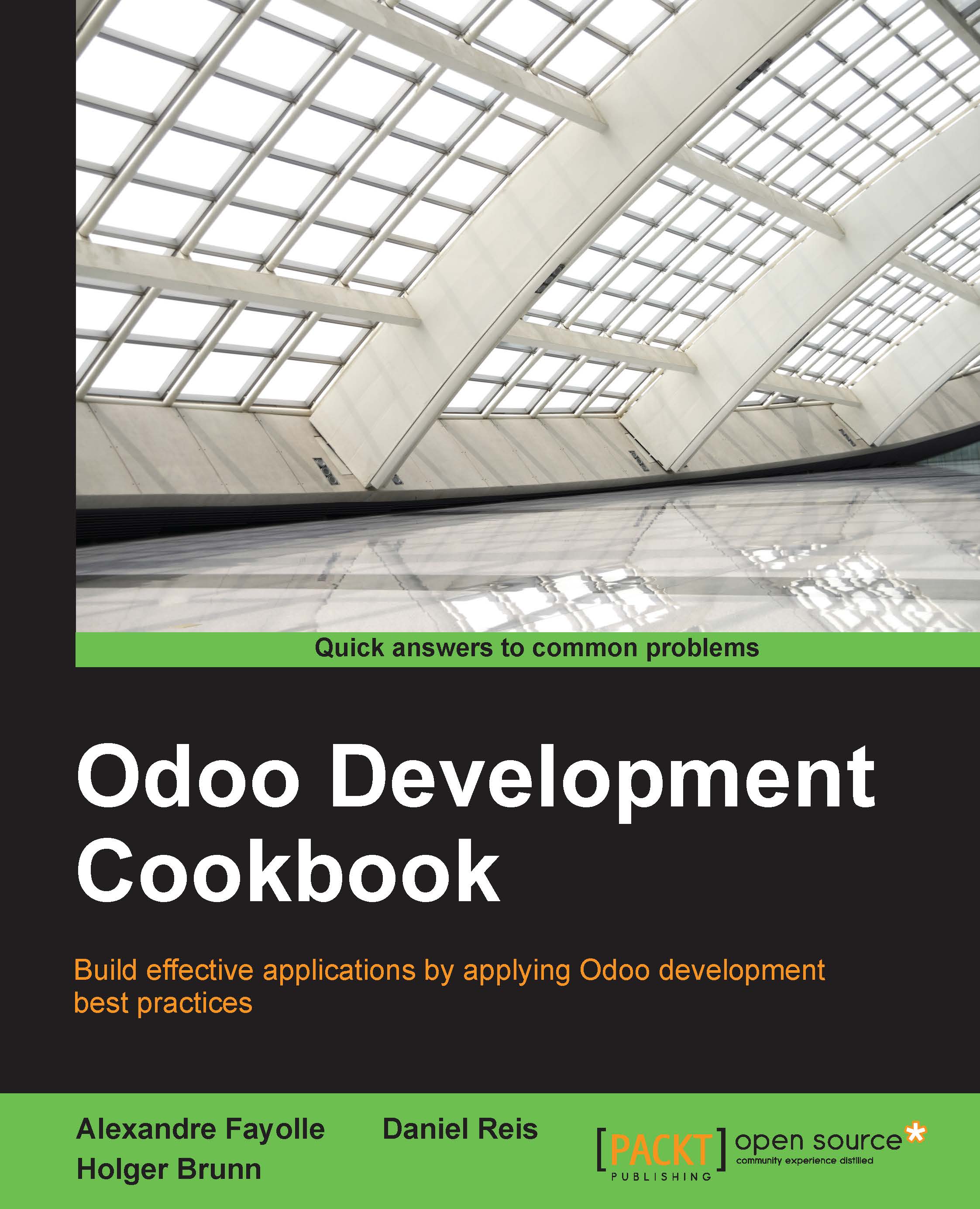
Odoo Development Cookbook

Odoo Development Cookbook

By : Holger Brunn, Alexandre Fayolle, Daniel Reis
4.6 (5)
close
close
Odoo Development Cookbook

Odoo Development Cookbook

4.6 (5)
By: Holger Brunn, Alexandre Fayolle, Daniel Reis

Overview of this book

Odoo is a full-featured open source ERP with a focus on extensibility. The flexibility and sustainability of open source is also a key selling point of Odoo. It is built on a powerful framework for rapid application development, both for back-end applications and front-end websites. The book starts by covering Odoo installation and administration, and provides a gentle introduction to application development. It then dives deep into several of the areas that an experienced developer will need to use. You’ll learn implement business logic, adapt the UI, and extend existing features.
Table of Contents (18 chapters)
close
close
17
Index

Using Python code server actions

Server actions have several types available, but executing arbitrary Python code is surely the most flexible one. Used wisely, it can provide power users with the capability to implement advanced business rules from the user interface, without the need to create specific addon modules to install that code.

We will demonstrate using this type of server actions by implementing one that sends reminder notifications to the followers of a Project task.

Getting ready

We will need an Odoo instance with the Project app installed.

How to do it...

To create and try a Python code server action, follow these steps:

  1. Create a new server action: On the Settings top menu, select the Technical | Actions | Server Actions menu item, and click on the Create button at the top of the record list.
  2. Fill out the Server Action form with the following values:
    • Action Name: Send Reminder
    • Base Model: Task
    • Action To Do: Execute Python Code
  3. In the Python code text area, remove the default text and...
Visually different images
CONTINUE READING
83
Tech Concepts
36
Programming languages
73
Tech Tools
Icon Unlimited access to the largest independent learning library in tech of over 8,000 expert-authored tech books and videos.
Icon Innovative learning tools, including AI book assistants, code context explainers, and text-to-speech.
Icon 50+ new titles added per month and exclusive early access to books as they are being written.
Odoo Development Cookbook
notes
bookmark Notes and Bookmarks search Search in title playlist Add to playlist download Download options font-size Font size

Change the font size

margin-width Margin width

Change margin width

day-mode Day/Sepia/Night Modes

Change background colour

Close icon Search
Country selected

Close icon Your notes and bookmarks

Confirmation

Modal Close icon
claim successful

Buy this book with your credits?

Modal Close icon
Are you sure you want to buy this book with one of your credits?
Close
YES, BUY

Submit Your Feedback

Modal Close icon
Modal Close icon
Modal Close icon