Sign In Start Free Trial
Account

Add to playlist

Create a Playlist

Modal Close icon
You need to login to use this feature.
  • Book Overview & Buying Learning Python Application Development
  • Table Of Contents Toc
Learning Python Application Development

Learning Python Application Development

By : Ninad Sathaye
5 (2)
close
close
Learning Python Application Development

Learning Python Application Development

5 (2)
By: Ninad Sathaye

Overview of this book

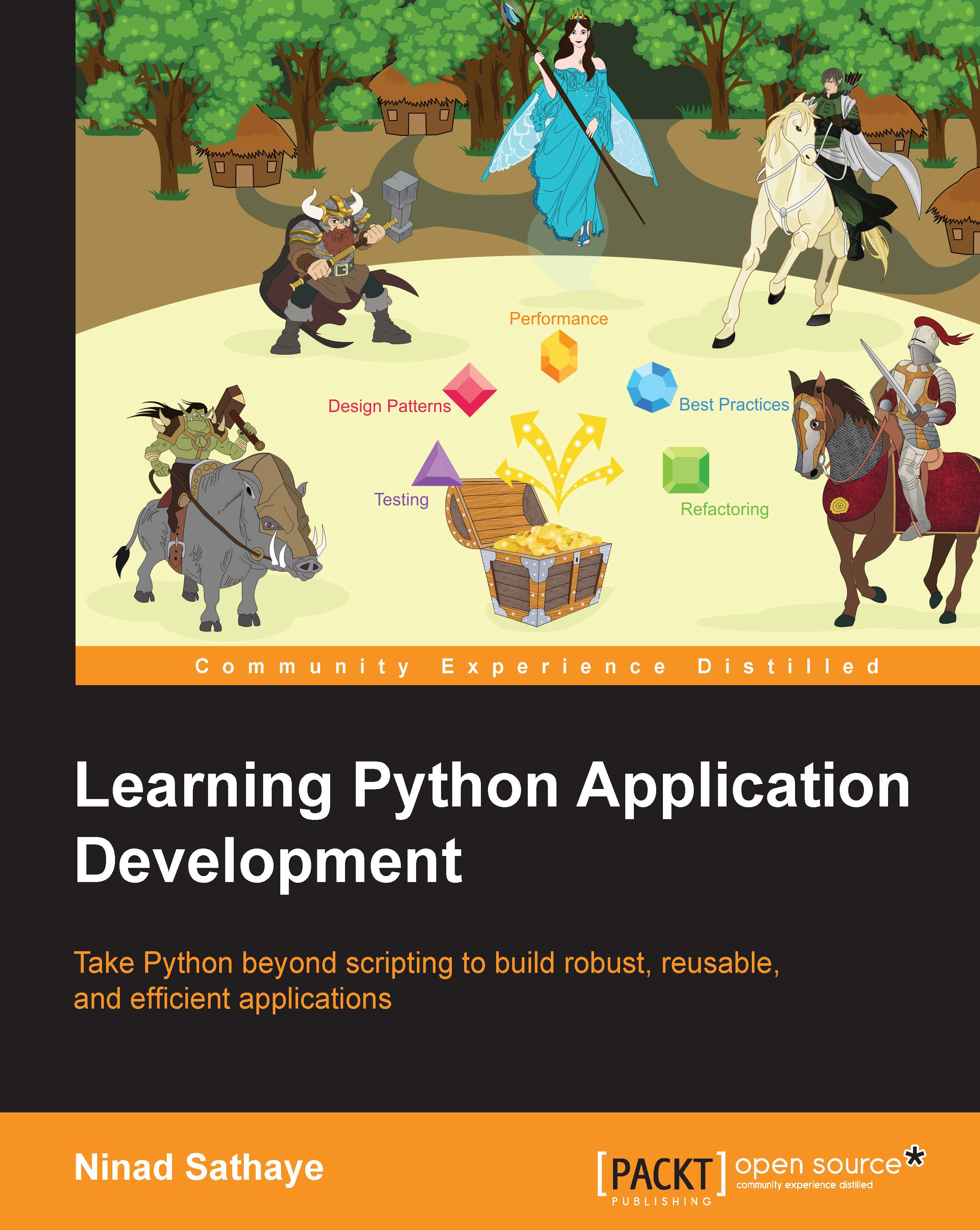
Python is one of the most widely used dynamic programming languages, supported by a rich set of libraries and frameworks that enable rapid development. But fast paced development often comes with its own baggage that could bring down the quality, performance, and extensibility of an application. This book will show you ways to handle such problems and write better Python applications. From the basics of simple command-line applications, develop your skills all the way to designing efficient and advanced Python apps. Guided by a light-hearted fantasy learning theme, overcome the real-world problems of complex Python development with practical solutions. Beginning with a focus on robustness, packaging, and releasing application code, you’ll move on to focus on improving application lifetime by making code extensible, reusable, and readable. Get to grips with Python refactoring, design patterns and best practices. Techniques to identify the bottlenecks and improve performance are covered in a series of chapters devoted to performance, before closing with a look at developing Python GUIs.
Table of Contents (12 chapters)
close
close
11
Index

Exercises


Here is a list of a few things you could do to further improve the GUI application. With one exception, the solutions are not provided for these exercises.

  1. Put the Model, View and, Controller classes in their own modules!

  2. Use the publish-subscribe API for communication from View to Controller. You can refer to the file hutgame_mvc_pubsub.py for a solution.

  3. Add more widgets such as a menu bar and buttons. Implement the Restart Game button. When clicked, the game should restart. Do the following when this button is clicked:

    • Randomly distribute the occupants again by calling occupy_huts().

    • Clear the state of the radio buttons. All the buttons should be deselected.

  4. Add exception handling to the application.

  5. Try to generalize the View.add_callbacks method so that it can be used to set more callback functions.

CONTINUE READING
83
Tech Concepts
36
Programming languages
73
Tech Tools
Icon Unlimited access to the largest independent learning library in tech of over 8,000 expert-authored tech books and videos.
Icon Innovative learning tools, including AI book assistants, code context explainers, and text-to-speech.
Icon 50+ new titles added per month and exclusive early access to books as they are being written.
Learning Python Application Development
notes
bookmark Notes and Bookmarks search Search in title playlist Add to playlist download Download options font-size Font size

Change the font size

margin-width Margin width

Change margin width

day-mode Day/Sepia/Night Modes

Change background colour

Close icon Search
Country selected

Close icon Your notes and bookmarks

Confirmation

Modal Close icon
claim successful

Buy this book with your credits?

Modal Close icon
Are you sure you want to buy this book with one of your credits?
Close
YES, BUY

Submit Your Feedback

Modal Close icon
Modal Close icon
Modal Close icon