Sign In Start Free Trial
Account

Add to playlist

Create a Playlist

Modal Close icon
You need to login to use this feature.
  • Book Overview & Buying React Design Patterns and Best Practices
  • Table Of Contents Toc
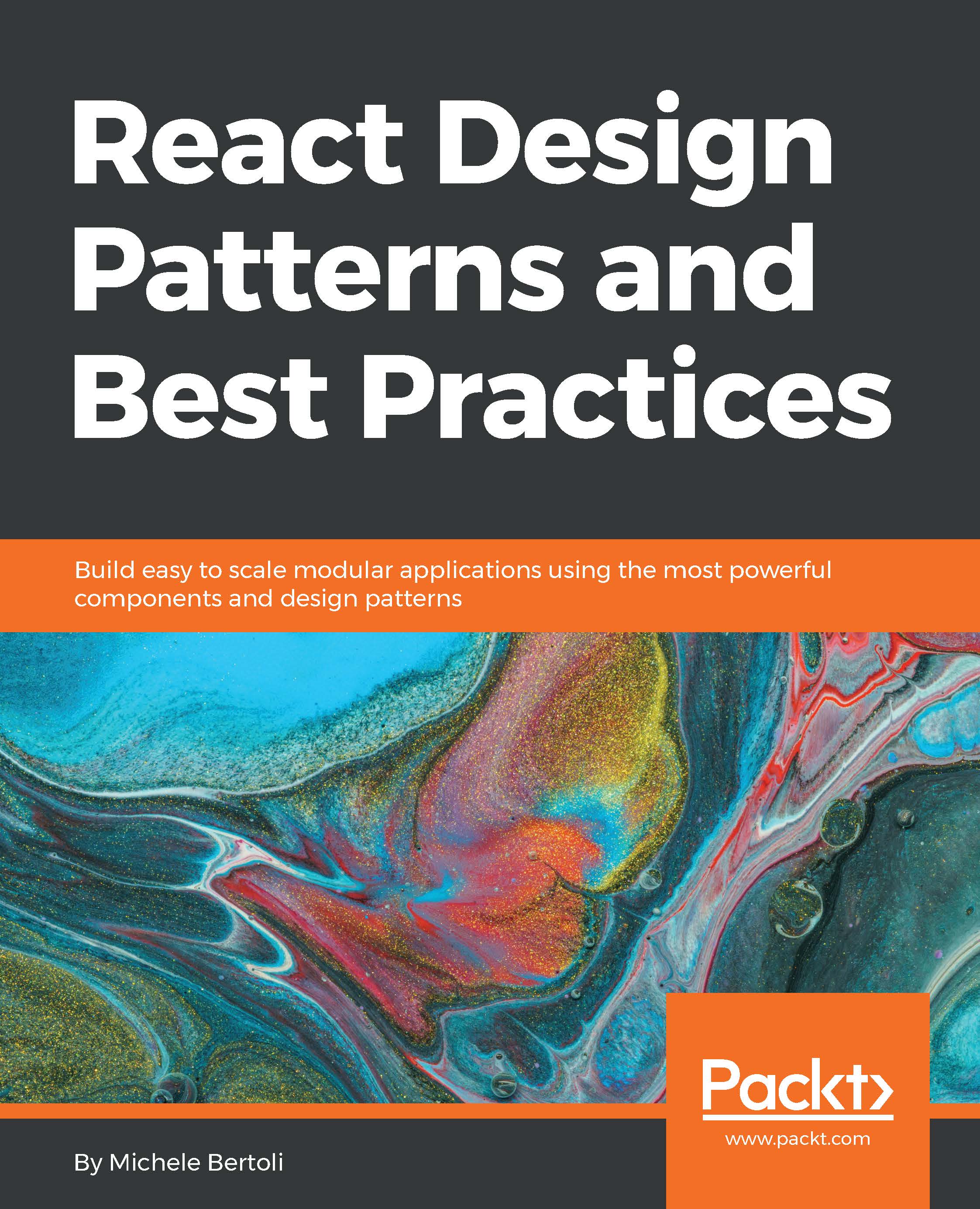
React Design Patterns and Best Practices

React Design Patterns and Best Practices

By : Michele Bertoli
4 (8)
close
close
React Design Patterns and Best Practices

React Design Patterns and Best Practices

4 (8)
By: Michele Bertoli

Overview of this book

Taking a complete journey through the most valuable design patterns in React, this book demonstrates how to apply design patterns and best practices in real-life situations, whether that’s for new or already existing projects. It will help you to make your applications more flexible, perform better, and easier to maintain – giving your workflow a huge boost when it comes to speed without reducing quality. We’ll begin by understanding the internals of React before gradually moving on to writing clean and maintainable code. We’ll build components that are reusable across the application, structure applications, and create forms that actually work. Then we’ll style React components and optimize them to make applications faster and more responsive. Finally, we’ll write tests effectively and you’ll learn how to contribute to React and its ecosystem. By the end of the book, you’ll be saved from a lot of trial and error and developmental headaches, and you will be on the road to becoming a React expert.
Table of Contents (13 chapters)
close
close

Radium


One of the first libraries created to solve the problems of inline styles we have encountered in the previous section is Radium. It is maintained by the great developers at Formidable Labs, and it is still one of the most popular solutions.

In this section, we will look at how Radium works, which problems it solves, and why it is a great library to use in conjunction with React for styling components.

We are going to create a very simple button, similar to the one we built in the example earlier in this chapter.

We will start with a basic button without styling, and we will add some basic styling, as well as pseudo classes and Media queries, to it in order to learn the main features of the library.

The button we will start with is as follows:

const Button = () => <button>Click me!</button> 

First, we have to install Radium using npm:

npm install --save radium

Once the installation is complete, we can import the library and wrap the button into it:

import radium from...
CONTINUE READING
83
Tech Concepts
36
Programming languages
73
Tech Tools
Icon Unlimited access to the largest independent learning library in tech of over 8,000 expert-authored tech books and videos.
Icon Innovative learning tools, including AI book assistants, code context explainers, and text-to-speech.
Icon 50+ new titles added per month and exclusive early access to books as they are being written.
React Design Patterns and Best Practices
notes
bookmark Notes and Bookmarks search Search in title playlist Add to playlist download Download options font-size Font size

Change the font size

margin-width Margin width

Change margin width

day-mode Day/Sepia/Night Modes

Change background colour

Close icon Search
Country selected

Close icon Your notes and bookmarks

Confirmation

Modal Close icon
claim successful

Buy this book with your credits?

Modal Close icon
Are you sure you want to buy this book with one of your credits?
Close
YES, BUY

Submit Your Feedback

Modal Close icon
Modal Close icon
Modal Close icon