
Sign In Start Free Trial
Account

Add to playlist

Create a Playlist

Modal Close icon
You need to login to use this feature.
  • Book Overview & Buying Modular Programming in Java 9
  • Table Of Contents Toc
  • Feedback & Rating feedback
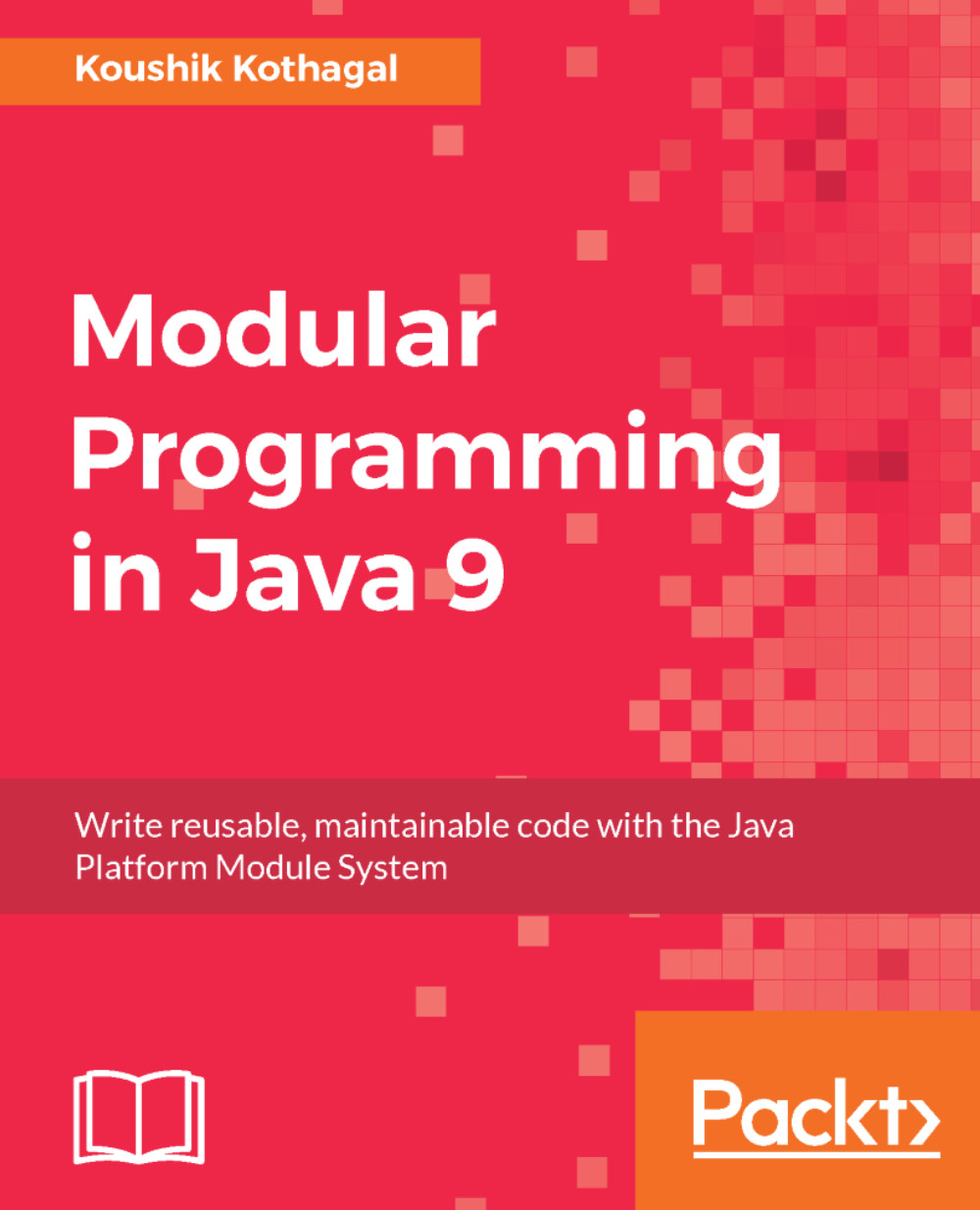
Modular Programming in Java 9

Modular Programming in Java 9

By : Kothagal
4.5 (2)
close
close
Modular Programming in Java 9

Modular Programming in Java 9

4.5 (2)
By: Kothagal

Overview of this book

The Java 9 module system is an important addition to the language that affects the way we design, write, and organize code and libraries in Java. It provides a new way to achieve maintainable code by the encapsulation of Java types, as well as a way to write better libraries that have clear interfaces. Effectively using the module system requires an understanding of how modules work and what the best practices of creating modules are. This book will give you step-by-step instructions to create new modules as well as migrate code from earlier versions of Java to the Java 9 module system. You'll be working on a fully modular sample application and add features to it as you learn about Java modules. You'll learn how to create module definitions, setup inter-module dependencies, and use the built-in modules from the modular JDK. You will also learn about module resolution and how to use jlink to generate custom runtime images. We will end our journey by taking a look at the road ahead. You will learn some powerful best practices that will help you as you start building modular applications. You will also learn how to upgrade an existing Java 8 codebase to Java 9, handle issues with libraries, and how to test Java 9 applications.
Table of Contents (13 chapters)
close
close

Conventions

In this book, you will find a number of text styles that distinguish between different kinds of information. Here are some examples of these styles and an explanation of their meaning.

Code words in text, database table names, folder names, filenames, file extensions, pathnames, dummy URLs, user input, and Twitter handles are shown as follows: "We'll first call the getContacts() method on an instance of ContactUtil to get the hardcoded Contact list."

A block of code is set as follows:

    module packt.addressbook { 
      requires packt.sortutil; 
    }

Any command-line input or output is written as follows. Lines beginning with indicate an input command. The input command might be broken into several lines to aid readability, but needs to be entered as one continuous line at prompt:

$ export JAVA_HOME=$(/usr/libexec/java_home -v 1.8)

New terms and important words are shown in bold. Words that you see on the screen, for example, in menus or dialog boxes, appear in the text like this: "Click on File | New Project, you'll see a New Project overlay with a new option in the Java category--Java Modular Project."

Warnings or important notes appear like this.
Tips and tricks appear like this.
Visually different images
CONTINUE READING
83
Tech Concepts
36
Programming languages
73
Tech Tools
Icon Unlimited access to the largest independent learning library in tech of over 8,000 expert-authored tech books and videos.
Icon Innovative learning tools, including AI book assistants, code context explainers, and text-to-speech.
Icon 50+ new titles added per month and exclusive early access to books as they are being written.
Modular Programming in Java 9
notes
bookmark Notes and Bookmarks search Search in title playlist Add to playlist download Download options font-size Font size

Change the font size

margin-width Margin width

Change margin width

day-mode Day/Sepia/Night Modes

Change background colour

Close icon Search
Country selected

Close icon Your notes and bookmarks

Confirmation

Modal Close icon
claim successful

Buy this book with your credits?

Modal Close icon
Are you sure you want to buy this book with one of your credits?
Close
YES, BUY

Submit Your Feedback

Modal Close icon
Modal Close icon
Modal Close icon