
Sign In Start Free Trial
Account

Add to playlist

Create a Playlist

Modal Close icon
You need to login to use this feature.
  • Book Overview & Buying Mastering JavaScript Functional Programming
  • Table Of Contents Toc
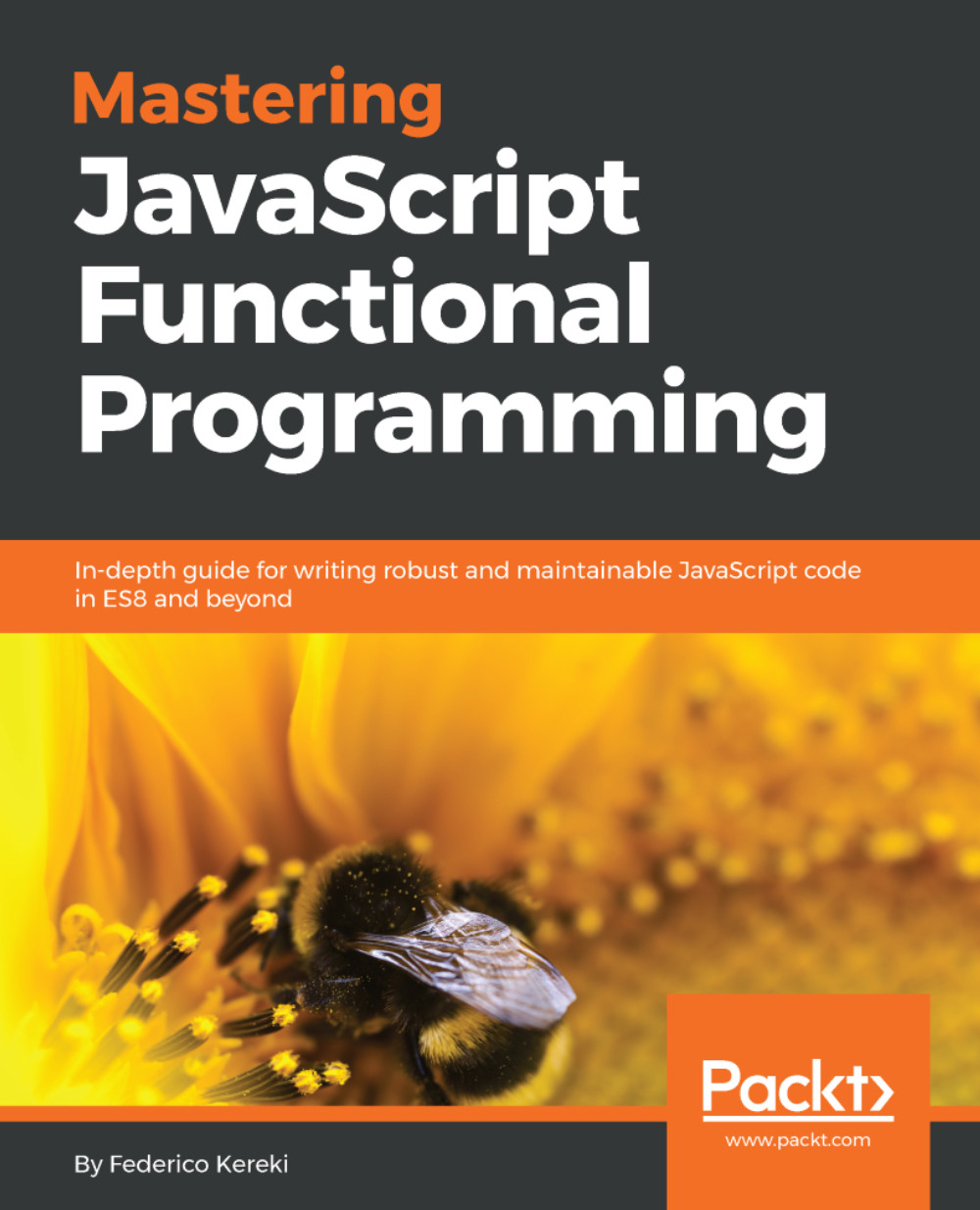
Mastering JavaScript Functional Programming

Mastering JavaScript Functional Programming

By : Federico Kereki
4.6 (7)
close
close
Mastering JavaScript Functional Programming

Mastering JavaScript Functional Programming

4.6 (7)
By: Federico Kereki

Overview of this book

Functional programming is a programming paradigm for developing software using functions. Learning to use functional programming is a good way to write more concise code, with greater concurrency and performance. The JavaScript language is particularly suited to functional programming. This book provides comprehensive coverage of the major topics in functional programming with JavaScript to produce shorter, clearer, and testable programs. You’ll delve into functional programming; including writing and testing pure functions, reducing side-effects, and other features to make your applications functional in nature. Specifically, we’ll explore techniques to simplify coding, apply recursion for loopless coding, learn ways to achieve immutability, implement design patterns, and work with data types. By the end of this book, you’ll have developed the JavaScript skills you need to program functional applications with confidence.
Table of Contents (15 chapters)
close
close
8
Connecting Functions - Pipelining and Composition
13
Bibliography
14
Answers to Questions

Conventions

In this book, you will find a number of text styles that distinguish between different kinds of information. Here are some examples of these styles and an explanation of their meaning.

Code words in text, database table names, folder names, filenames, file extensions, pathnames, dummy URLs, user input, and Twitter handles are shown as follows: "Just assign the names of the layers you want to activate to the VK_INSTANCE_LAYERS environment variable".

A block of code is set as follows:

{
if( (result != VK_SUCCESS) ||
(extensions_count == 0) ) {
std::cout << "Could not enumerate device extensions." << std::endl;
return false;
}

Any command-line input or output is written as follows:

setx VK_INSTANCE_LAYERS VK_LAYER_LUNARG_api_dump;VK_LAYER_LUNARG_core_validation

New terms and important words are shown in bold. Words that you see on the screen, for example, in menus or dialog boxes, appear in the text like this: "Select System info from the Administration panel."

Warnings or important notes appear in a box like this.
Tips and tricks appear like this.
CONTINUE READING
83
Tech Concepts
36
Programming languages
73
Tech Tools
Icon Unlimited access to the largest independent learning library in tech of over 8,000 expert-authored tech books and videos.
Icon Innovative learning tools, including AI book assistants, code context explainers, and text-to-speech.
Icon 50+ new titles added per month and exclusive early access to books as they are being written.
Mastering JavaScript Functional Programming
notes
bookmark Notes and Bookmarks search Search in title playlist Add to playlist download Download options font-size Font size

Change the font size

margin-width Margin width

Change margin width

day-mode Day/Sepia/Night Modes

Change background colour

Close icon Search
Country selected

Close icon Your notes and bookmarks

Confirmation

Modal Close icon
claim successful

Buy this book with your credits?

Modal Close icon
Are you sure you want to buy this book with one of your credits?
Close
YES, BUY

Submit Your Feedback

Modal Close icon
Modal Close icon
Modal Close icon