





We will have a database, we will query it, and we will show people who have, for example, a certain letter in their names, make a certain amount of money, and sort it in a certain way.
To accomplish this, go to the Design view, and double-click on the Show People button. This takes us into Default.aspx.cs. Delete the Page_Load block. The relevant portion of the starting code for this project should look like Figure 10.5.1:
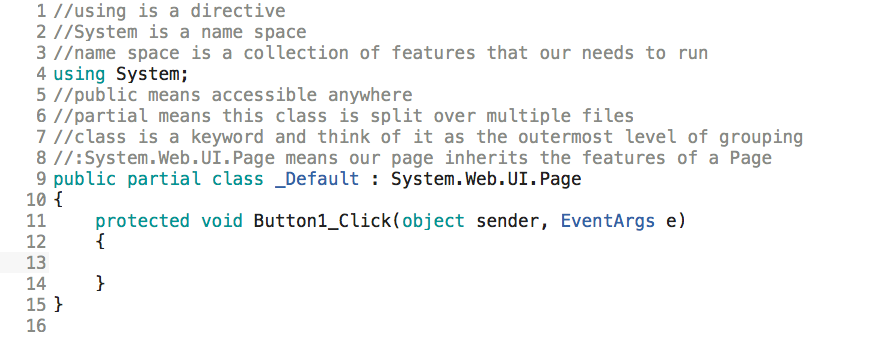
Figure 10.5.1: The starting code section for this project
In the next stage, first go to the top of the file, and enter the following after using System:
using System.Linq;
Next, we'll make a class. We'll call it Person. So, above the line beginning with public partial class..., insert the following:
public class Person


