
Sign In Start Free Trial
Account

Add to playlist

Create a Playlist

Modal Close icon
You need to login to use this feature.
  • Book Overview & Buying ASP.NET Core 2 High Performance
  • Table Of Contents Toc
  • Feedback & Rating feedback
ASP.NET Core 2 High Performance

ASP.NET Core 2 High Performance - Second Edition

By : Singleton
2.3 (3)
close
close
ASP.NET Core 2 High Performance

ASP.NET Core 2 High Performance

2.3 (3)
By: Singleton

Overview of this book

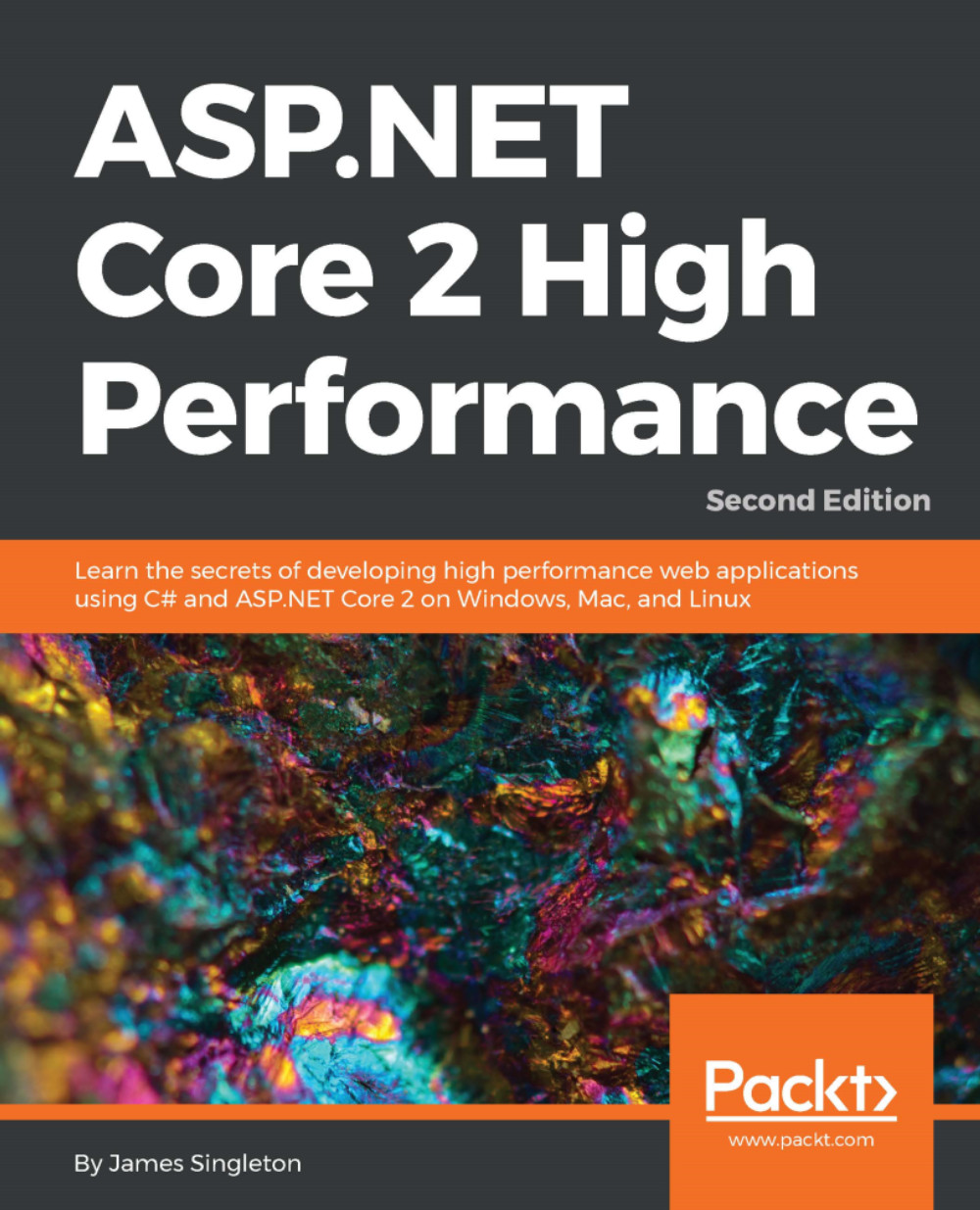
The ASP.NET Core 2 framework is used to develop high-performance and cross-platform web applications. It is built on .NET Core 2 and includes significantly more framework APIs than version 1. This book addresses high-level performance improvement techniques. It starts by showing you how to locate and measure problems and then shows you how to solve some of the most common ones. Next, it shows you how to get started with ASP.NET Core 2 on Windows, Mac, Linux, and with Docker containers. The book illustrates what problems can occur as latency increases when deploying to a cloud infrastructure. It also shows you how to optimize C# code and choose the best data structures for the job. It covers new features in C# 6 and 7, along with parallel programming and distributed architectures. By the end of this book, you will be fixing latency issues and optimizing performance problems, but you will also know how this affects the complexity and maintenance of your application. Finally, we will explore a few highly advanced techniques for further optimization.
Table of Contents (13 chapters)
close
close
3
Setting Up Your Environment
4
Measuring Performance Bottlenecks
chevron up

Tools

Good debugging tools are essential when you're trying to discover where problems lie. You could write your own crude timing code, and we will show you how to get started with this. However, purpose-built tools are much nicer to work with than simply logging lines of debug information. VS 2017 includes some very useful Application Insights tools that make helpful information easily visible.

Many of the tools discussed in this chapter help you examine areas external to your code. We will cover the profiling of code too, but it's hard to identify problems this way unless the work is purely computational. Slowdowns often happen because of actions your app initiates outside of its immediate stack, and these can be hard to debug by simply stepping through the code. VS 2017 can show you what external actions your app takes, for example, triggering an HTTP API call.

Moving...

Visually different images
CONTINUE READING
83
Tech Concepts
36
Programming languages
73
Tech Tools
Icon Unlimited access to the largest independent learning library in tech of over 8,000 expert-authored tech books and videos.
Icon Innovative learning tools, including AI book assistants, code context explainers, and text-to-speech.
Icon 50+ new titles added per month and exclusive early access to books as they are being written.
ASP.NET Core 2 High Performance
notes
bookmark Notes and Bookmarks search Search in title playlist Add to playlist font-size Font size

Change the font size

margin-width Margin width

Change margin width

day-mode Day/Sepia/Night Modes

Change background colour

Close icon Search
Country selected

Close icon Your notes and bookmarks

Confirmation

Modal Close icon
claim successful

Buy this book with your credits?

Modal Close icon
Are you sure you want to buy this book with one of your credits?
Close
YES, BUY

Submit Your Feedback

Modal Close icon
Modal Close icon
Modal Close icon