Sign In Start Free Trial
Account

Add to playlist

Create a Playlist

Modal Close icon
You need to login to use this feature.
  • Book Overview & Buying Building Enterprise JavaScript Applications
  • Table Of Contents Toc
  • Feedback & Rating feedback
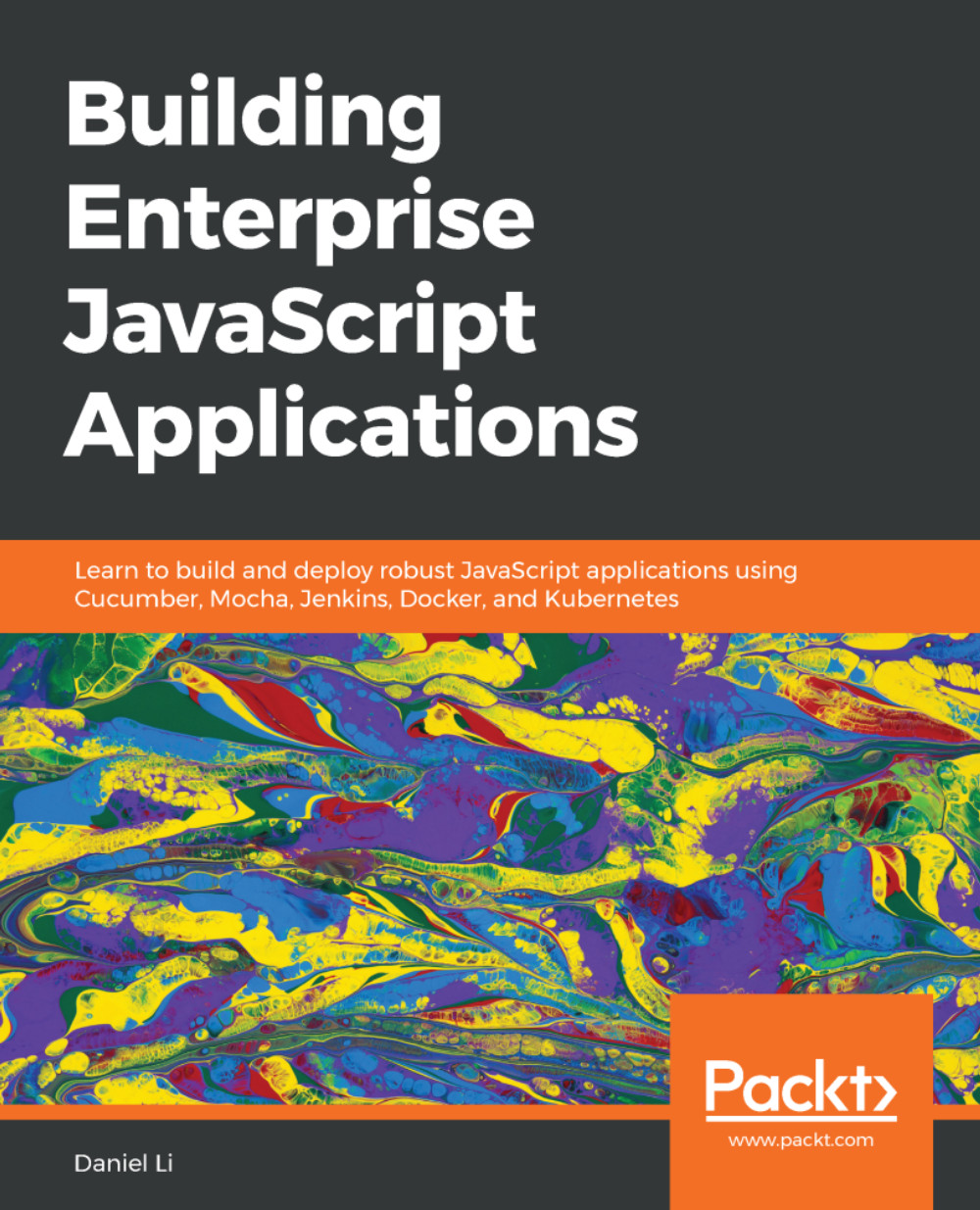
Building Enterprise JavaScript Applications

Building Enterprise JavaScript Applications

By : Daniel Li
4.6 (5)
close
close
Building Enterprise JavaScript Applications

Building Enterprise JavaScript Applications

4.6 (5)
By: Daniel Li

Overview of this book

With the over-abundance of tools in the JavaScript ecosystem, it's easy to feel lost. Build tools, package managers, loaders, bundlers, linters, compilers, transpilers, typecheckers - how do you make sense of it all? In this book, we will build a simple API and React application from scratch. We begin by setting up our development environment using Git, yarn, Babel, and ESLint. Then, we will use Express, Elasticsearch and JSON Web Tokens (JWTs) to build a stateless API service. For the front-end, we will use React, Redux, and Webpack. A central theme in the book is maintaining code quality. As such, we will enforce a Test-Driven Development (TDD) process using Selenium, Cucumber, Mocha, Sinon, and Istanbul. As we progress through the book, the focus will shift towards automation and infrastructure. You will learn to work with Continuous Integration (CI) servers like Jenkins, deploying services inside Docker containers, and run them on Kubernetes. By following this book, you would gain the skills needed to build robust, production-ready applications.
Table of Contents (20 chapters)
close
close
Lock Free Chapter
1
The Importance of Good Code

Starting projects with npm


For Node.js projects, the settings and configurations are stored inside a file named package.json, located at the root of the repository. The npm CLI tool provides a npm init command, which will initiate a mini-wizard that helps you compose your package.json file. So, inside our project directory, run npm init to initiate the wizard. 

The wizard will ask you a series of questions, but also provides sensible defaults. Let's go through each question one by one:

  1. package name: We are happy with the default name of hobnob (derived from the directory name), so we can just press the Return key to continue.
  2. version: We're going to follow semantic versioning (semver) here and use major version 0(0.y.z) to indicate that our code base is under initial development, and that the API is not stable. Semver also recommends that our initial release be 0.1.0.
  1. description: A brief description of your project; if we make our application public on npmjs.com, this description will appear...
Visually different images
CONTINUE READING
83
Tech Concepts
36
Programming languages
73
Tech Tools
Icon Unlimited access to the largest independent learning library in tech of over 8,000 expert-authored tech books and videos.
Icon Innovative learning tools, including AI book assistants, code context explainers, and text-to-speech.
Icon 50+ new titles added per month and exclusive early access to books as they are being written.
Building Enterprise JavaScript Applications
notes
bookmark Notes and Bookmarks search Search in title playlist Add to playlist download Download options font-size Font size

Change the font size

margin-width Margin width

Change margin width

day-mode Day/Sepia/Night Modes

Change background colour

Close icon Search
Country selected

Close icon Your notes and bookmarks

Confirmation

Modal Close icon
claim successful

Buy this book with your credits?

Modal Close icon
Are you sure you want to buy this book with one of your credits?
Close
YES, BUY

Submit Your Feedback

Modal Close icon
Modal Close icon
Modal Close icon