Sign In Start Free Trial
Account

Add to playlist

Create a Playlist

Modal Close icon
You need to login to use this feature.
  • Book Overview & Buying Learn ECMAScript
  • Table Of Contents Toc
  • Feedback & Rating feedback
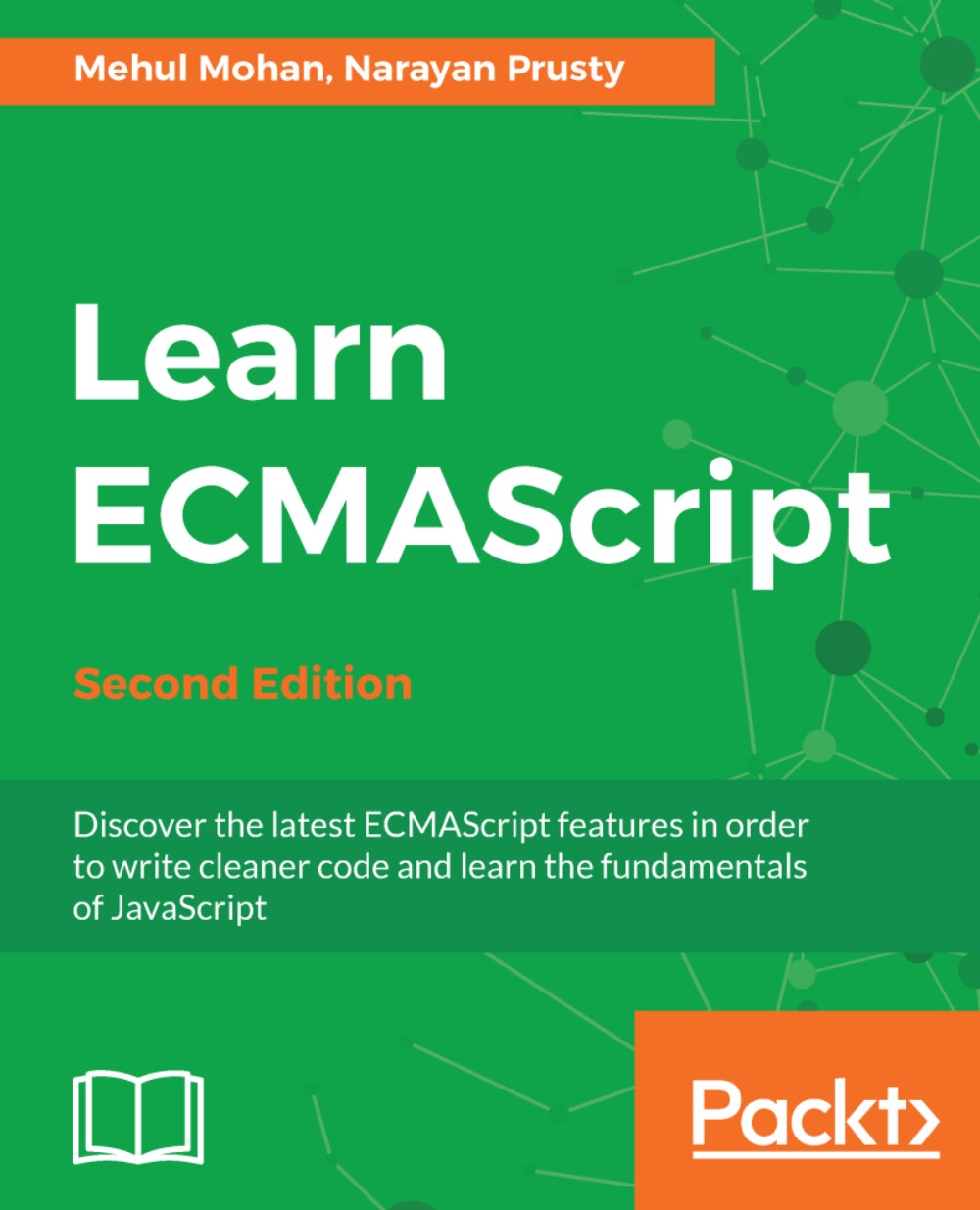
Learn ECMAScript

Learn ECMAScript - Second Edition

By : MOHAN, Narayan Prusty
4 (1)
close
close
Learn ECMAScript

Learn ECMAScript

4 (1)
By: MOHAN, Narayan Prusty

Overview of this book

Learn ECMAScript explores implementation of the latest ECMAScript features to add to your developer toolbox, helping you to progress to an advanced level. Learn to add 1 to a variable andsafely access shared memory data within multiple threads to avoid race conditions. You’ll start the book by building on your existing knowledge of JavaScript, covering performing arithmetic operations, using arrow functions and dealing with closures. Next, you will grasp the most commonly used ECMAScript skills such as reflection, proxies, and classes. Furthermore, you’ll learn modularizing the JS code base, implementing JS on the web and how the modern HTML5 + JS APIs provide power to developers on the web. Finally, you will learn the deeper parts of the language, which include making JavaScript multithreaded with dedicated and shared web workers, memory management, shared memory, and atomics. It doesn’t end here; this book is 100% compatible with ES.Next. By the end of this book, you'll have fully mastered all the features of ECMAScript!
Table of Contents (14 chapters)
close
close

Destructuring assignments

destructuring assignment is an expression that allows you to assign the values or properties of an iterable or object to variables, using a syntax that looks similar to the array or object construction literals respectively.

A destructuring assignment makes it easy to extract data from iterables or objects by providing a shorter syntax. A destructuring assignment is already present in programming languages such as Perl and Python, and works the same way everywhere.

There are two kinds of destructuring assignment expressions: array and object. Let's see each of them in detail.

The array destructuring assignment

An array destructuring assignment is used to extract the values of an iterable object and assign them to the variables. It's called an array destructuring assignment because the expression is similar to an array construction literal.

Programmers used to do it this way to assign the values of an array to the variables:

 var myArray = [1, 2, 3];
 var a = myArray[0];
 var b = myArray[1];
 var c = myArray[2];

Here, we are extracting the values of an array and assigning them to the a, b, c variables respectively.

With an array destructuring assignment we can do this in a one-line statement:

let myArray = [1, 2, 3];
let a, b, c;
[a, b, c] = myArray; //array destructuring assignment syntax

As you can see, [a, b, c] is an array destructuring expression.

On the left-hand side of the array destructuring statement, we need to place the variables to which we want to assign the array values, using a syntax similar to an array literal. On the right-hand side, we need to place an array (actually any iterable object) whose values we want to extract.

The previous example code can be made even shorter in this way:

let [a, b, c] = [1, 2, 3];

Here, we create the variables on the same statement, and instead of providing the array variable, we provide the array with a construction literal.

If there are fewer variables than items in the array, then only the first items are considered.

If you place a non-iterable object on the right-hand side of the array destructuring assignment syntax, then a TypeError exception is thrown.

Ignoring values

We can also ignore some of the values of the iterable. Here is example code that shows how to do this:

 let [a, , b] = [1, 2, 3]; // notice -->, ,<-- (2 commas)
console.log(a);
console.log(b);

The output is as follows:

1 3

Using the rest operator in an array destructuring assignment

We can prefix the last variable of an array destructuring expression using the ... token. In this case, the variable is always converted into an array object that holds the rest of the values of the iterable object, if the number of other variables is less than the values in the iterable object.

Consider this example to understand it:

   let [a, ...b] = [1, 2, 3, 4, 5, 6];
   console.log(a);
   console.log(Array.isArray(b));
   console.log(b);

The output is as follows:

   1
   true
   2,3,4,5,6

In the previous example code, you can see that the b variable is converted into an array, and it holds all the other values of the right-hand side array.

Here the ... token is called the rest operator.
We can also ignore the values while using the rest operator. The following example demonstrates 
this:

   let [a, , ,...b] = [1, 2, 3, 4, 5, 6];
   console.log(a);
   console.log(b);

The output is as follows:

1 4,5,6

Here, we ignored the 2, 3 values.

Default values for variables

While destructuring, you can also provide default values for the variables if an array index is undefined. The following example demonstrates this:

   let [a, b, c = 3] = [1, 2];
   console.log(c); //Output "3"

Nested array destructuring

We can also extract the values from a multidimensional array and assign them to variables. The following example demonstrates this:

   let [a, b, [c, d]] = [1, 2, [3, 4]];

Using a destructuring assignment as a parameter

We can also use an array destructuring expression as the function parameter for extracting the values of an iterable object, passed as an argument into the function parameters. The following example demonstrates this:

   function myFunction([a, b, c = 3]) {
     console.log(a, b, c); //Output "1 2 3"
   }
   myFunction([1, 2]);

Earlier in this chapter, we saw that if we pass undefined as an argument to a function call, then JavaScript checks for the default parameter value. So, we can provide a default array here too, which will be used if the argument is undefined. The following example demonstrates this:

   function myFunction([a, b, c = 3] = [1, 2, 3]) {
     console.log(a, b, c);  //Output "1 2 3"
   }
myFunction(undefined);

Here, we passed undefined as an argument and therefore the default array, which is [1, 2, 3], was used to extract the values.

Object destructuring assignments

An object destructuring assignment is used to the extract property values of an object and assign them to the variables.

This is a traditional (and still useful) way of assigning property values to an object:

   var object = {"name" : "John", "age" : 23};
   var name = object.name;
   var age = object.age;

We can do this in a one-line statement, using the object destructuring assignment:

   let object = {"name" : "John", "age" : 23};
   let name, age;
   ({name, age} = object); //object destructuring assignment syntax

On the left-hand side of the object destructuring statement, we need to place the variables to which we want to assign the object property values using a syntax similar to that of an object literal. On the right-hand side, we need to place an object whose property values we want to extract. The statement is finally closed using the ( ) token.

Here the variable names must be the same as the object property names. If you want to assign different variable names, then you can do it this way:

   let object = {"name" : "John", "age" : 23};
   let x, y;
   ({name: x, age: y} = object);

The previous code can be made even shorter this way:

   let {name: x, age: y} = {"name" : "John", "age" : 23};

Here we are creating the variables and object on the same line. We don't need to close the statement using the ( ) token, as we are creating the variables on the same statement.

Default values for variables

You can also provide default values for the variables if the object property is undefined while destructuring. The following example demonstrates this:

   let {a, b, c = 3} = {a: "1", b: "2"};
   console.log(c); //Output "3"

Some property names are constructed dynamically using expressions. In this case, to extract the property values, we can use the [ ] token to provide the property name with an expression. The following example demonstrates this:

   let {["first"+"Name"]: x} = { firstName: "Eden" };
   console.log(x); //Output "Eden"

Destructuring nested objects

We can also extract property values from nested objects, that is, objects within objects. The following example demonstrates this:

   var {name, otherInfo: {age}} = {name: "Eden", otherInfo: {age:
   23}};
   console.log(name, age); //Eden 23

Using the object destructuring assignment as a parameter

Just like the array destructuring assignment, we can also use the object destructuring assignment as a function parameter. The following example demonstrates this:

   function myFunction({name = 'Eden', age = 23, profession = 
"Designer"} = {}) {
console.log(name, age, profession); // Outputs "John 23 Designer" } myFunction({name: "John", age: 23});

Here, we passed an empty object as a default parameter value, which will be used as a default object if undefined is passed as a function argument.

Visually different images
CONTINUE READING
83
Tech Concepts
36
Programming languages
73
Tech Tools
Icon Unlimited access to the largest independent learning library in tech of over 8,000 expert-authored tech books and videos.
Icon Innovative learning tools, including AI book assistants, code context explainers, and text-to-speech.
Icon 50+ new titles added per month and exclusive early access to books as they are being written.
Learn ECMAScript
notes
bookmark Notes and Bookmarks search Search in title playlist Add to playlist font-size Font size

Change the font size

margin-width Margin width

Change margin width

day-mode Day/Sepia/Night Modes

Change background colour

Close icon Search
Country selected

Close icon Your notes and bookmarks

Confirmation

Modal Close icon
claim successful

Buy this book with your credits?

Modal Close icon
Are you sure you want to buy this book with one of your credits?
Close
YES, BUY

Submit Your Feedback

Modal Close icon
Modal Close icon
Modal Close icon