
Sign In Start Free Trial
Account

Add to playlist

Create a Playlist

Modal Close icon
You need to login to use this feature.
  • Book Overview & Buying Django Design Patterns and Best Practices
  • Table Of Contents Toc
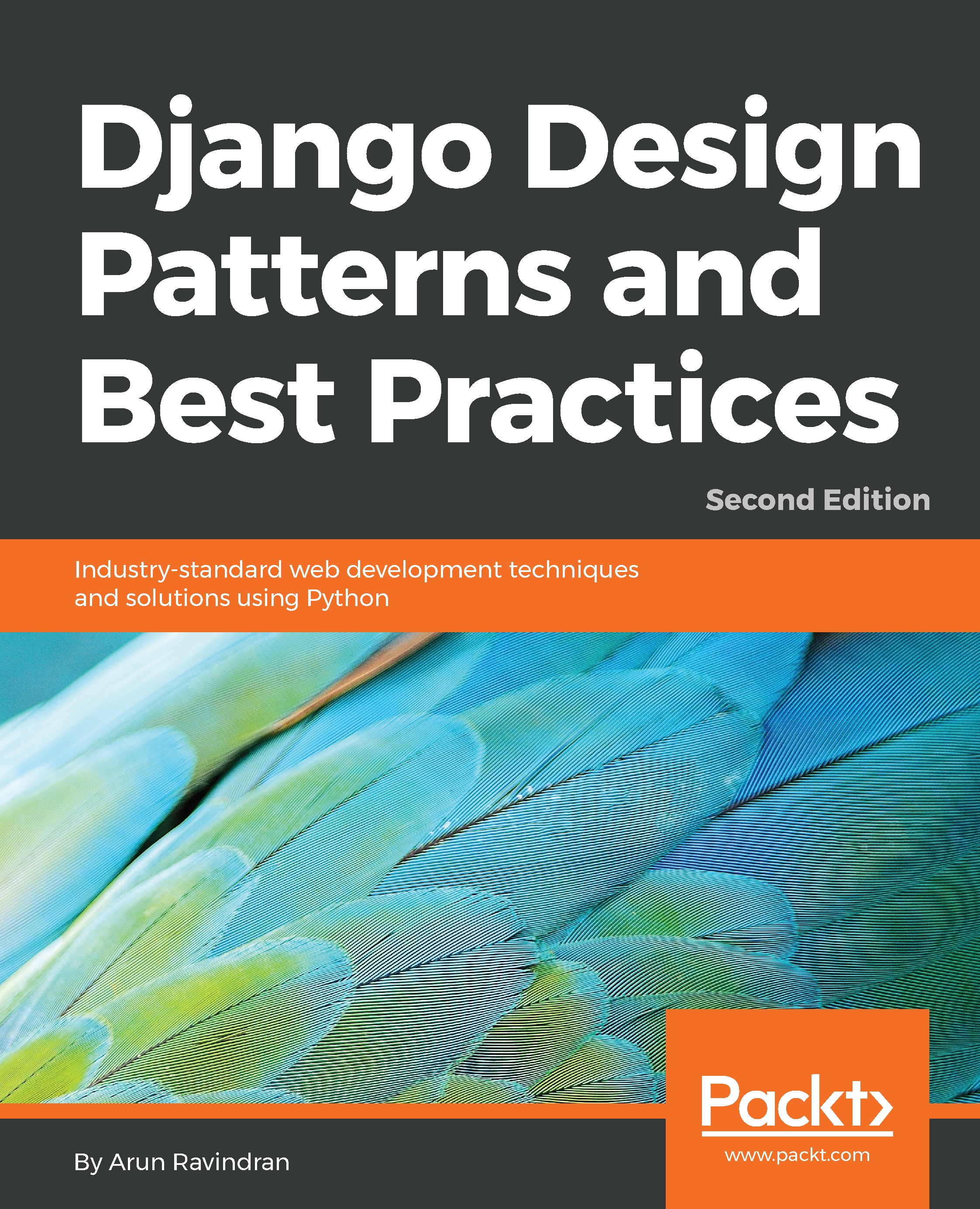
Django Design Patterns and Best Practices

Django Design Patterns and Best Practices - Second Edition

By : Ravindran
3 (1)
close
close
Django Design Patterns and Best Practices

Django Design Patterns and Best Practices

3 (1)
By: Ravindran

Overview of this book

Building secure and maintainable web applications requires comprehensive knowledge. The second edition of this book not only sheds light on Django, but also encapsulates years of experience in the form of design patterns and best practices. Rather than sticking to GoF design patterns, the book looks at higher-level patterns. Using the latest version of Django and Python, you’ll learn about Channels and asyncio while building a solid conceptual background. The book compares design choices to help you make everyday decisions faster in a rapidly changing environment. You’ll first learn about various architectural patterns, many of which are used to build Django. You’ll start with building a fun superhero project by gathering the requirements, creating mockups, and setting up the project. Through project-guided examples, you’ll explore the Model, View, templates, workflows, and code reusability techniques. In addition to this, you’ll learn practical Python coding techniques in Django that’ll enable you to tackle problems related to complex topics such as legacy coding, data modeling, and code reusability. You’ll discover API design principles and best practices, and understand the need for asynchronous workflows. During this journey, you’ll study popular Python code testing techniques in Django, various web security threats and their countermeasures, and the monitoring and performance of your application.
Table of Contents (16 chapters)
close
close

Using the admin interface

In a newly generated project, the admin interface is enabled by default. After starting your development server, you will be able to see a login page when you navigate to http://127.0.0.1:8000/admin/.

If you have configured a superuser's credentials (or the credentials of any staff user), then you could log into the admin interface, as shown in the following screenshot:

Screenshot of Django administration in a new project

If you have used Django before, you'll notice that the appearance of the admin interface has improved, especially the SVG icons on high-DPI screens. It also uses responsive design, which works across all major mobile browsers.

However, your models will not be visible here, unless you register the model with the admin site. This is defined in your app's admin.py. For instance, in sightings/admin...

Visually different images
CONTINUE READING
83
Tech Concepts
36
Programming languages
73
Tech Tools
Icon Unlimited access to the largest independent learning library in tech of over 8,000 expert-authored tech books and videos.
Icon Innovative learning tools, including AI book assistants, code context explainers, and text-to-speech.
Icon 50+ new titles added per month and exclusive early access to books as they are being written.
Django Design Patterns and Best Practices
notes
bookmark Notes and Bookmarks search Search in title playlist Add to playlist font-size Font size

Change the font size

margin-width Margin width

Change margin width

day-mode Day/Sepia/Night Modes

Change background colour

Close icon Search
Country selected

Close icon Your notes and bookmarks

Confirmation

Modal Close icon
claim successful

Buy this book with your credits?

Modal Close icon
Are you sure you want to buy this book with one of your credits?
Close
YES, BUY

Submit Your Feedback

Modal Close icon
Modal Close icon
Modal Close icon