
Sign In Start Free Trial
Account

Add to playlist

Create a Playlist

Modal Close icon
You need to login to use this feature.
  • Book Overview & Buying Python GUI Programming with Tkinter
  • Table Of Contents Toc
  • Feedback & Rating feedback
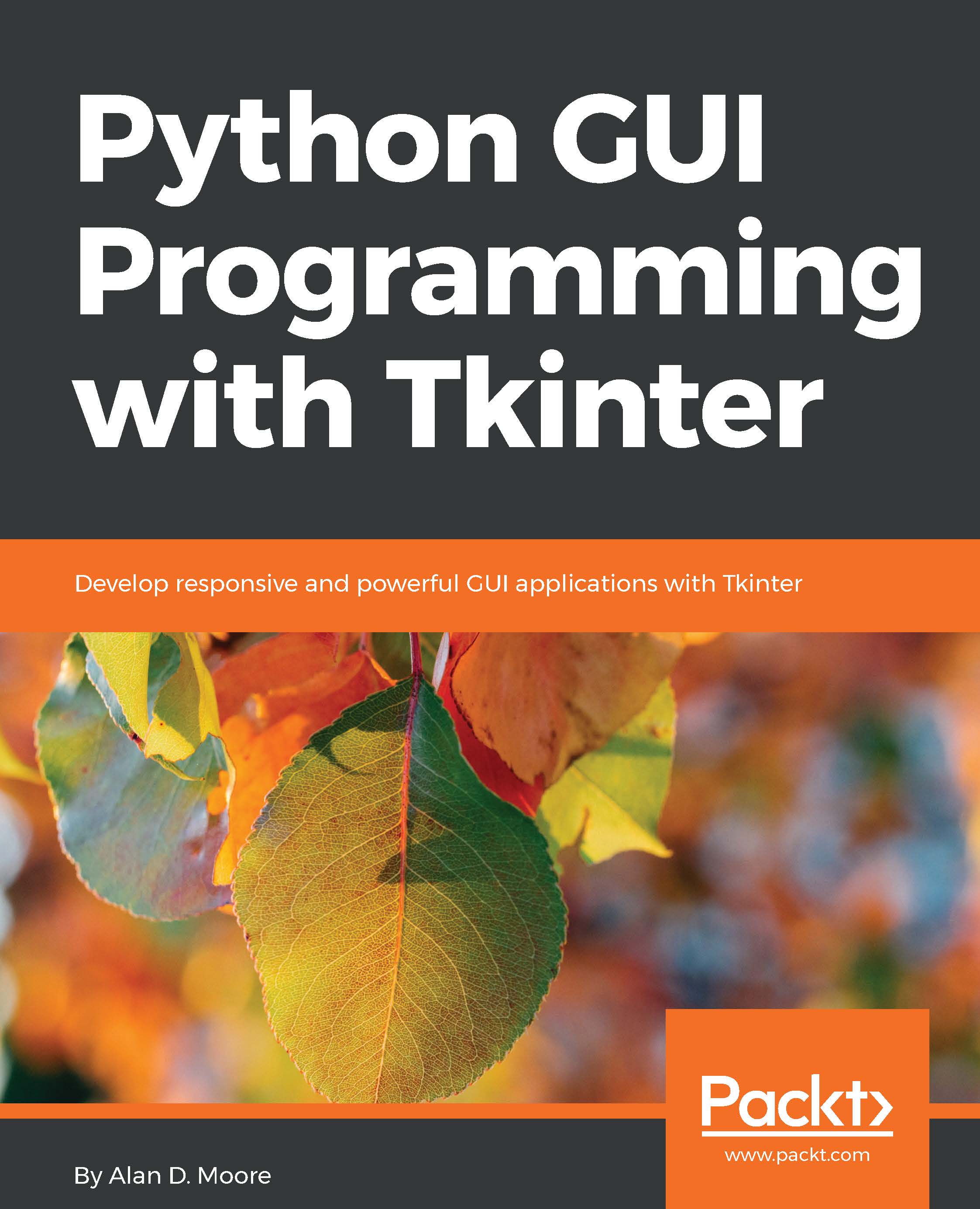
Python GUI Programming with Tkinter

Python GUI Programming with Tkinter

By : Alan D. Moore
3.9 (22)
close
close
Python GUI Programming with Tkinter

Python GUI Programming with Tkinter

3.9 (22)
By: Alan D. Moore

Overview of this book

Tkinter is a lightweight, portable, and easy-to-use graphical toolkit available in the Python Standard Library, widely used to build Python GUIs due to its simplicity and availability. This book teaches you to design and build graphical user interfaces that are functional, appealing, and user-friendly using the powerful combination of Python and Tkinter. After being introduced to Tkinter, you will be guided step-by-step through the application development process. Over the course of the book, your application will evolve from a simple data-entry form to a complex data management and visualization tool while maintaining a clean and robust design. In addition to building the GUI, you'll learn how to connect to external databases and network resources, test your code to avoid errors, and maximize performance using asynchronous programming. You'll make the most of Tkinter's cross-platform availability by learning how to maintain compatibility, mimic platform-native look and feel, and build executables for deployment across popular computing platforms. By the end of this book, you will have the skills and confidence to design and build powerful high-end GUI applications to solve real-world problems.
Table of Contents (17 chapters)
close
close

Preface

Writing a book involves much more than the application of grammar and punctuation rules. In the same way, developing an application requires more than a knowledge of programming languages and library APIs. A mere mastery of syntax rules and function calls is not in itself sufficient for designing applications that empower users to perform work, safeguard valuable data, and produce flawless output. As programmers, we also need to be able to interpret user requests and expectations into effective interface designs and pick the best technologies to implement them. We need to be able to organize large code bases, test them, and maintain them in a way that keeps them manageable and free from careless errors.

This book aims to be much more than a reference manual for a particular GUI toolkit. As we walk through a fictitious workplace scenario, you will get a taste of what it's like to be an application programmer in a small office environment. In addition to learning Tkinter and a few other useful libraries, you will learn many of the skills you need to move from being a writer of short scripts to a writer of fully-featured graphical applications. By the time you've finished the book, you should feel confident that you can develop a simple but useful data-oriented application for a working environment.

Visually different images
CONTINUE READING
83
Tech Concepts
36
Programming languages
73
Tech Tools
Icon Unlimited access to the largest independent learning library in tech of over 8,000 expert-authored tech books and videos.
Icon Innovative learning tools, including AI book assistants, code context explainers, and text-to-speech.
Icon 50+ new titles added per month and exclusive early access to books as they are being written.
Python GUI Programming with Tkinter
notes
bookmark Notes and Bookmarks search Search in title playlist Add to playlist download Download options font-size Font size

Change the font size

margin-width Margin width

Change margin width

day-mode Day/Sepia/Night Modes

Change background colour

Close icon Search
Country selected

Close icon Your notes and bookmarks

Confirmation

Modal Close icon
claim successful

Buy this book with your credits?

Modal Close icon
Are you sure you want to buy this book with one of your credits?
Close
YES, BUY

Submit Your Feedback

Modal Close icon
Modal Close icon
Modal Close icon