
Sign In Start Free Trial
Account

Add to playlist

Create a Playlist

Modal Close icon
You need to login to use this feature.
  • Book Overview & Buying Learn PowerShell Core 6.0
  • Table Of Contents Toc
  • Feedback & Rating feedback
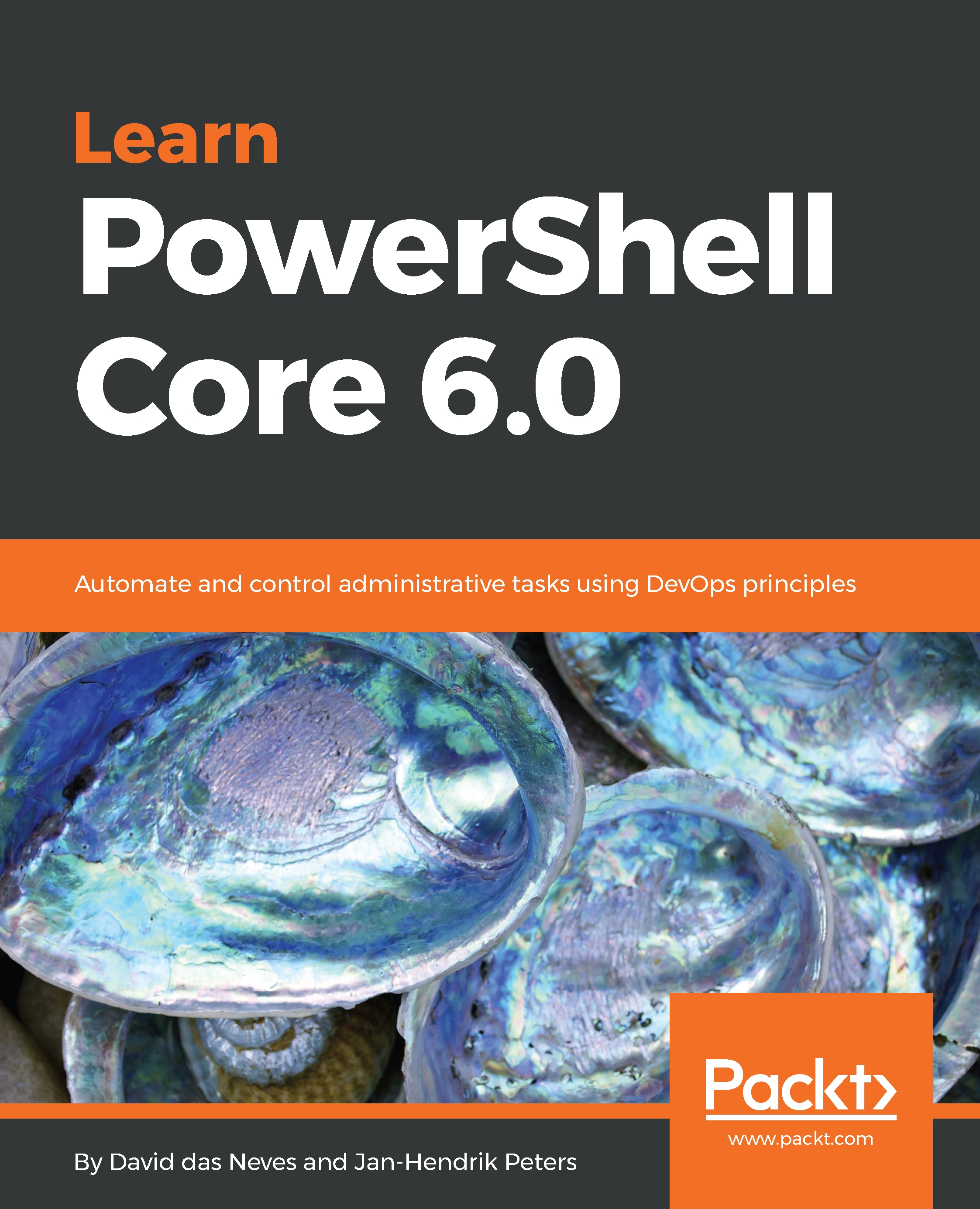
Learn PowerShell Core 6.0

Learn PowerShell Core 6.0

By : das Neves, Jan-Hendrik Peters
4 (2)
close
close
Learn PowerShell Core 6.0

Learn PowerShell Core 6.0

4 (2)
By: das Neves, Jan-Hendrik Peters

Overview of this book

Beginning with an overview of the different versions of PowerShell, Learn PowerShell Core 6.0 introduces you to VSCode and then dives into helping you understand the basic techniques in PowerShell scripting. You will cover advanced coding techniques, learn how to write reusable code as well as store and load data with PowerShell. This book will help you understand PowerShell security and Just Enough Administration, enabling you to create your own PowerShell repository. The last set of chapters will guide you in setting up, configuring, and working with Release Pipelines in VSCode and VSTS, and help you understand PowerShell DSC. In addition to this, you will learn how to use PowerShell with Windows, Azure, Microsoft Online Services, SCCM, and SQL Server. The final chapter will provide you with some use cases and pro tips. By the end of this book, you will be able to create professional reusable code using security insight and knowledge of working with PowerShell Core 6.0 and its most important capabilities.
Table of Contents (21 chapters)
close
close

Execution

Now that we have access to a gallery and a general understanding of how PowerShellGet and PackageManagement work, we can begin adding new scripts and modules to the gallery and use them in different contexts such as JEA sessions. As a normal user, publishing to the gallery requires the target repository as well as an API key.

In addition to that, the system you are coming from needs the NuGet libraries as well as the NuGet executable to make full use of both PackageManagement and PowerShellGet. The following code can be used to bootstrap the files from a machine connected to the internet. However, it might be easier to just use Install-PackageProvider and use the paths from the code block to locate all of the necessary binaries:

# Bootstrapping the PowerShellGet NuGet provider for offline systems
# nuget.exe is necessary to use Publish-Module and nuget pack

# Systemwide...
Visually different images
CONTINUE READING
83
Tech Concepts
36
Programming languages
73
Tech Tools
Icon Unlimited access to the largest independent learning library in tech of over 8,000 expert-authored tech books and videos.
Icon Innovative learning tools, including AI book assistants, code context explainers, and text-to-speech.
Icon 50+ new titles added per month and exclusive early access to books as they are being written.
Learn PowerShell Core 6.0
notes
bookmark Notes and Bookmarks search Search in title playlist Add to playlist download Download options font-size Font size

Change the font size

margin-width Margin width

Change margin width

day-mode Day/Sepia/Night Modes

Change background colour

Close icon Search
Country selected

Close icon Your notes and bookmarks

Confirmation

Modal Close icon
claim successful

Buy this book with your credits?

Modal Close icon
Are you sure you want to buy this book with one of your credits?
Close
YES, BUY

Submit Your Feedback

Modal Close icon
Modal Close icon
Modal Close icon