
Sign In Start Free Trial
Account

Add to playlist

Create a Playlist

Modal Close icon
You need to login to use this feature.
  • Book Overview & Buying Learn Python Programming
  • Table Of Contents Toc
Learn Python Programming

Learn Python Programming - Second Edition

By : Romano
4.1 (28)
close
close
Learn Python Programming

Learn Python Programming

4.1 (28)
By: Romano

Overview of this book

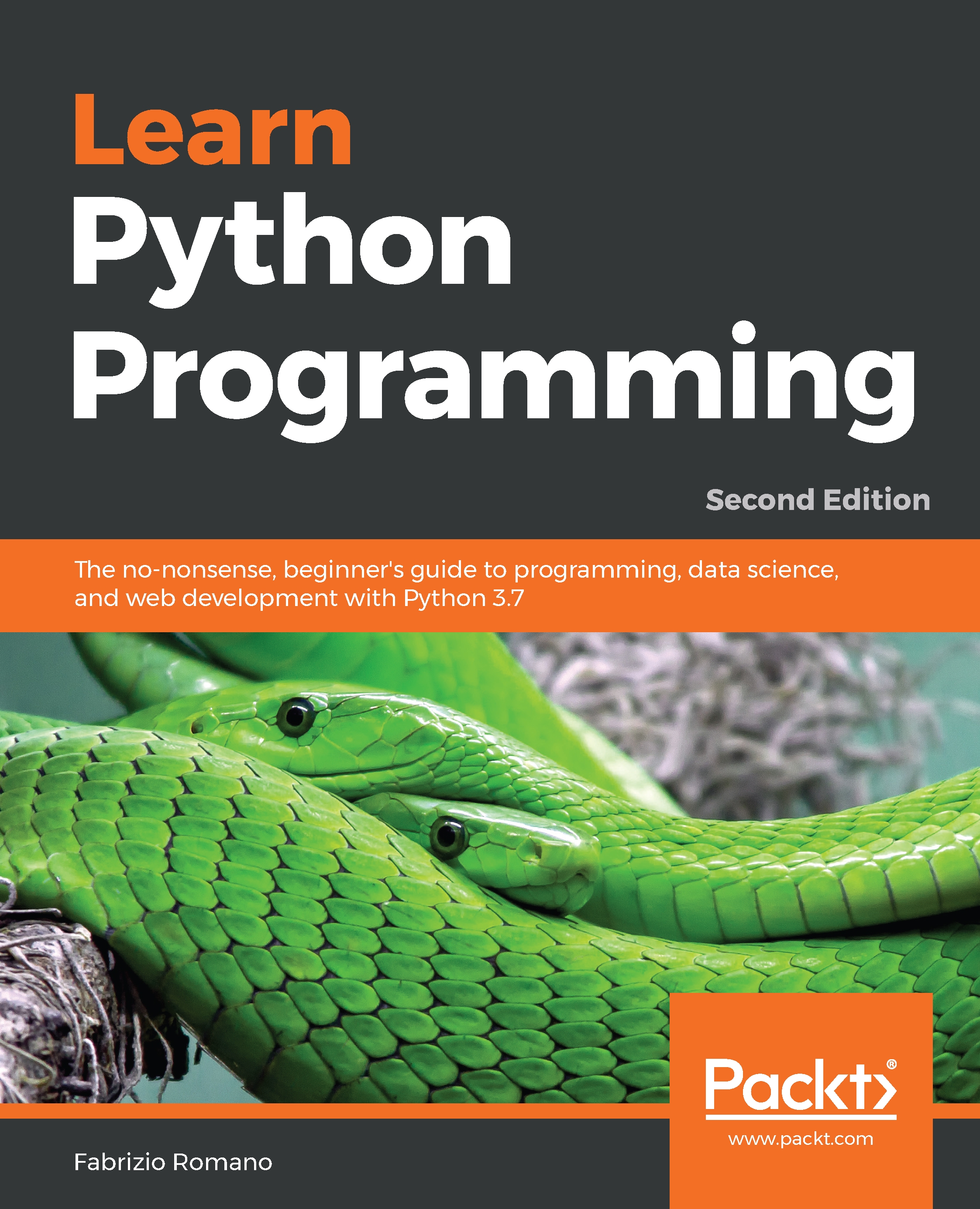
Learn Python Programming is a quick, thorough, and practical introduction to Python - an extremely flexible and powerful programming language that can be applied to many disciplines. Unlike other books, it doesn't bore you with elaborate explanations of the basics but gets you up-and-running, using the language. You will begin by learning the fundamentals of Python so that you have a rock-solid foundation to build upon. You will explore the foundations of Python programming and learn how Python can be manipulated to achieve results. Explore different programming paradigms and find the best approach to a situation; understand how to carry out performance optimization and effective debugging; control the flow of a program; and utilize an interchange format to exchange data. You'll also walk through cryptographic services in Python and understand secure tokens. Learn Python Programming will give you a thorough understanding of the Python language. You'll learn how to write programs, build websites, and work with data by harnessing Python's renowned data science libraries. Filled with real-world examples and projects, the book covers various types of applications, and concludes by building real-world projects based on the concepts you have learned.
Table of Contents (16 chapters)
close
close

Second approach – a GUI application

There are several libraries that write GUI applications in Python. The most famous ones are Tkinter, wxPython, PyGTK, and PyQt. They all offer a wide range of tools and widgets that you can use to compose a GUI application.

The one I'm going to use for the rest of this chapter is Tkinter. Tkinter stands for Tk interface and it is the standard Python interface to the Tk GUI toolkit. Both Tk and Tkinter are available on most Unix platforms, macOS X, as well as on Windows systems.

Let's make sure that tkinter is installed properly on your system by running this command:

$ python -m tkinter

It should open a dialog window, demonstrating a simple Tk interface. If you can see that, we're good to go. However, if it doesn't work, please search for tkinter in the Python official documentation (https://docs.python.org/3.7/library...

CONTINUE READING
83
Tech Concepts
36
Programming languages
73
Tech Tools
Icon Unlimited access to the largest independent learning library in tech of over 8,000 expert-authored tech books and videos.
Icon Innovative learning tools, including AI book assistants, code context explainers, and text-to-speech.
Icon 50+ new titles added per month and exclusive early access to books as they are being written.
Learn Python Programming
notes
bookmark Notes and Bookmarks search Search in title playlist Add to playlist font-size Font size

Change the font size

margin-width Margin width

Change margin width

day-mode Day/Sepia/Night Modes

Change background colour

Close icon Search
Country selected

Close icon Your notes and bookmarks

Confirmation

Modal Close icon
claim successful

Buy this book with your credits?

Modal Close icon
Are you sure you want to buy this book with one of your credits?
Close
YES, BUY

Submit Your Feedback

Modal Close icon
Modal Close icon
Modal Close icon