
Sign In Start Free Trial
Account

Add to playlist

Create a Playlist

Modal Close icon
You need to login to use this feature.
  • Book Overview & Buying Git Version Control Cookbook
  • Table Of Contents Toc
Git Version Control Cookbook

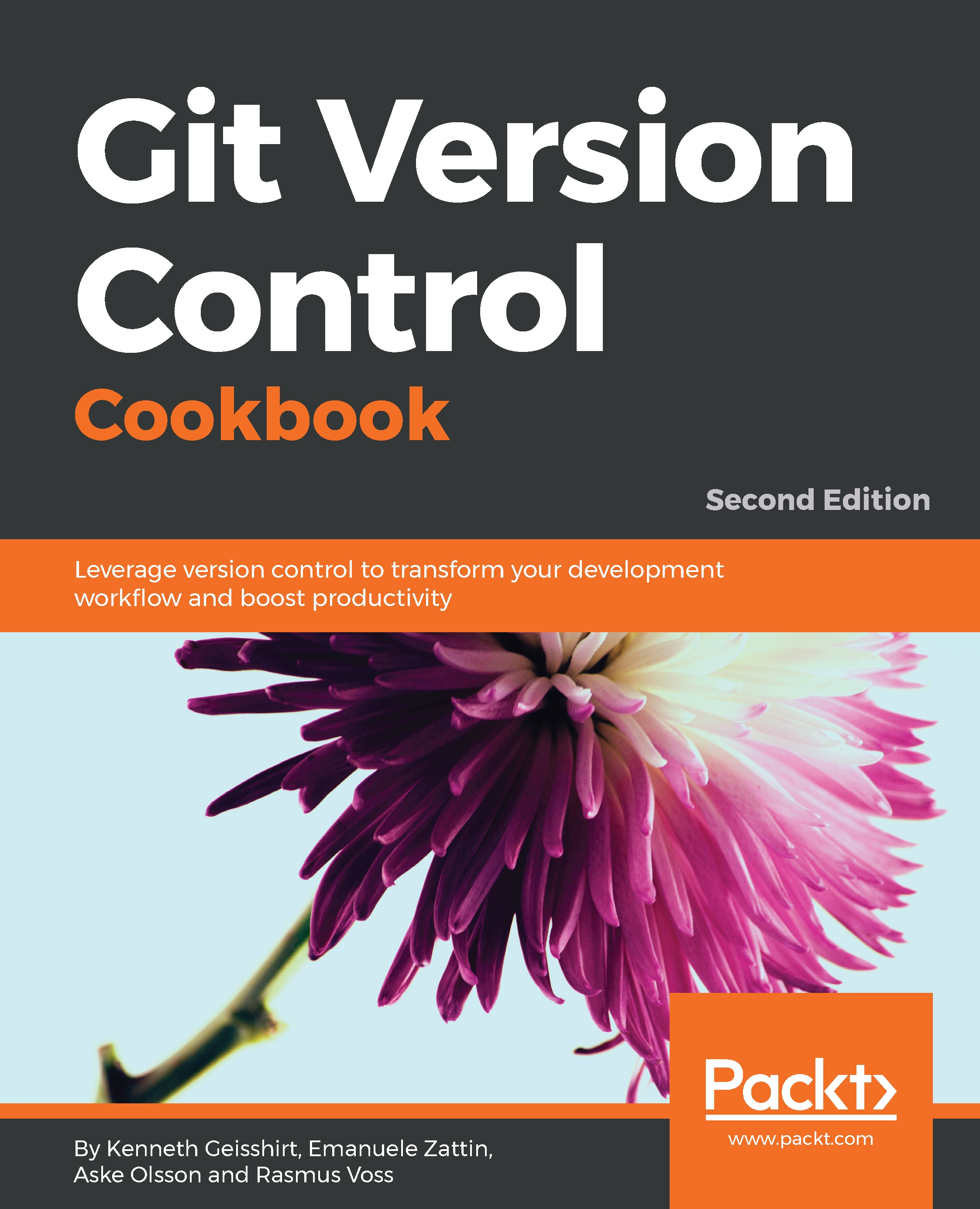
Git Version Control Cookbook - Second Edition

By : Kenneth Geisshirt, Zattin(EUR), Olsson, Voss
4.5 (4)
close
close
Git Version Control Cookbook

Git Version Control Cookbook

4.5 (4)
By: Kenneth Geisshirt, Zattin(EUR), Olsson, Voss

Overview of this book

Git is one of the most popular tools for versioning. With over 100 practical, self-contained tutorials, this updated version of the bestselling Git Version Control Cookbook examines the common pain points and best practices to help you solve problems related to versioning. Each recipe addresses a specific problem and offers a proven, best-practice solution with insights into how it works. You’ll get started by learning about the Git data model and how it stores files, along with gaining insights on how to commit changes to a database. Using simple commands, you’ll also understand how to navigate through the database. Once you have accustomed yourself to the basics, you’ll explore techniques to configure Git with the help of comprehensive examples and configuration targets. Further into the book, you’ll get up to speed with branches and recovery from mistakes. You’ll also discover the features of Git rebase and how to use regular Git to merge other branches. The later chapters will guide you in exploring Git notes and learning to utilize the update, list, and search commands. Toward the concluding chapters, you’ll focus on repository maintenance, patching, and offline sharing. By the end of this book, you’ll have grasped various tips and tricks, and have a practical understanding of best-practice solutions for common problems related to versioning.
Table of Contents (14 chapters)
close
close

Forcing a merge commit

You might have seen a lot of basic examples of software delivery chains and branching models before reading this book. It is very likely that you have been trying to use different strategies and found that none of them completely support your scenario, which is perfectly fine as long as the tool can support your specific workflow.

Git supports almost any workflow. We have often encountered a situation that requires a merge commit while merging a feature, even though it can be done with a fast-forward merge. Those who requested it often use it to indicate that you have actually merged in a feature and want to store the information in the repository.

Git has fast and easy access to all the commit messages, so the repository should be used as a journal, and not just a backup of the source code.
...
CONTINUE READING
83
Tech Concepts
36
Programming languages
73
Tech Tools
Icon Unlimited access to the largest independent learning library in tech of over 8,000 expert-authored tech books and videos.
Icon Innovative learning tools, including AI book assistants, code context explainers, and text-to-speech.
Icon 50+ new titles added per month and exclusive early access to books as they are being written.
Git Version Control Cookbook
notes
bookmark Notes and Bookmarks search Search in title playlist Add to playlist font-size Font size

Change the font size

margin-width Margin width

Change margin width

day-mode Day/Sepia/Night Modes

Change background colour

Close icon Search
Country selected

Close icon Your notes and bookmarks

Confirmation

Modal Close icon
claim successful

Buy this book with your credits?

Modal Close icon
Are you sure you want to buy this book with one of your credits?
Close
YES, BUY

Submit Your Feedback

Modal Close icon
Modal Close icon
Modal Close icon