
Sign In Start Free Trial
Account

Add to playlist

Create a Playlist

Modal Close icon
You need to login to use this feature.
  • Book Overview & Buying Kotlin Quick Start Guide
  • Table Of Contents Toc
  • Feedback & Rating feedback
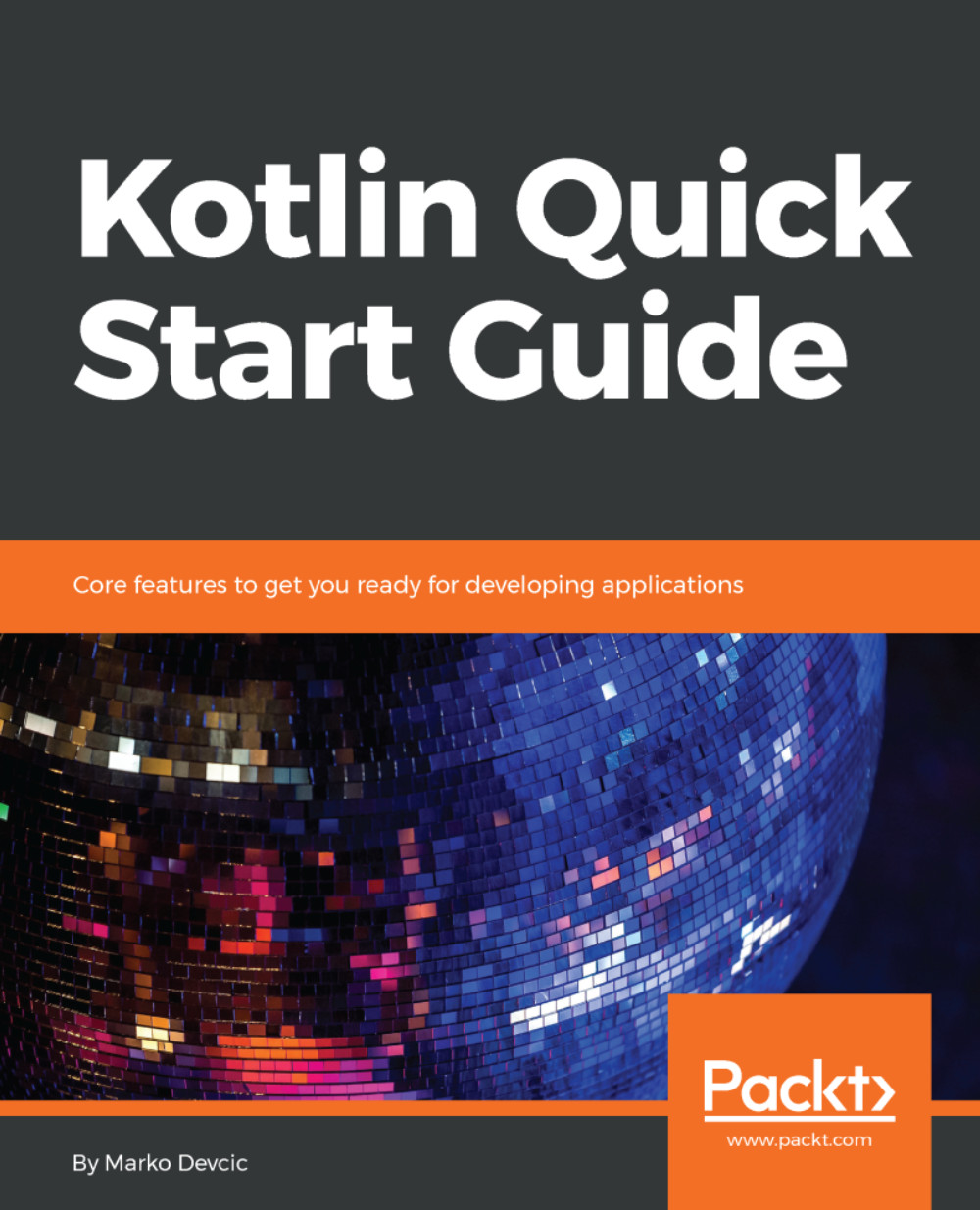
Kotlin Quick Start Guide

Kotlin Quick Start Guide

By : Marko Devcic
close
close
Kotlin Quick Start Guide

Kotlin Quick Start Guide

By: Marko Devcic

Overview of this book

Kotlin is a general purpose, object-oriented language that primarily targets the JVM and Android. Intended as a better alternative to Java, its main goals are high interoperability with Java and increased developer productivity. Kotlin is still a new language and this book will help you to learn the core Kotlin features and get you ready for developing applications with Kotlin. This book covers Kotlin features in detail and explains them with practical code examples.You will learn how to set up the environment and take your frst steps with Kotlin and its syntax. We will cover the basics of the language, including functions, variables, and basic data types. With the basics covered, the next chapters show how functions are first-class citizens in Kotlin and deal with the object-oriented side of Kotlin. You will move on to more advanced features of Kotlin. You will explore Kotlin's Standard Library and learn how to work with the Collections API. The book finishes by putting Kotlin in to practice, showing how to build a desktop app. By the end of this book, you will be confident enough to use Kotlin for your next project.
Table of Contents (9 chapters)
close
close

Functions

Functions in Kotlin are declared with the fun keyword. Following the keyword comes the function name, then parentheses, which contain optional function parameters. In Kotlin, return type comes at the end of the function definition, after a colon.

Here's a function in Kotlin that adds two numbers and returns the result:

fun add(a: Int, b: Int): Int {
val result: Int = a + b
return result
}

This function accepts two parameters of type Int (32-bit integer), has a local variable of type Int, and also returns an Int.

If you are familiar with Java, you might have noticed that types of parameters and local variables come after their name. In Java their type declaration comes first.

Calling this function would look like this:

val result: Int = add(1, 1)

In Java, every declaration, such as a field or a function, has to be inside a class. Kotlin doesn’t have...

Visually different images
CONTINUE READING
83
Tech Concepts
36
Programming languages
73
Tech Tools
Icon Unlimited access to the largest independent learning library in tech of over 8,000 expert-authored tech books and videos.
Icon Innovative learning tools, including AI book assistants, code context explainers, and text-to-speech.
Icon 50+ new titles added per month and exclusive early access to books as they are being written.
Kotlin Quick Start Guide
notes
bookmark Notes and Bookmarks search Search in title playlist Add to playlist download Download options font-size Font size

Change the font size

margin-width Margin width

Change margin width

day-mode Day/Sepia/Night Modes

Change background colour

Close icon Search
Country selected

Close icon Your notes and bookmarks

Confirmation

Modal Close icon
claim successful

Buy this book with your credits?

Modal Close icon
Are you sure you want to buy this book with one of your credits?
Close
YES, BUY

Submit Your Feedback

Modal Close icon
Modal Close icon
Modal Close icon