Sign In Start Free Trial
Account

Add to playlist

Create a Playlist

Modal Close icon
You need to login to use this feature.
  • Book Overview & Buying Learning RSLogix 5000 Programming
  • Table Of Contents Toc
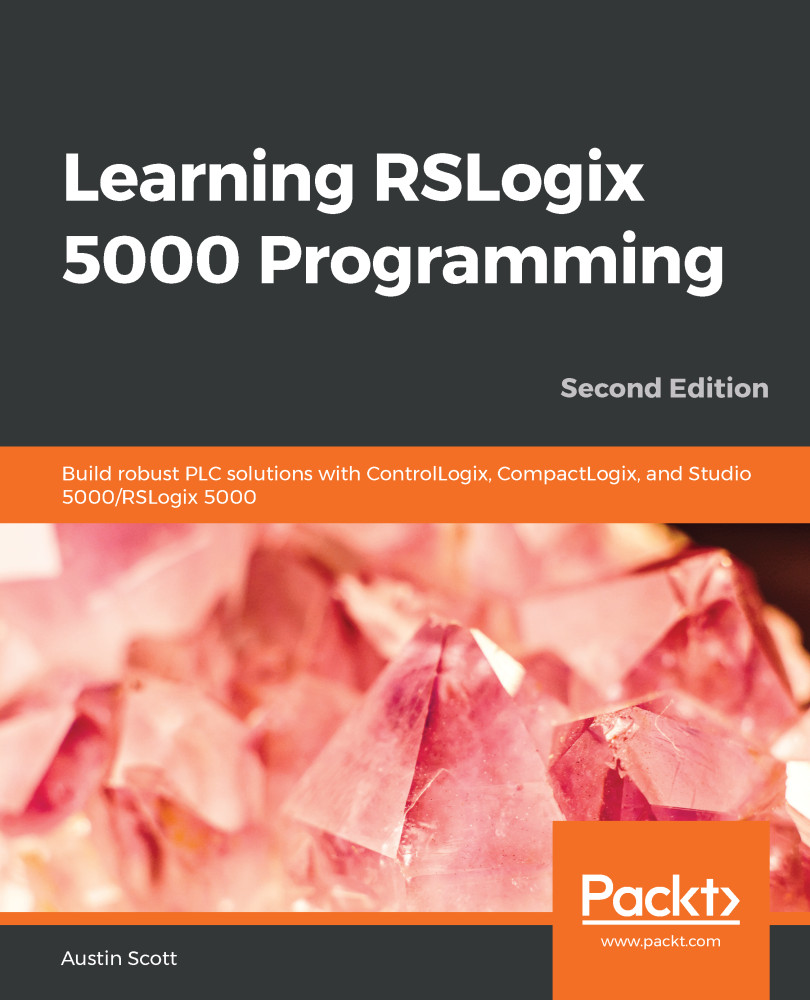
Learning RSLogix 5000 Programming

Learning RSLogix 5000 Programming - Second Edition

By : Austin Scott
4.4 (8)
close
close
Learning RSLogix 5000 Programming

Learning RSLogix 5000 Programming

4.4 (8)
By: Austin Scott

Overview of this book

Understanding programmable logic controller (PLC) programming with Rockwell Software’s Logix Designer and the Studio 5000 platform, which includes ControlLogix, CompactLogix, and SoftLogix, is key to building robust PLC solutions. RSLogix 5000/Studio 5000’s Logix Designer are user-friendly IEC 61131-3-compliant interfaces for programming the current generation of Rockwell Automation Controllers using Ladder Diagram (LD), Function Block Diagram (FBD), Structured Text (ST), and Sequential Function Chart (SFC). This second edition of Learning RSLogix 5000 Programming guides you through the technicalities and comes packed with the latest features of Studio 5000, industrial networking fundamentals, and industrial cybersecurity best practices. You’ll go through the essential hardware and software components of Logix, before learning all about the new L8 processor model and the latest Studio 5000 architecture to build effective integrated solutions. Entirely new for this edition, you’ll discover a chapter on cybersecurity concepts with RSLogix 5000. The book even gets you hands-on with building a robot bartender control system from start to finish. By the end of this Logix 5000 book, you’ll have a clear understanding of the capabilities of the Logix platform and be able to confidently navigate Rockwell Automation Literature Library resources.

Table of Contents (21 chapters)
close
close
1
Section 1: Introduction to RSLogix
7
Section 2: Logix Programming Basics
14
Section 3: Advanced Logix Programming

Technical requirements

To complete this chapter, you need to create a Rockwell Automation support account by going to https://www.rockwellautomation.com/account/create-account.

Creating an account is free, and the material we will refer to in this chapter is publicly available to anyone who has registered with Rockwell Automation.

You will also need a copy of RSLogix or Studio 5000 to program your project. You can either purchase this from your local distributor or request a time-limited trial version. You can find a local distributor for Rockwell Automation products at https://locator.rockwellautomation.com/.

CONTINUE READING
83
Tech Concepts
36
Programming languages
73
Tech Tools
Icon Unlimited access to the largest independent learning library in tech of over 8,000 expert-authored tech books and videos.
Icon Innovative learning tools, including AI book assistants, code context explainers, and text-to-speech.
Icon 50+ new titles added per month and exclusive early access to books as they are being written.
Learning RSLogix 5000 Programming
notes
bookmark Notes and Bookmarks search Search in title playlist Add to playlist font-size Font size

Change the font size

margin-width Margin width

Change margin width

day-mode Day/Sepia/Night Modes

Change background colour

Close icon Search
Country selected

Close icon Your notes and bookmarks

Confirmation

Modal Close icon
claim successful

Buy this book with your credits?

Modal Close icon
Are you sure you want to buy this book with one of your credits?
Close
YES, BUY

Submit Your Feedback

Modal Close icon
Modal Close icon
Modal Close icon