


-
Book Overview & Buying
-
Table Of Contents

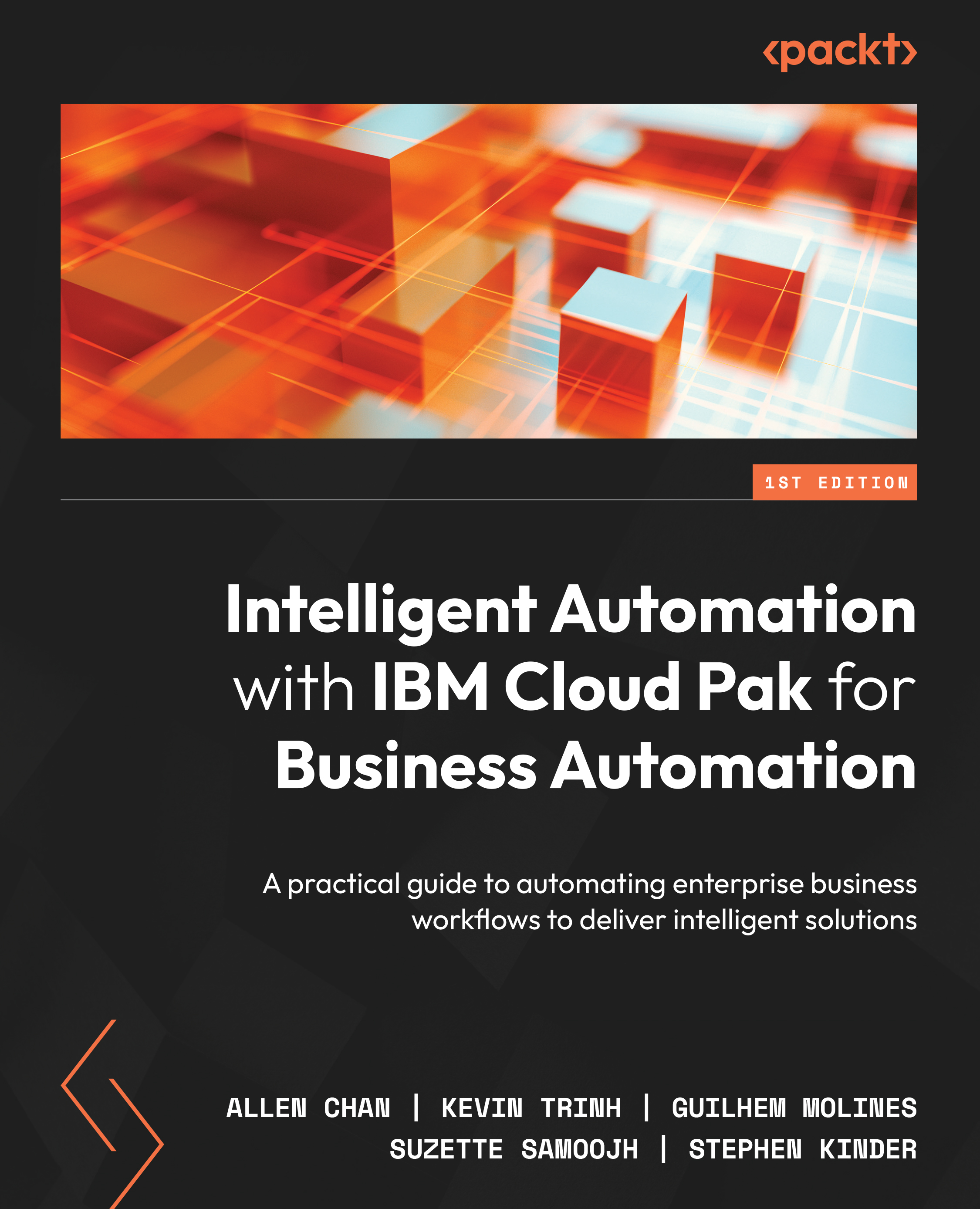
Intelligent Automation with IBM Cloud Pak for Business Automation
By :


Intelligent Automation with IBM Cloud Pak for Business Automation
By:
Overview of this book
COVID-19 has made many businesses change how they work, change how they engage their customers, and even change their products. Several of these businesses have also recognized the need to make these changes within days as opposed to months or weeks. This has resulted in an unprecedented pace of digital transformation; and success, in many cases, depends on how quickly an organization can react to real-time decisions.
This book begins by introducing you to IBM Cloud Pak for Business Automation, providing a hands-on approach to project implementation. As you progress through the chapters, you’ll learn to take on business problems and identify the relevant technology and starting point. Next, you’ll find out how to engage both the business and IT community to better understand business problems, as well as explore practical ways to start implementing your first automation project. In addition, the book will show you how to create task automation, interactive chatbots, workflow automation, and document processing. Finally, you’ll discover deployment best practices that’ll help you support highly available and resilient solutions.
By the end of this book, you’ll have a firm grasp on the types of business problems that can be solved with IBM Cloud Pak for Business Automation.
Table of Contents (21 chapters)
Preface


Part 1: Business Automation and Cloud Pak Overview
 Free Chapter
Chapter 1: What Is Cloud Pak for Business Automation?
Chapter 2: RPA, Workflow, Decisions, and Business Applications
Chapter 3: Process Discovery and Process Mining
Chapter 4: Content Management and Document Processing
Part 2: Use Cases and Best Practices
Chapter 5: Task Automation with RPA
Chapter 6: Chatbot with RPA
Chapter 7: Workflow for Process Automation

Chapter 8: Automating Decisions to Speed Up Your Processes
Chapter 9: Manage Documents with Content Management
Chapter 10: Extract Meanings with Document Processing
Chapter 11: Engaging Business Users with Business Applications
Chapter 12: Workforce Insights
Part 3: Deployment Considerations
Chapter 13: On-Premises and On-Cloud Deployments
Chapter 14: Deployment Topologies, High Availability, and Disaster Recovery
Chapter 15: Automating Your Operations and Other Considerations
Index


