


-
Book Overview & Buying
-
Table Of Contents

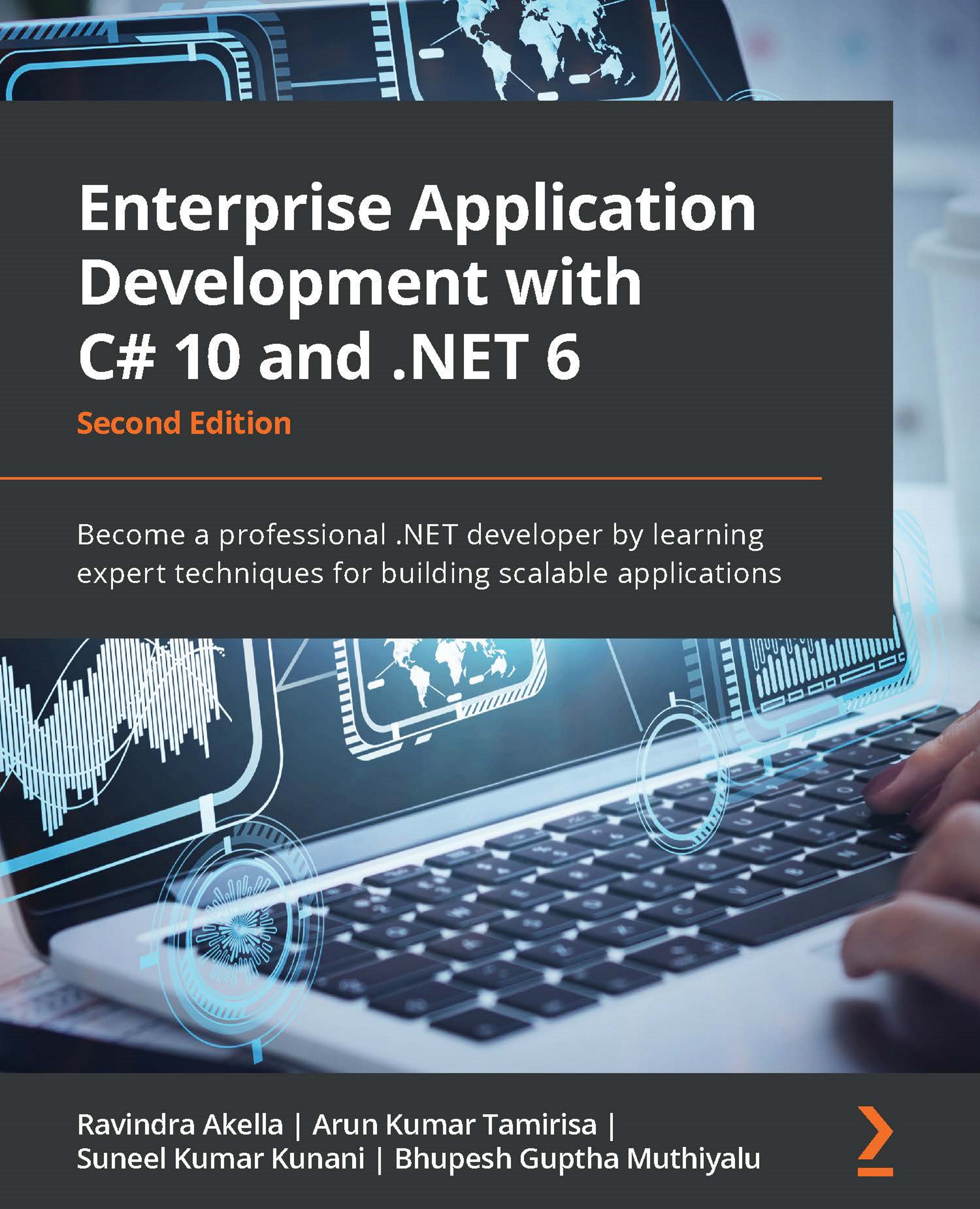
Enterprise Application Development with C# 10 and .NET 6 - Second Edition
By :


Enterprise Application Development with C# 10 and .NET 6
By:
Overview of this book
Building production-ready enterprise applications can be a challenging task due to the overabundance of tools and their different versions that make app development complex. This book simplifies the process with an end-to-end road map for building enterprise applications from scratch using the latest features of .NET Core 6 and C# 10.
Throughout the book, you'll work on creating an enterprise app, adding a key component to the app with each chapter, before ?nally getting it ready for testing and deployment. You'll learn concepts relating to advanced data structures, the Entity Framework Core, parallel programming, and dependency injection. As you progress, you'll cover various authentication and authorization schemes provided by .NET Core to make your apps and APIs secure. The book then shows you how the latest Microsoft Visual Studio and C# 10 help you simplify developer tasks and shares tips and tricks in Visual Studio to improve your productivity. You'll discover various testing techniques, such as unit testing and performance testing, as well as di?erent methods to deploy enterprise apps.
By the end of this book, you’ll be able to create enterprise apps using the powerful features of .NET 6 and deploy them to the cloud while working with various cloud components using Azure.
Table of Contents (23 chapters)
Preface


Part 1: Fundamentals
 Free Chapter
Chapter 1: Designing and Architecting the Enterprise Application
Chapter 2: Introducing .NET 6 Core and Standard
Chapter 3: Introducing C# 10
Part 2: Cross-Cutting Concerns
Chapter 4: Threading and Asynchronous Operations
Chapter 5: Dependency Injection in .NET 6
Chapter 6: Configuration in .NET 6
Chapter 7: Logging in .NET 6
Chapter 8: All You Need to Know about Caching
Part 3: Developing Enterprise Applications
Chapter 9: Working with Data in .NET 6
Chapter 10: Creating an ASP.NET Core 6 Web API
Chapter 11: Creating an ASP.NET Core 6 Web Application
Part 4: Security
Chapter 12: Understanding Authentication
Chapter 13: Implementing Authorization in .NET 6

Part 5: Health Checks, Unit Testing, Deployment, and Diagnostics
Chapter 14: Health and Diagnostics
Chapter 15: Testing
Chapter 16: Deploying the Application in Azure
Other Books You May Enjoy


