-
Book Overview & Buying
-
Table Of Contents

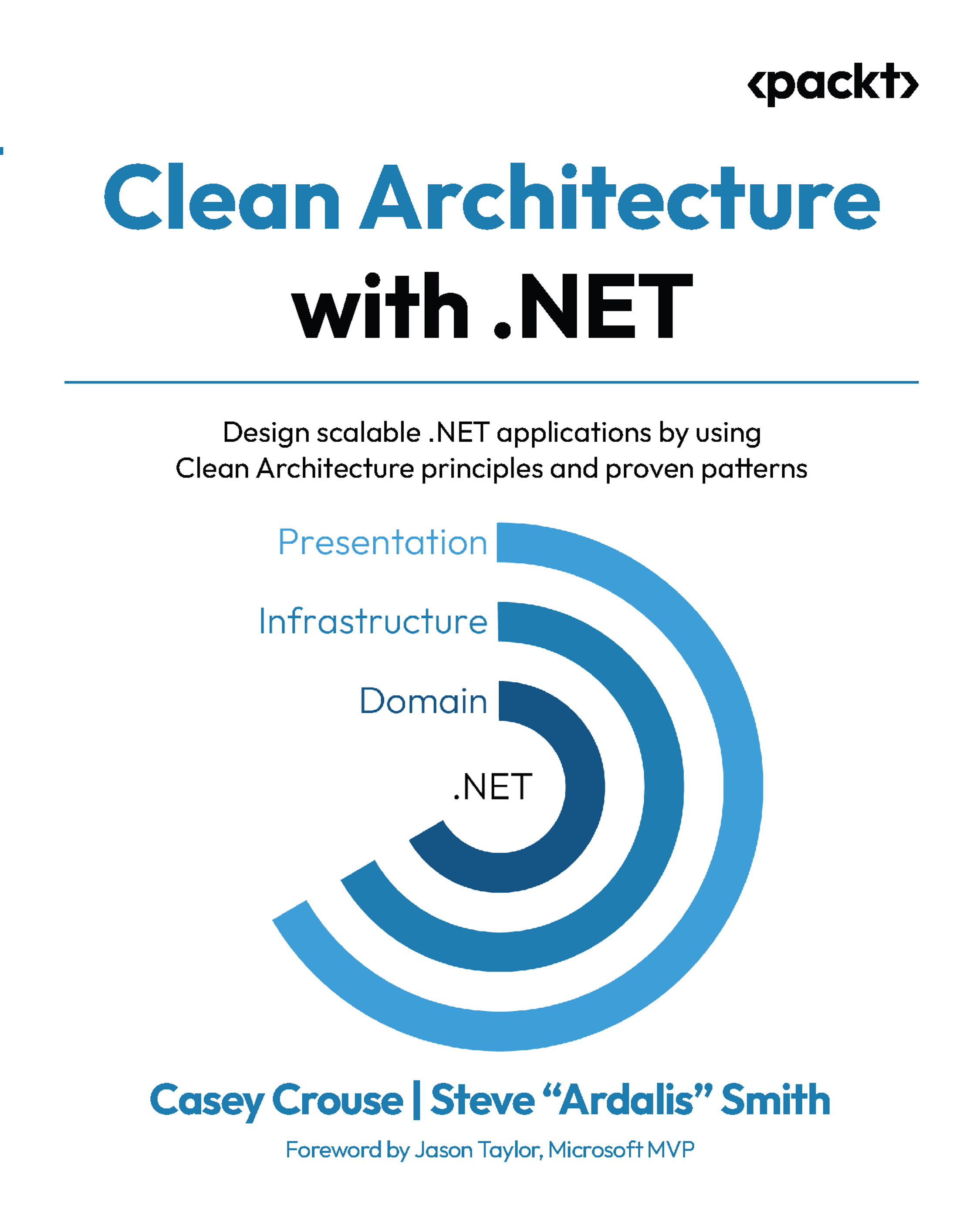
Clean Architecture with .NET
By :


Clean Architecture with .NET
By:
Overview of this book
Learn how to apply Clean Architecture in real-world .NET applications with Azure in this guide. Designed around an e-commerce project - Project Odyssey, you’ll design and build every architectural layer, from core domain logic and application orchestration to infrastructure and presentation.
This book equips you to apply DDD, CQRS, MediatR, and dependency injection, enabling loosely coupled, testable systems. You’ll build reusable and modular code structures that scale with your application’s complexity and learn how to persist data using EF Core with a code-first approach, managing schema evolution with migrations while keeping infrastructure concerns isolated from your domain logic. Learn how to develop secure systems by integrating Azure External ID, Azure Key Vault, and application-level authentication and authorization.
Gain practical experience with Blazor Server, Razor components, and MudBlazor UI, all integrated within a layered architecture. Learn to enforce business logic boundaries, reduce boilerplate with generic request handlers, and use real-world use cases like payment processing and shopping cart management.
Whether you're new to Clean Architecture or scaling up enterprise solutions, this book provides the patterns, tools, and mindset to succeed.
*Email sign-up and proof of purchase required
Table of Contents (23 chapters)
Preface


 Free Chapter
Part 1: Introduction and Overview of Clean Architecture
Chapter 1: Understanding the Limitations of Tightly Coupled Architectures
Chapter 2: Introduction to Clean Architecture
Part 2: Design and Implementation of Clean Architecture
Chapter 3: Adapting Clean Architecture to .NET
Chapter 4: Designing a Clean Architecture Application
Chapter 5: Implementing the Core Layer
Chapter 6: Implementing the Infrastructure Layer
Chapter 7: Implementing the Persistence Layer

Chapter 8: Implementing the Presentation layer with Identity
Chapter 9: Building Secure, Testable UI Components for Use Cases
Part 3: Advanced Topics in Clean Architecture
Chapter 10: Improving Clean Architecture in .NET with Structured Service Composition
Chapter 11: Securing a Clean Architecture Application
Chapter 12: Reducing Boilerplate in Clean Architecture Applications
Chapter 13: Deploying a Clean Architecture Application in Azure
Part 4: Additional Topics and Resources
Chapter 14: Managing and Evolving a Clean Architecture Application
Chapter 15: Conclusion
Chapter 16: Unlock Your Exclusive Benefits
Other Books You May Enjoy
Index