Sign In Start Free Trial
Account

Add to playlist

Create a Playlist

Modal Close icon
You need to login to use this feature.
  • Book Overview & Buying .NET MAUI Cross-Platform Application Development
  • Table Of Contents Toc
  • Feedback & Rating feedback
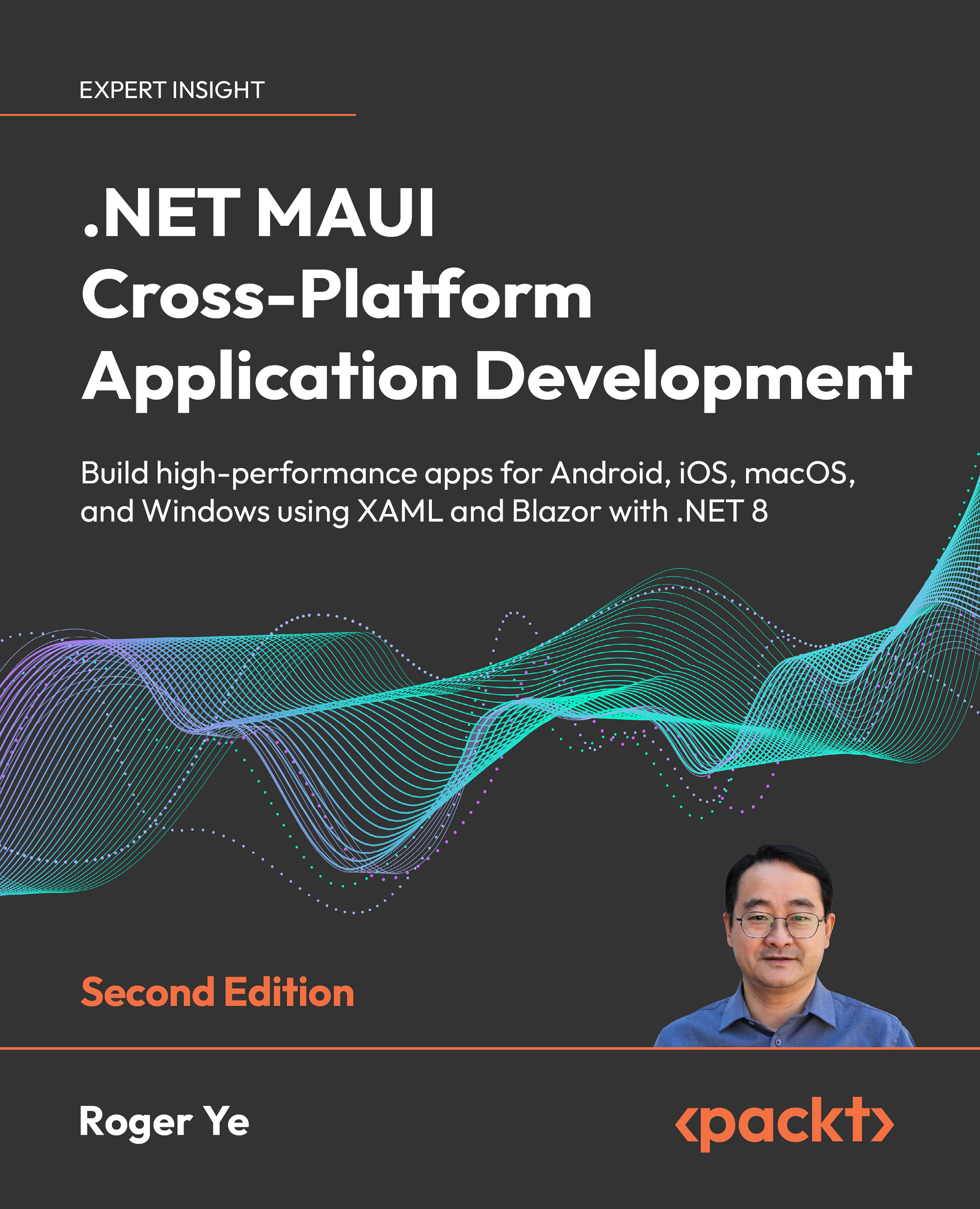
.NET MAUI Cross-Platform Application Development

.NET MAUI Cross-Platform Application Development - Second Edition

By : Roger Ye
4.4 (16)
close
close
.NET MAUI Cross-Platform Application Development

.NET MAUI Cross-Platform Application Development

4.4 (16)
By: Roger Ye

Overview of this book

An evolution of Xamarin.Forms, .NET MAUI is a cross-platform framework for creating native mobile and desktop apps with C# and XAML. Using .NET MAUI, you can develop apps that’ll run on Android, iOS, macOS, and Windows from a single shared codebase. In this revised edition of .NET MAUI Cross-Platform Application Development you will be introduced to .NET 8 and get up to speed with app development in no time. The book begins by showing you how to develop a cross-platform application using .NET MAUI, including guidance for migrating from Xamarin.Forms. You’ll gain all the knowledge needed to create a cross-platform application for Android, iOS, macOS, and Windows following an example project step by step. As you advance, you’ll integrate the latest frontend technology into your app using Blazor components, including the new Blazor Bindings feature. After this, you’ll learn how to test and deploy your apps. With new coverage on creating mock .NET MAUI components, you can develop unit tests for your application. You will additionally learn how to perform Razor component testing using bUnit. By the end of this book, you’ll have learned how to develop your own cross-platform applications using .NET MAUI.
Table of Contents (18 chapters)
close
close
Lock Free Chapter
1
Part 1: Exploring .NET MAUI
9
Part 2: Implementing .NET MAUI Blazor
13
Part 3: Testing and Deployment
16
Other Books You May Enjoy
17
Index

Building and debugging

As we mentioned in Chapter 1, Getting Started with .NET MAUI, we cannot build and test every target using a single platform. Please refer to Table 1.8 for the available build targets on Windows and macOS platforms. For the sake of simplicity, we will build and test targets Windows and Android on Windows. For iOS and macOS builds, we will do it on the macOS platform.

Once we’ve set things up, we can start building and debugging our application.

Let’s begin with building and testing on the Windows platform. We can choose the framework that we want to run or debug, depending on our needs, as depicted in Figure 2.6:

Figure 2.6: Building and debugging

Windows

We can run or debug a Windows build on a local machine by choosing net8.0-windows10.0.19041.0 as the framework. However, to accomplish this, we must first enable Developer Mode on Windows, if it’s not yet been activated. Please refer to Figure 2.7 for guidance on...

Visually different images
CONTINUE READING
83
Tech Concepts
36
Programming languages
73
Tech Tools
Icon Unlimited access to the largest independent learning library in tech of over 8,000 expert-authored tech books and videos.
Icon Innovative learning tools, including AI book assistants, code context explainers, and text-to-speech.
Icon 50+ new titles added per month and exclusive early access to books as they are being written.
.NET MAUI Cross-Platform Application Development
notes
bookmark Notes and Bookmarks search Search in title playlist Add to playlist download Download options font-size Font size

Change the font size

margin-width Margin width

Change margin width

day-mode Day/Sepia/Night Modes

Change background colour

Close icon Search
Country selected

Close icon Your notes and bookmarks

Confirmation

Modal Close icon
claim successful

Buy this book with your credits?

Modal Close icon
Are you sure you want to buy this book with one of your credits?
Close
YES, BUY

Submit Your Feedback

Modal Close icon
Modal Close icon
Modal Close icon