


-
Book Overview & Buying
-
Table Of Contents

Microsoft Power Apps Cookbook - Third Edition
By :


Microsoft Power Apps Cookbook
By:
Overview of this book
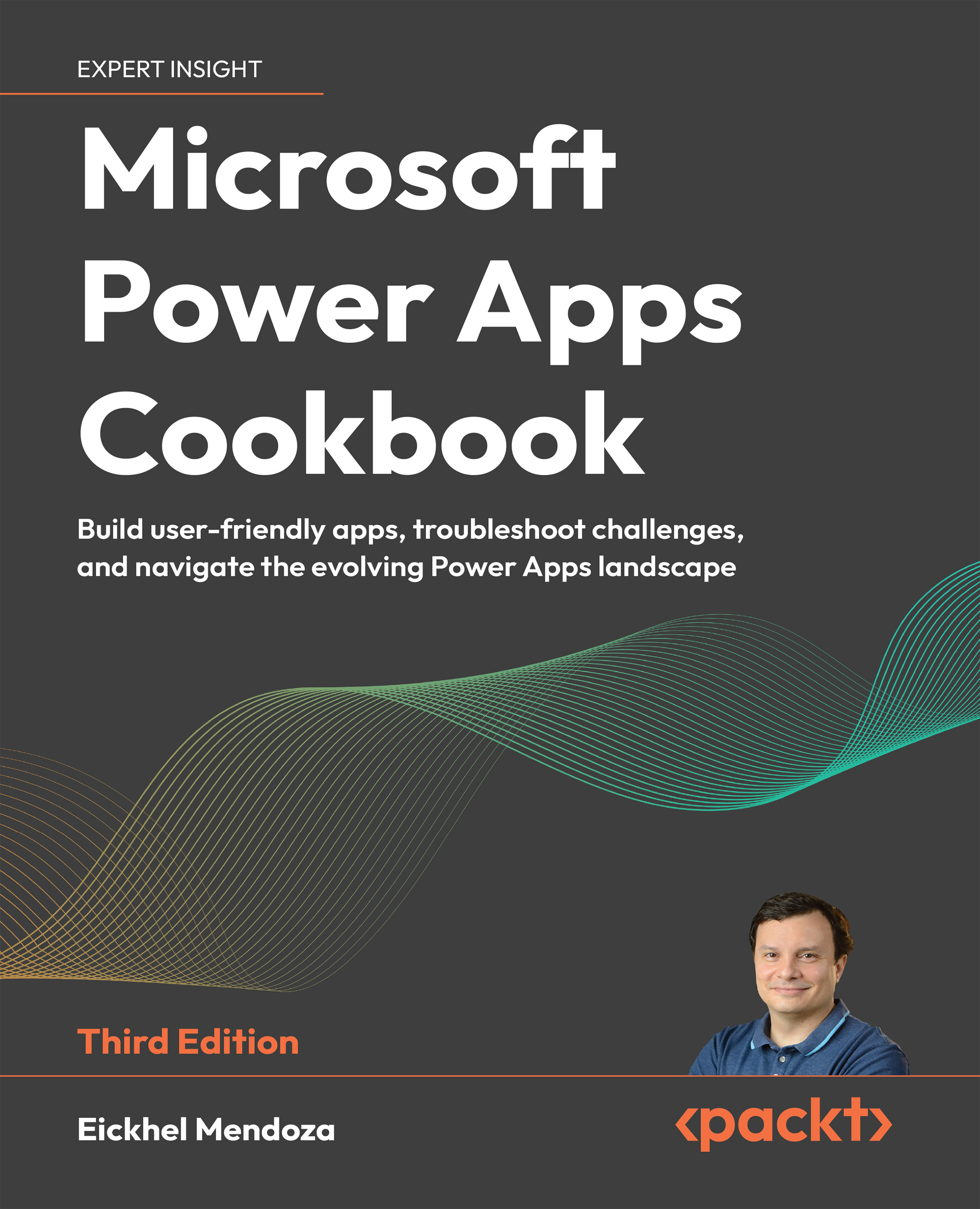
In the rapidly evolving world of low-code development, Microsoft Power Apps stands out as a powerful platform for building custom business solutions. Microsoft Power Apps Cookbook, 3rd Edition, is your hands-on guide to mastering this platform. Through a collection of step-by-step recipes, this updated edition helps you navigate the latest features, such as AI-powered Microsoft Copilot and custom UI elements while empowering you to build efficient and scalable apps.
This book emphasizes practical solutions, guiding app makers through building everything from canvas apps to complex data integrations. You will learn how to streamline repetitive tasks using Robotic Process Automation (RPA) and explore how to create external-facing websites using Microsoft Power Pages while handling data management with Dataverse and extending app functionality with the Power Apps Component Framework.
Whether you're extending your app's capabilities with custom components or integrating advanced AI features, Microsoft Power Apps Cookbook equips you with the knowledge and skills to take your app development to the next level.
*Email sign-up and proof of purchase required
Table of Contents (16 chapters)
Preface


 Free Chapter
App Maker Basics
Building Pixel-Perfect Solutions with Canvas Apps
Building from Data with Model-Driven Apps

Choosing the Right Data Source for Your Applications
Automating Processes with Power Automate
Extending the Platform
Improving User Experience
Power Apps Everywhere
Empowering your Applications with AI Builder
Discovering the Power Platform Admin Center
Tips, Tricks, and Workarounds
Advanced Techniques with the Power Apps Component Framework
Reaching Beyond the Organization with Power Pages
Other Books You May Enjoy
Index


