


-
Book Overview & Buying
-
Table Of Contents

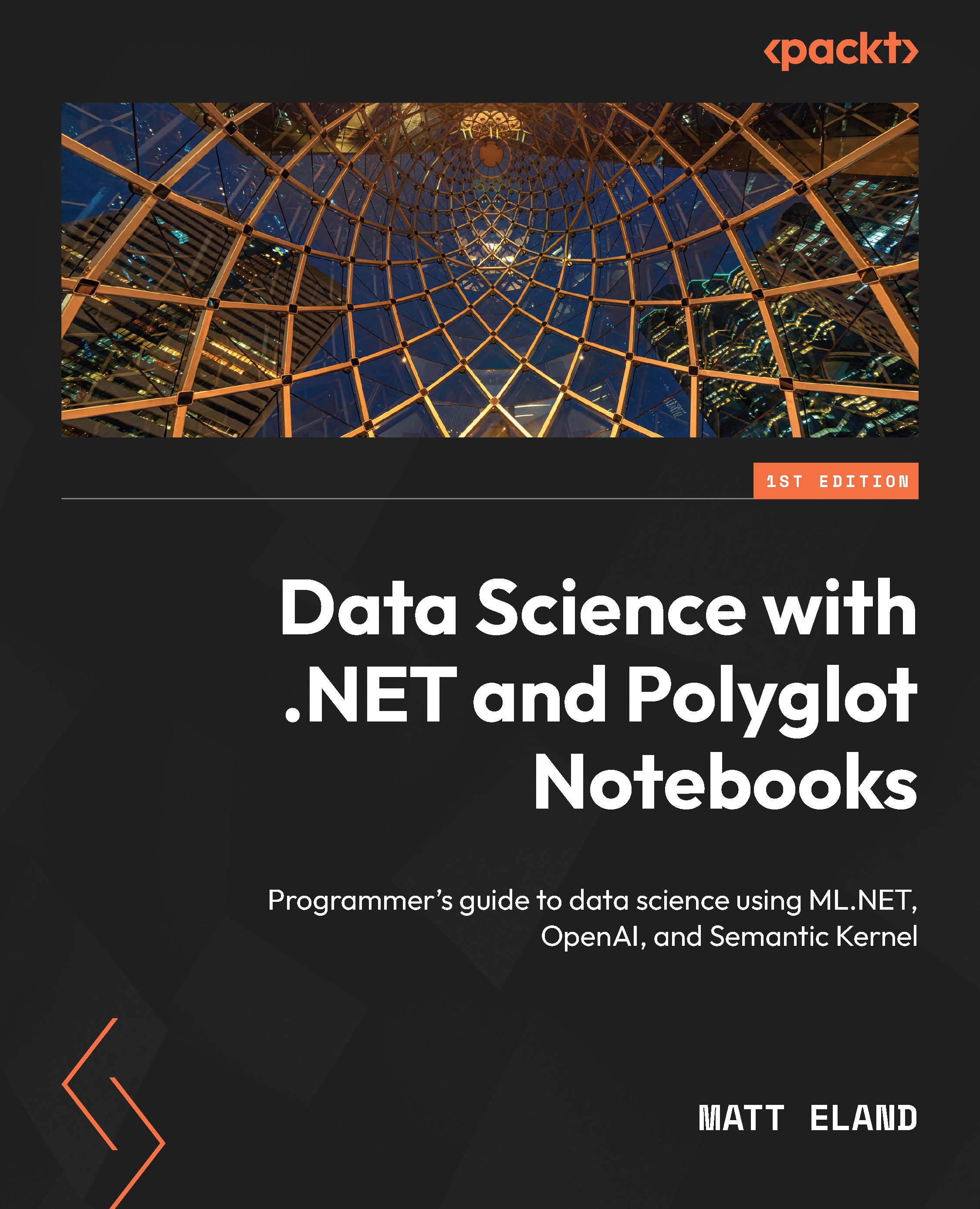
Data Science with .NET and Polyglot Notebooks
By :


Data Science with .NET and Polyglot Notebooks
By:
Overview of this book
As the fields of data science, machine learning, and artificial intelligence rapidly evolve, .NET developers are eager to leverage their expertise to dive into these exciting domains but are often unsure of how to do so. Data Science in .NET with Polyglot Notebooks is the practical guide you need to seamlessly bring your .NET skills into the world of analytics and AI.
With Microsoft’s .NET platform now robustly supporting machine learning and AI tasks, the introduction of tools such as .NET Interactive kernels and Polyglot Notebooks has opened up a world of possibilities for .NET developers. This book empowers you to harness the full potential of these cutting-edge technologies, guiding you through hands-on experiments that illustrate key concepts and principles. Through a series of interactive notebooks, you’ll not only master technical processes but also discover how to integrate these new skills into your current role or pivot to exciting opportunities in the data science field.
By the end of the book, you’ll have acquired the necessary knowledge and confidence to apply cutting-edge data science techniques and deliver impactful solutions within the .NET ecosystem.
Table of Contents (22 chapters)
Preface


 Free Chapter
Part 1: Data Analysis in Polyglot Notebooks
Chapter 1: Data Science, Notebooks, and Kernels
Chapter 2: Exploring Polyglot Notebooks
Chapter 3: Getting Data and Code into Your Notebooks

Chapter 4: Working with Tabular Data and DataFrames
Chapter 5: Visualizing Data
Chapter 6: Variable Correlations
Part 2: Machine Learning with Polyglot Notebooks and ML.NET
Chapter 7: Classification Experiments with ML.NET AutoML
Chapter 8: Regression Experiments with ML.NET AutoML
Chapter 9: Beyond AutoML: Pipelines, Trainers, and Transforms
Chapter 10: Deploying Machine Learning Models
Part 3: Exploring Generative AI with Polyglot Notebooks
Chapter 11: Generative AI in Polyglot Notebooks
Chapter 12: AI Orchestration with Semantic Kernel
Part 4: Polyglot Notebooks in the Enterprise
Chapter 13: Enriching Documentation with Mermaid Diagrams
Chapter 14: Extending Polyglot Notebooks
Chapter 15: Adopting and Deploying Polyglot Notebooks
Index


