-
Book Overview & Buying
-
Table Of Contents

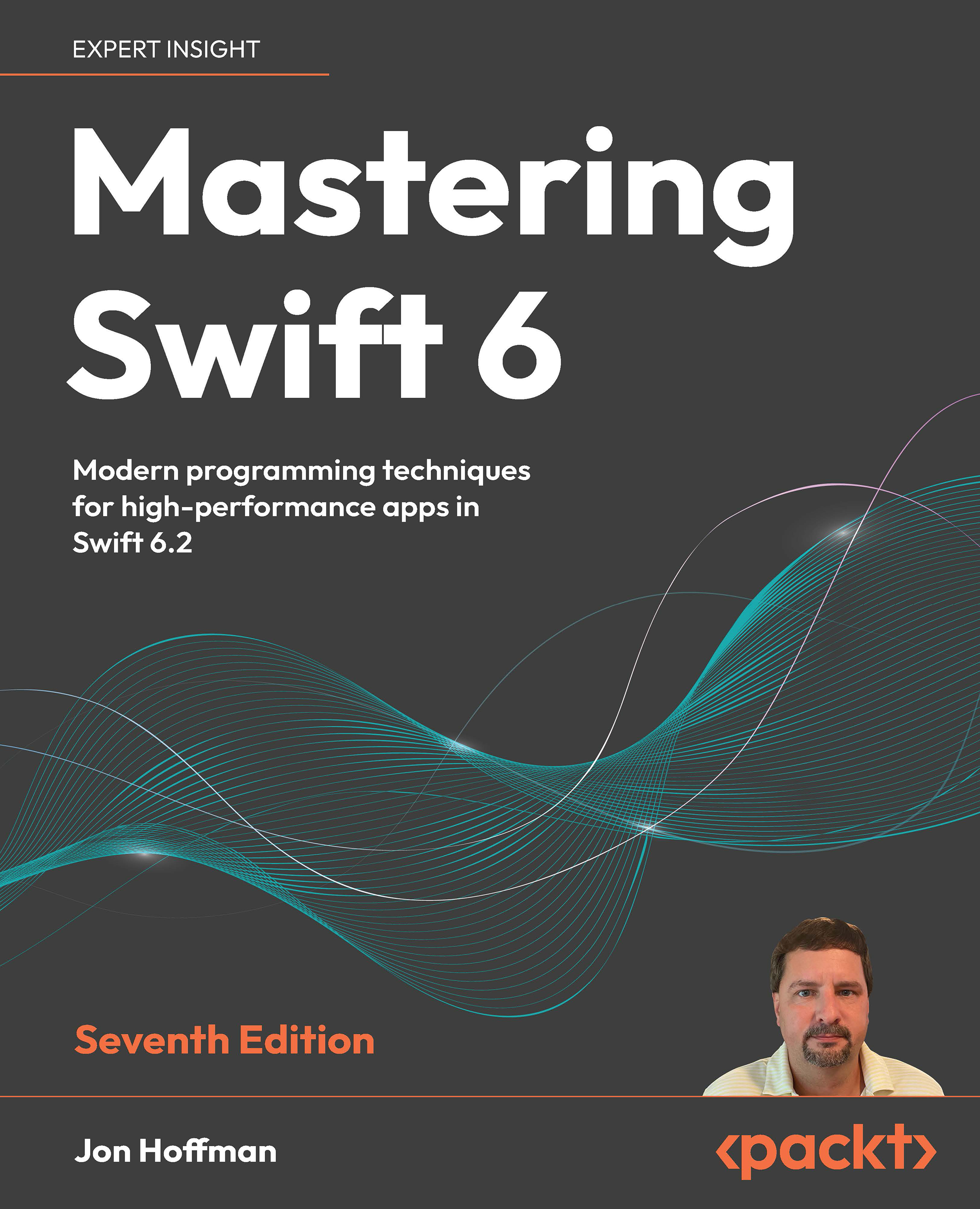
Mastering Swift 6 - Seventh Edition
By :


Mastering Swift 6
By:
Overview of this book
This seventh edition of Mastering Swift 6 is your ultimate guide to harnessing the full power of Swift. Whether you're aiming to optimize the performance of your applications or looking to explore the exciting new features in Swift 6.2, this book has you covered. The author distills his 28 years of experience in the Engineering and IT fields to help you dive deep into advanced concepts and techniques, such as concurrency, memory management, and Generics, all essential for creating high-performance applications.
The chapters take you on a flexible journey, covering Swift 6.2’s newest features alongside advanced programming topics such as reflection, concurrency, and Generics. Packed with best practices, testing strategies, and modern programming techniques, this book equips you with the skills to develop scalable, high-performance applications with confidence.
Whether you're looking to stay competitive or simply want to excel in Swift 6, this book provides the tools and knowledge you need to succeed.
Table of Contents (25 chapters)
Preface


 Free Chapter
The Evolution of Swift
Closures and Result Builders
Protocols and Protocol Extensions
Generics
Value and Reference Types
Enumerations
Reflection
Error Handling and Availability
Regular Expressions
Custom Subscripting
Property Observers and Wrappers
Dynamic Member Lookup and Key Paths
Grand Central Dispatch
Structured Concurrency
Memory Management
Advanced and Custom Operators
Access Controls
Swift Testing
Object-Oriented Programming

Protocol-Oriented Programming
Functional Programming with Swift
Unlock Your Book’s Exclusive Benefits
Other Books You May Enjoy
Index