


-
Book Overview & Buying
-
Table Of Contents

The Rust Programming Handbook
By :


The Rust Programming Handbook
By:
Overview of this book
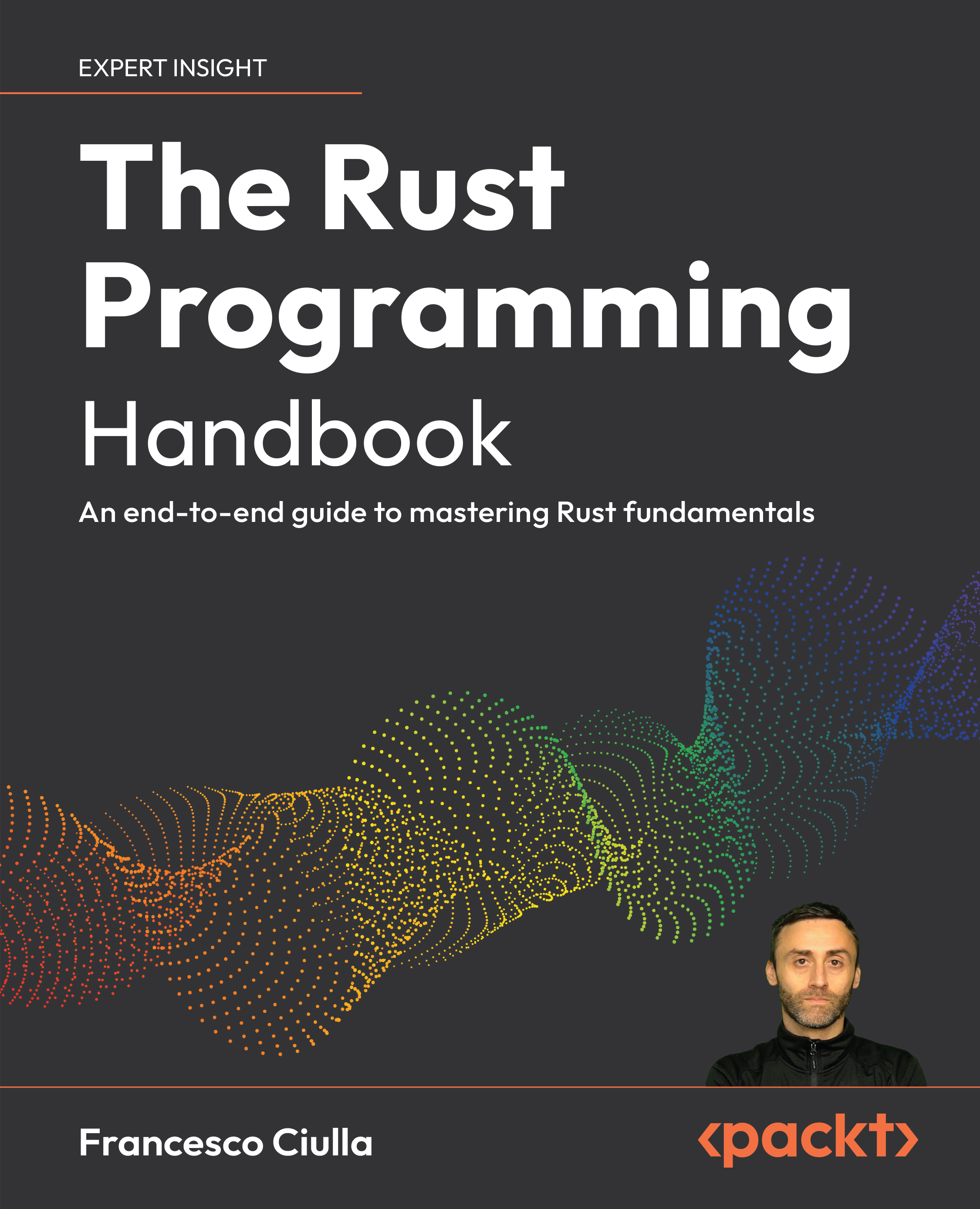
The Rust Programming Handbook is a deeply engaging and meticulously crafted book designed to immerse programmers into the intricate world of Rust’s core principles and sophisticated features. This book not only enhances your coding skills but also prepares you to tackle complex challenges in software development, optimizing your code for better performance and reliability.
You will explore Rust’s powerful concurrency models, rigorous memory safety guarantees, and its versatile trait system. Discover the foundational elements that make Rust a standout language for developing safe and efficient applications. The book will show you how these core principles can seamlessly transition into real-world applications. You will learn how to apply Rust's capabilities to systems programming and web development, extending the reach of its safety and efficiency benefits across different programming domains. Whether it's creating low-level system components or high-performance web services, the book provides practical examples to integrate Rust effectively into a variety of projects.
Elevate your coding skills and become a sought-after professional in the tech industry with this essential guide. Rust from Beginner to Professional is your definitive toolkit for mastering advanced Rust programming techniques and writing high-quality code.
Table of Contents (20 chapters)
Preface


 Free Chapter
Getting Started with Rust

Rust Syntax and Functions
Functions in Rust
Ownership, Borrowing, and References
Composite Types in Rust and the Module System
Introduction to Error Handling
Polymorphism and Lifetimes
Object-Oriented Programming in Rust
Thinking Functionally in Rust
Testing in Rust
Smart Pointers and Memory Management
Managing System Resources
Concurrency and Parallelism
Rust for Web Development: Building Full-Stack Applications
System Programming in Rust: Concrete Examples
Dockerization and Deployment of Rust Applications
Unlock Your Exclusive Benefits
Other Books You May Enjoy
Index


