-
Book Overview & Buying
-
Table Of Contents

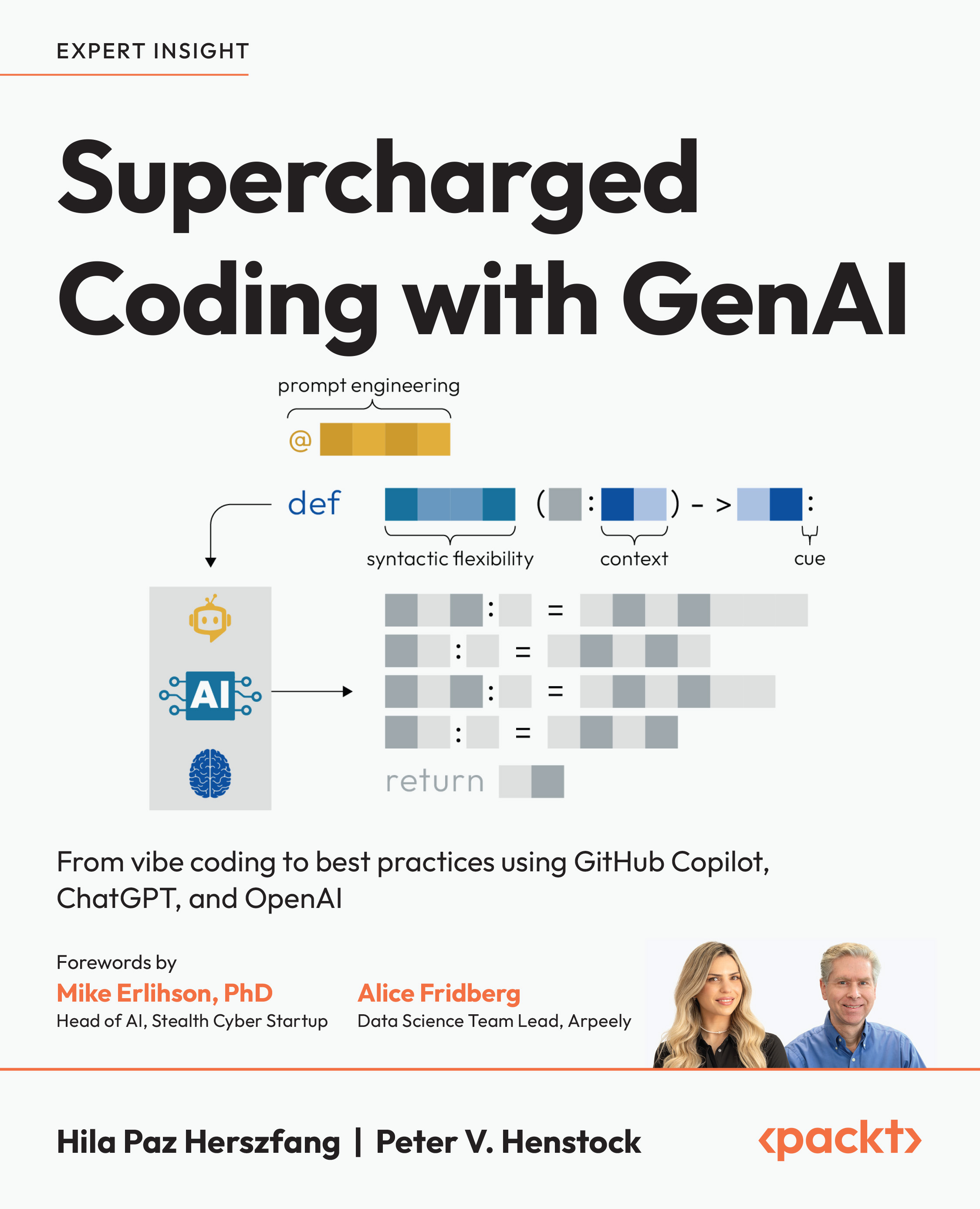
Supercharged Coding with GenAI
By :


Supercharged Coding with GenAI
By:
Overview of this book
Software development is being transformed by GenAI tools, such as ChatGPT, OpenAI API, and GitHub Copilot, redefining how developers work. This book will help you become a power user of GenAI for Python code generation, enabling you to write better software faster. Written by an ML advisor with a thriving tech social media presence and a top AI leader who brings Harvard-level instruction to the table, this book combines practical industry insights with academic expertise.
With this book, you'll gain a deep understanding of LLMs and develop a systematic approach to solving complex tasks with AI. Through real-world examples and practical exercises, you’ll master best practices for leveraging GenAI, including prompt engineering techniques like few-shot learning and Chain-of-Thought (CoT).
Going beyond simple code generation, this book teaches you how to automate debugging, refactoring, performance optimization, testing, and monitoring. By applying reusable prompt frameworks and AI-driven workflows, you’ll streamline your SDLC and produce high-quality, well-structured code.
By the end of this book, you'll know how to select the right AI tool for each task, boost efficiency, and anticipate your next coding moves—helping you stay ahead in the AI-powered development era.
*Email sign-up and proof of purchase required
Table of Contents (23 chapters)
Preface


From Automation to Full Software Development Life Cycle: The Current Opportunity for GenAI
Your Quickstart Guide to OpenAI API
A Guide to GitHub Copilot with PyCharm, VS Code, and Jupyter Notebook
Best Practices for Prompting with ChatGPT
Best Practices for Prompting with OpenAI API and GitHub Copilot
Part 2: Basics to Advanced LLM Prompting for GenAI Coding
Behind the Scenes: How ChatGPT, GitHub Copilot, and Other LLMs Work
Reading and Understanding Code Bases with GenAI
An Introduction to Prompt Engineering
Advanced Prompt Engineering for Coding-Related Tasks
Refactoring Code with GenAI
Fine-Tuning Models with OpenAI

Part 3: From Code to Production with GenAI
Documenting Code with GenAI
Writing and Maintaining Unit Tests
GenAI for Runtime and Memory Management
Going Live with GenAI: Logging, Monitoring, and Errors
Architecture, Design, and the Future
Other Books You May Enjoy
Index