-
Book Overview & Buying
-
Table Of Contents

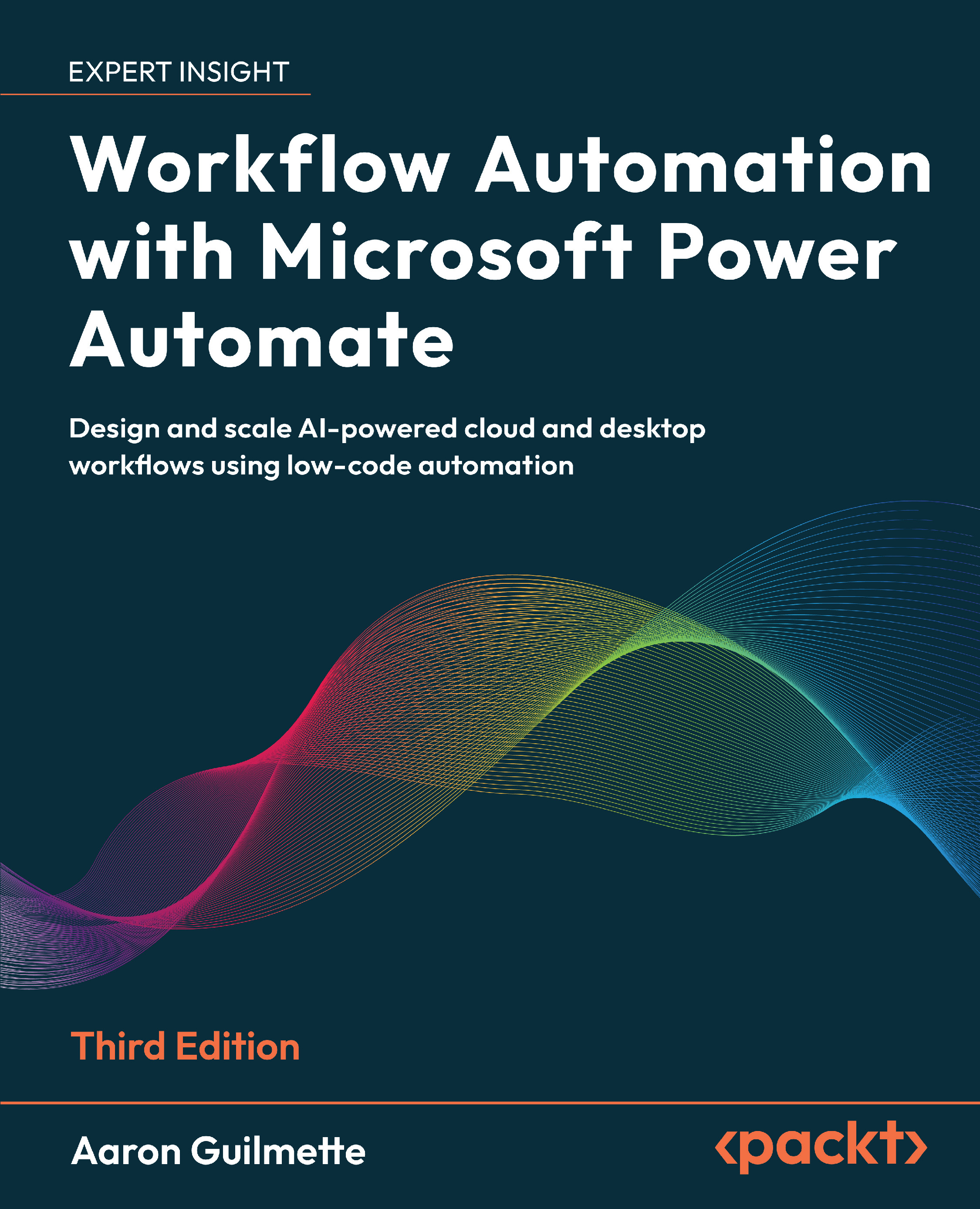
Workflow Automation with Microsoft Power Automate - Third Edition
By :


Workflow Automation with Microsoft Power Automate
By:
Overview of this book
Whether you're automating a daily task or implementing automation at scale, this third edition gives you everything you need to succeed. This practical guide makes automation accessible, helping you streamline operations using low-code cloud flows, desktop RPA, and AI tools built into Microsoft Power Automate.
You’ll begin by building foundational skills through easy-to-follow tutorials that show how to automate actions across Outlook, Teams, SharePoint, Slack, and more. From there, you'll level up to integrating approvals, databases, and Forms, handle complex scenarios such as sequential and parallel approvals, and manage shared flows.
The book explores Power Automate’s robotic process automation capabilities, teaching you how to automate legacy applications, web interfaces, and Access databases. With expanded coverage of AI Builder, sentiment analysis, Copilot, and document summarization using generative AI, you'll gain hands-on experience creating intelligent, responsive workflows that drive efficiency.
Written by a Microsoft 365 expert, this third edition adds 8 new chapters along with guidance on governance, compliance, and enterprise deployment, making it a complete guide for anyone looking to get started or scale automation with Power Automate.
*Email sign-up and proof of purchase required
Table of Contents (35 chapters)
Preface


Introducing Microsoft Power Automate
Getting Started with Power Automate
Working with Email
Creating Button Flows
Generating Push Notifications
Working with Shared Flows
Part 2: Advanced Operations and Flows
Working with Conditions
Understanding Expressions and Functions
Getting Started with Approvals
Working with Multiple Approvals
Posting Approvals to Teams

Using Databases
Working with Microsoft Forms
Posting to Slack
Accepting User Input
Automating Entra ID
Part 3: Robotic Process Automation, AI Models, Copilot, and Beyond
Introducing Robotic Process Automation
Contributing to an Access Database with RPA
Automating Web Pages with RPA
Introducing AI Models and Generative AI
Creating a Sentiment Analysis Flow
Using Copilot to Create and Manage Flows
Using Generative AI to Summarize Documents
Part 4: Administration
Exporting, Importing, and Distributing Flows
Monitoring and Troubleshooting Flows
Governance in the Power Platform
Unlock Your Exclusive Benefits
Other Books You May Enjoy
Index