-
Book Overview & Buying
-
Table Of Contents

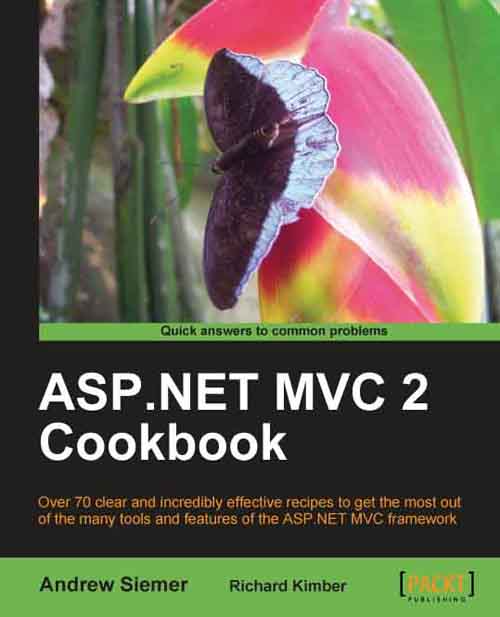
ASP.NET MVC 2 Cookbook
By :


ASP.NET MVC 2 Cookbook
By:
Overview of this book
ASP.NET MVC, one of the latest web development platforms from Microsoft, brings the power of MVC programming to ASP.NET development. It simplifies the task of application development and maintenance for developers. However, ASP.NET MVC is filled with so many features that developers end up looking for solutions to the many problems that are encountered in their routine development tasks.ASP.NET MVC 2 Cookbook will provide solutions for the very specific problems that are encountered while developing applications with the ASP.NET MVC platform. It consists of many recipes containing step-by-step instructions that guide developers to effectively use the wide array of tools and features of ASP.NET MVC platform for web development ASP.NET MVC Cookbook is a collection of recipes that will help you to perform your routine development tasks with ease using the ASP.NET MVC platform. In this book you will be walked through the solution to several specific web application development problems. Each recipe will walk you through the creation of a web application, setting up any Visual Studio project requirements, adding in any external tools, and finally the programming steps needed to solve the problem. The focus of the book is to describe the solution from start to finish.
The book starts off with recipes that demonstrate how to work effectively with views and controllers – two of the most important ingredients of the ASP.NET MVC framework. It then gradually moves on to cover many advanced routing techniques. Considering the importance of having a consistent structure to the site, the book contains recipes to show how to build a consistent UI and control its look with master pages. It also contains a chapter that is packed with many recipes that demonstrate how to gain control of data within a view.
As the book progresses through some exciting recipes on performing complex tasks with forms, you will discover how easy it is to work with forms to jazz up the look of your web site. Building large applications with ease is one of the prime features of the MVC model. Therefore, this book also focuses on tools and features that make building large applications easier to manage. As data plays an important role in the MVC architecture, there are ample recipes dedicated to cover data validation, access, and storage techniques. Finally, the book demonstrates how to enhance the user experience of your visitors by controlling the data at the application, session, caching, and cookie level.
By the end of this book, you will have explored a wide array of tools and features available with the ASP.NET MVC platform
Table of Contents (16 chapters)
ASP.NET MVC 2 Cookbook


Credits
About the Authors
About the Reviewers
www.PacktPub.com
Preface
 Free Chapter
Working with the View

Taking Action in Your Controllers
Routing
Master Pages
Working with Data in the View
Working with Forms
Simplifying Complex Applications
Validating MVC
Data Access and Storage
Application, Session, Cookies, and Caching