Sign In Start Free Trial
Account

Add to playlist

Create a Playlist

Modal Close icon
You need to login to use this feature.
  • Book Overview & Buying Mastering Linux Security and Hardening
  • Table Of Contents Toc
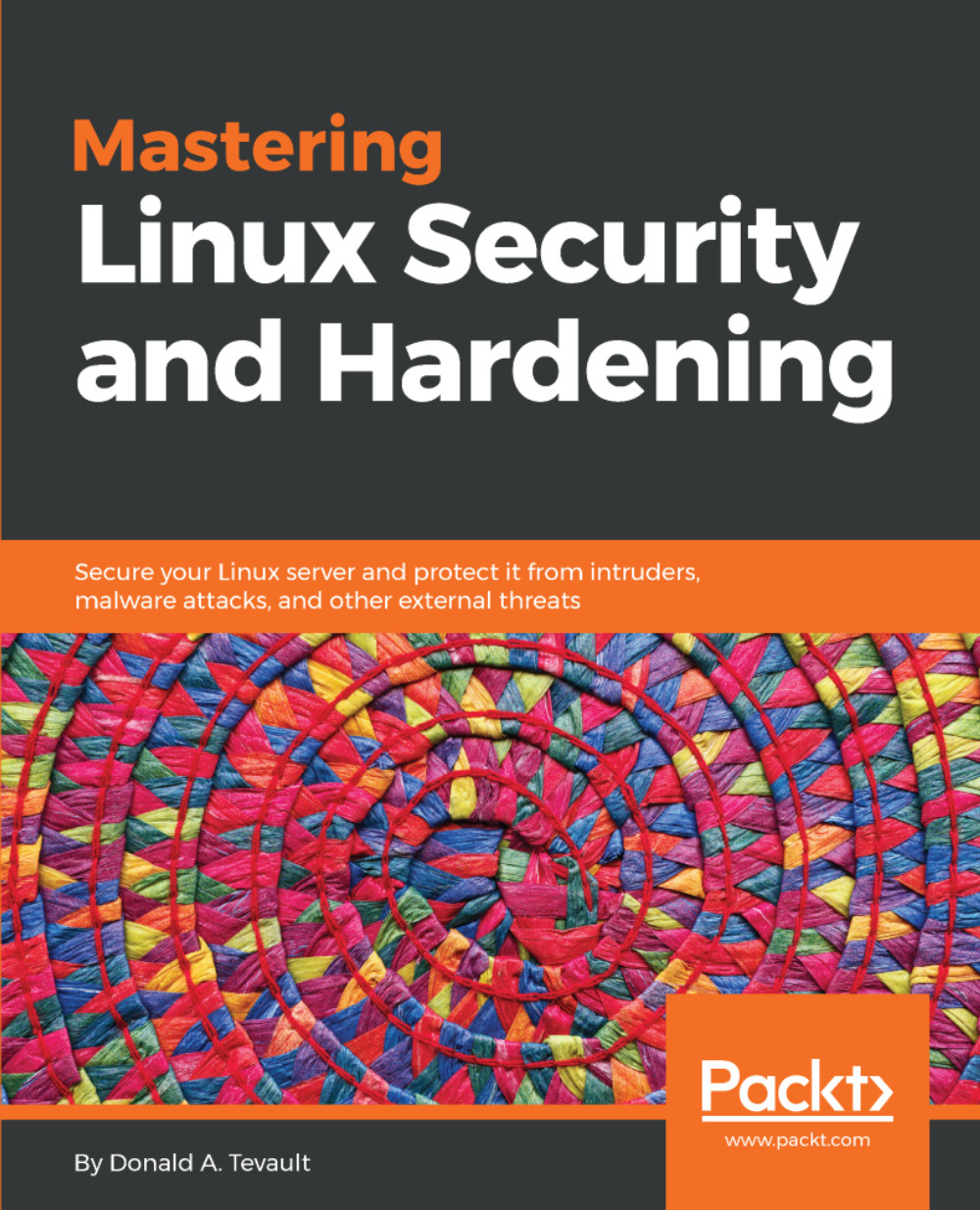
Mastering Linux Security and Hardening

Mastering Linux Security and Hardening

By : Donald A. Tevault
3.9 (7)
close
close
Mastering Linux Security and Hardening

Mastering Linux Security and Hardening

3.9 (7)
By: Donald A. Tevault

Overview of this book

This book has extensive coverage of techniques that will help prevent attackers from breaching your system, by building a much more secure Linux environment. You will learn various security techniques such as SSH hardening, network service detection, setting up firewalls, encrypting file systems, protecting user accounts, authentication processes, and so on. Moving forward, you will also develop hands-on skills with advanced Linux permissions, access control, special modes, and more. Lastly, this book will also cover best practices and troubleshooting techniques to get your work done efficiently. By the end of this book, you will be confident in delivering a system that will be much harder to compromise.
Table of Contents (12 chapters)
close
close

Creating a shared directory


The next act in our scenario involves creating a shared directory that all the members of our marketing department can use. Now, this is another one of those areas that engenders a bit of controversy. Some people like to put shared directories in the root level of the filesystem, while others like to put shared directories in the /home directory. And, some people even have other preferences. But really, it's a matter of personal preference and/or company policy. Other than that, it really doesn't much matter where you put them. For our purposes, to make things simple, I'll just create the directory in the root level of the filesystem:

[donnie@localhost ~]$ cd /

[donnie@localhost /]$ sudo mkdir marketing
[sudo] password for donnie:

[donnie@localhost /]$ ls -ld marketing
drwxr-xr-x. 2 root root 6 Nov 13 15:32 marketing
[donnie@localhost /]$

The new directory belongs to the root user. It has a permissions setting of 755, which permits read and execute access to everybody...

CONTINUE READING
83
Tech Concepts
36
Programming languages
73
Tech Tools
Icon Unlimited access to the largest independent learning library in tech of over 8,000 expert-authored tech books and videos.
Icon Innovative learning tools, including AI book assistants, code context explainers, and text-to-speech.
Icon 50+ new titles added per month and exclusive early access to books as they are being written.
Mastering Linux Security and Hardening
notes
bookmark Notes and Bookmarks search Search in title playlist Add to playlist font-size Font size

Change the font size

margin-width Margin width

Change margin width

day-mode Day/Sepia/Night Modes

Change background colour

Close icon Search
Country selected

Close icon Your notes and bookmarks

Confirmation

Modal Close icon
claim successful

Buy this book with your credits?

Modal Close icon
Are you sure you want to buy this book with one of your credits?
Close
YES, BUY

Submit Your Feedback

Modal Close icon
Modal Close icon
Modal Close icon