Sign In Start Free Trial
Account

Add to playlist

Create a Playlist

Modal Close icon
You need to login to use this feature.
  • Book Overview & Buying Kali Linux 2018: Assuring Security by Penetration Testing
  • Table Of Contents Toc
Kali Linux 2018: Assuring Security by Penetration Testing

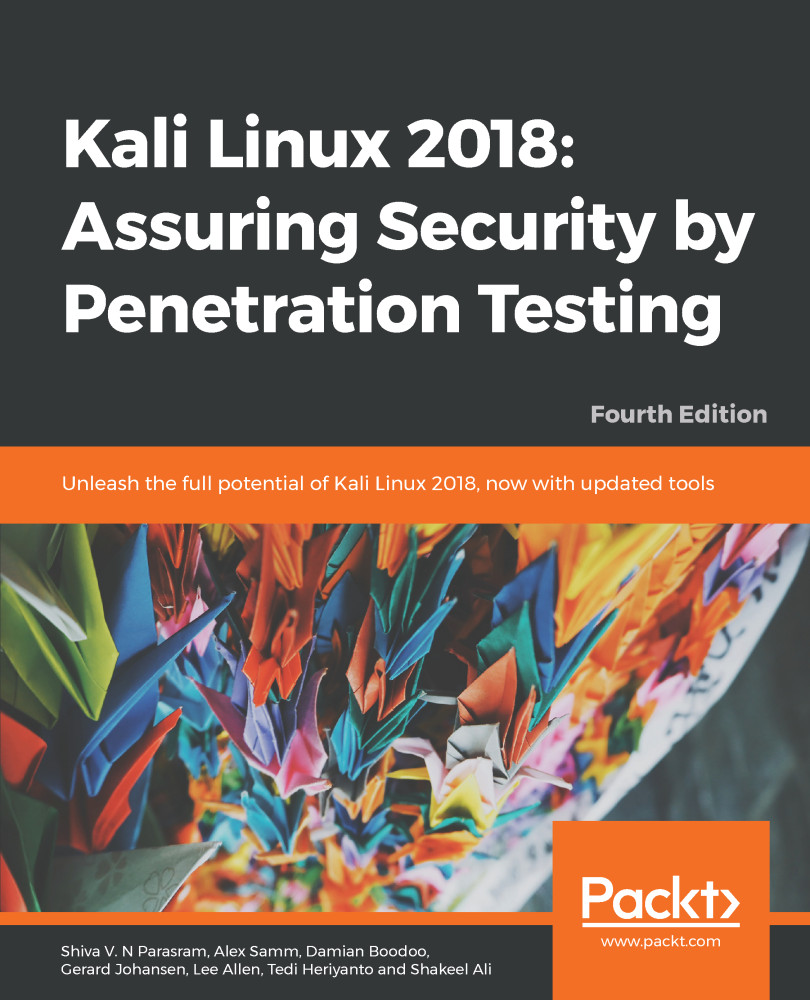
Kali Linux 2018: Assuring Security by Penetration Testing - Fourth Edition

By : Shiva V. N. Parasram, Alex Samm, Boodoo, Gerard Johansen, Lee Allen, Heriyanto, Ali
5 (1)
close
close
Kali Linux 2018: Assuring Security by Penetration Testing

Kali Linux 2018: Assuring Security by Penetration Testing

5 (1)
By: Shiva V. N. Parasram, Alex Samm, Boodoo, Gerard Johansen, Lee Allen, Heriyanto, Ali

Overview of this book

Kali Linux is a comprehensive penetration testing platform with advanced tools to identify, detect, and exploit the vulnerabilities uncovered in the target network environment. With Kali Linux, you can apply the appropriate testing methodology with defined business objectives and a scheduled test plan, resulting in successful penetration testing project engagement. This fourth edition of Kali Linux 2018: Assuring Security by Penetration Testing starts with the installation of Kali Linux. You will be able to create a full test environment to safely practice scanning, vulnerability assessment, and exploitation. You’ll explore the essentials of penetration testing by collecting relevant data on the target network with the use of several footprinting and discovery tools. As you make your way through the chapters, you’ll focus on specific hosts and services via scanning and run vulnerability scans to discover various risks and threats within the target, which can then be exploited. In the concluding chapters, you’ll apply techniques to exploit target systems in order to gain access and find a way to maintain that access. You’ll also discover techniques and tools for assessing and attacking devices that are not physically connected to the network, including wireless networks. By the end of this book, you will be able to use NetHunter, the mobile version of Kali Linux, and write a detailed report based on your findings.

Table of Contents (17 chapters)
close
close

Third-party Android applications

Along with your NetHunter installation, you should notice six other installed Android applications by browsing through your main menu.

The installed applications are the NetHunter Terminal Application, DriveDroid, USB Keyboard, Shodan, Router Keygen, and cSploit. Although these third-party applications are listed as a work-in-progress within the NetHunter documentation, I've found that they all work. Depending on your mobile device and its hardware, certain apps or features within the apps may not work.

The NetHunter Terminal Application

Much like the Terminal within Kali and NetHunter, the NetHunter Terminal Application allows the user to choose between various types of terminals, including...

CONTINUE READING
83
Tech Concepts
36
Programming languages
73
Tech Tools
Icon Unlimited access to the largest independent learning library in tech of over 8,000 expert-authored tech books and videos.
Icon Innovative learning tools, including AI book assistants, code context explainers, and text-to-speech.
Icon 50+ new titles added per month and exclusive early access to books as they are being written.
Kali Linux 2018: Assuring Security by Penetration Testing
notes
bookmark Notes and Bookmarks search Search in title playlist Add to playlist font-size Font size

Change the font size

margin-width Margin width

Change margin width

day-mode Day/Sepia/Night Modes

Change background colour

Close icon Search
Country selected

Close icon Your notes and bookmarks

Confirmation

Modal Close icon
claim successful

Buy this book with your credits?

Modal Close icon
Are you sure you want to buy this book with one of your credits?
Close
YES, BUY

Submit Your Feedback

Modal Close icon
Modal Close icon
Modal Close icon