


-
Book Overview & Buying
-
Table Of Contents

Bash Shell Scripting for Pentesters
By :


Bash Shell Scripting for Pentesters
By:
Overview of this book
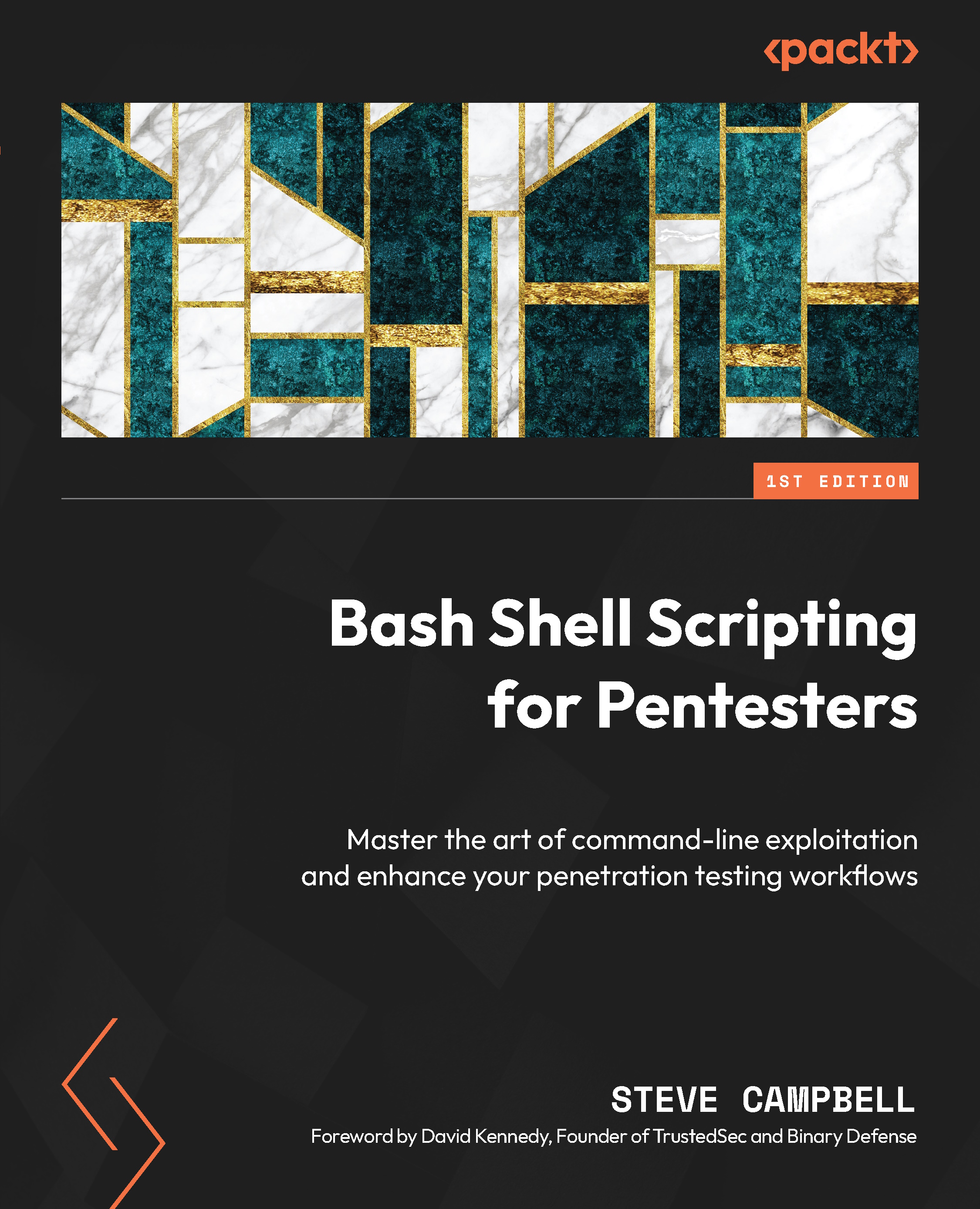
Bash shell scripting is essential for penetration testing because it’s versatile and efficient and integrates thoroughly with the Unix-based systems commonly used in cybersecurity assessments. In this book, the author leverages his decades of experience in IT and pentesting to help you automate repetitive tasks, rapidly analyze data, and craft sophisticated exploits, boosting your effectiveness and productivity.
You’ll get to grips with Bash basics, set up a hacking environment, and create basic scripts, before exploring file management, text processing, and manipulation. The chapters will guide you through advanced topics such as networking, parallel processing, and regular expressions. From there, the book will move on to practical applications, walking you through reconnaissance, web application and infrastructure pentesting, privilege escalation, persistence, and pivoting, all using Bash scripting. You’ll also get a solid understanding of advanced topics, including evasion and obfuscation tactics, integrating AI into penetration testing workflows, and implementing DevSecOps practices.
By the end of this book, you’ll be well-versed with Bash shell scripting techniques tailored to penetration testing scenarios.
Table of Contents (22 chapters)
Preface


 Free Chapter
Part 1: Getting Started with Bash Shell Scripting
Chapter 1: Bash Command-Line and Its Hacking Environment

Chapter 2: File and Directory Management
Chapter 3: Variables, Conditionals, Loops, and Arrays
Chapter 4: Regular Expressions
Chapter 5: Functions and Script Organization
Chapter 6: Bash Networking
Chapter 7: Parallel Processing
Part 2: Bash Scripting for Pentesting
Chapter 8: Reconnaissance and Information Gathering
Chapter 9: Web Application Pentesting with Bash
Chapter 10: Network and Infrastructure Pentesting with Bash
Chapter 11: Privilege Escalation in the Bash Shell
Chapter 12: Persistence and Pivoting
Chapter 13: Pentest Reporting with Bash
Part 3: Advanced Applications of Bash Scripting for Pentesting
Chapter 14: Evasion and Obfuscation
Chapter 15: Interfacing with Artificial Intelligence
Chapter 16: DevSecOps for Pentesters
Index


