Sign In Start Free Trial
Account

Add to playlist

Create a Playlist

Modal Close icon
You need to login to use this feature.
  • Book Overview & Buying Mastering Windows Server 2022
  • Table Of Contents Toc
Mastering Windows Server 2022

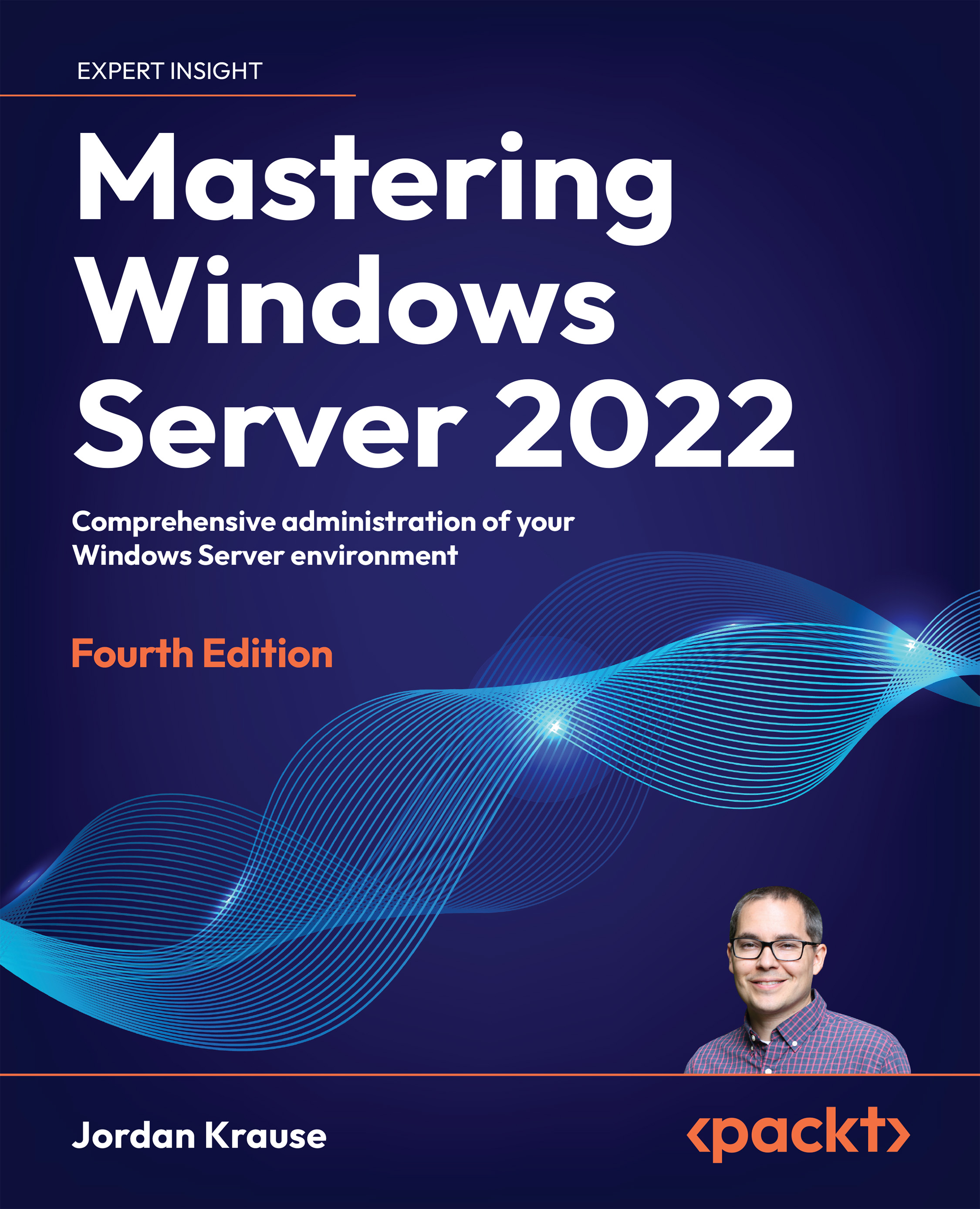
Mastering Windows Server 2022 - Fourth Edition

By : Jordan Krause
4.9 (35)
close
close
Mastering Windows Server 2022

Mastering Windows Server 2022

4.9 (35)
By: Jordan Krause

Overview of this book

Written by a 10-time Microsoft MVP award winner with over 20 years of IT experience, Mastering Windows Server 2022 is a practical guide to deploying, securing, and optimizing your server infrastructure. Whether you’re new to server administration or an experienced professional sharpening your skills, this book is designed to be referenced on a regular basis instead of gathering dust on your shelf. Updated for Windows Server 2022, this book covers versions, licensing models, and the latest features while guiding you through single-pane-of-glass administration with tools like Server Manager, PowerShell, and Windows Admin Center. While the primary focus is on Windows Server 2022 LTSC, we also explore SAC server releases, Containers, Nano Server, and OS release cadences. You’ll gain hands-on expertise in remote access technologies, PKI and certificate management, virtualization with Hyper-V, and deploying a Remote Desktop Services farm. Plus, you’ll master Server Core, built-in redundancy, and troubleshooting techniques – all while reinforcing core infrastructure skills like Active Directory, DNS, DHCP, and Group Policy.
Table of Contents (20 chapters)
close
close
17
Other Books You May Enjoy
18
Index

The Sconfig utility

Now we will take a step backward and check out a tool that is available inside Server Core, but one that is generally only useful when working on the console of your server. We mentioned Sconfig earlier in the chapter, but breezed right past it at the time so that you could focus on getting to know Server Core a little bit more intimately from Command Prompt and PowerShell. While you can certainly ignore Sconfig completely and make all configurations and adjustments to your server core from the traditional command interfaces and centralized administration tools, Sconfig is a very nice utility for making initial networking, hostname, and domain membership changes to your new server.

Sconfig has existed for most versions of Server Core, but in the past you always had to intentionally launch it to make use of the capabilities within. Windows Server 2022 is the first time we see it with an auto-launch feature when your server boots. If you have built your own server core...

CONTINUE READING
83
Tech Concepts
36
Programming languages
73
Tech Tools
Icon Unlimited access to the largest independent learning library in tech of over 8,000 expert-authored tech books and videos.
Icon Innovative learning tools, including AI book assistants, code context explainers, and text-to-speech.
Icon 50+ new titles added per month and exclusive early access to books as they are being written.
Mastering Windows Server 2022
notes
bookmark Notes and Bookmarks search Search in title playlist Add to playlist font-size Font size

Change the font size

margin-width Margin width

Change margin width

day-mode Day/Sepia/Night Modes

Change background colour

Close icon Search
Country selected

Close icon Your notes and bookmarks

Confirmation

Modal Close icon
claim successful

Buy this book with your credits?

Modal Close icon
Are you sure you want to buy this book with one of your credits?
Close
YES, BUY

Submit Your Feedback

Modal Close icon
Modal Close icon
Modal Close icon