Sign In Start Free Trial
Account

Add to playlist

Create a Playlist

Modal Close icon
You need to login to use this feature.
  • Book Overview & Buying CompTIA A+ Practice Test Core 1 (220-1101)
  • Table Of Contents Toc
CompTIA A+ Practice Test Core 1 (220-1101)

CompTIA A+ Practice Test Core 1 (220-1101)

By : Ian Neil, Mark Birch
4.3 (9)
close
close
CompTIA A+ Practice Test Core 1 (220-1101)

CompTIA A+ Practice Test Core 1 (220-1101)

4.3 (9)
By: Ian Neil, Mark Birch

Overview of this book

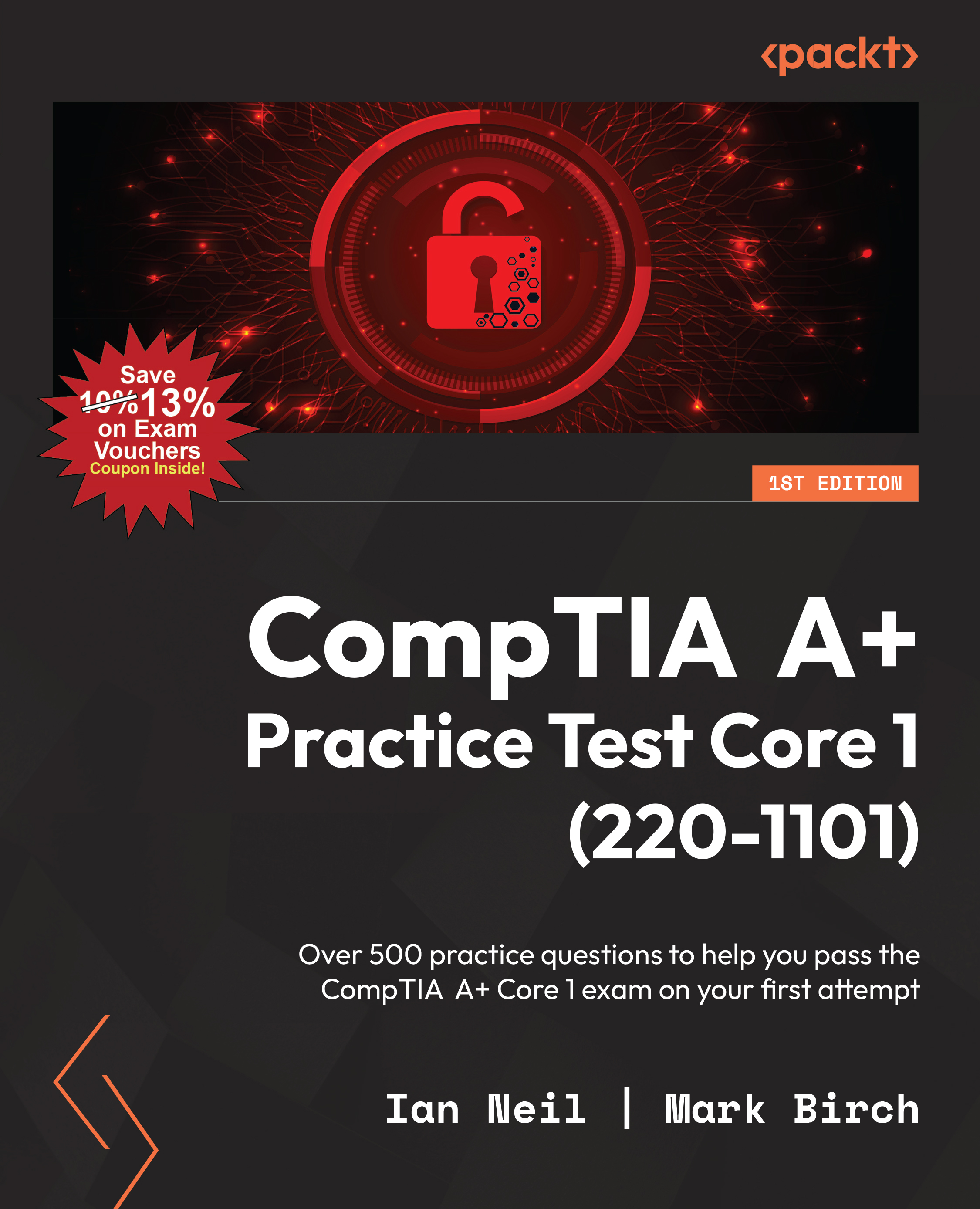
CompTIA A+ certification is a trusted credential that’s highly sought after by professionals looking to prove their mettle in today’s digital world. This book will provide you with exam-oriented practice material mirroring the A+ exam’s level of difficulty to prepare you for every challenge that the exam might throw at you. This book is a compilation of hundreds of carefully curated practice questions on each domain, including mobile devices, networking, hardware, virtualization and cloud computing, as well as hardware and network troubleshooting. The realistic tests are designed in a way to help you accelerate your preparation to achieve the industry-celebrated A+ certification. By the end of this practice book, you’ll be well-prepared to pass the CompTIA A+ Core 1 (220-1101) exam with confidence.
Table of Contents (11 chapters)
close
close

Introduction

Mobile devices are in abundance in the workplace, ranging from laptops to tablets and smartphones. It’s therefore important that IT technicians have working knowledge of each type of device, including both the storage used and the method of its migration from legacy to modern storage.

Additionally, in your own career, you may have to enable security for smartphones that require you to set up multifactor or biometric authentication, set up cellular communications and mobile hotspots, or connect a corporate user’s Bluetooth headset. And, for laptop queries, whether it requires the order of a new device for the engineering department, installation of a new wireless card, or troubleshooting of the display screen, your understanding of laptop hardware, components, and types and size of cards is crucial to ensuring the support you offer is reliable and effective.

In the CompTIA A+ Core 1 (220-1101) exam, Domain 1.0 Mobile Devices is further broken down into the following core objectives:

  • 1.1 Given a scenario, install and configure laptop hardware and components
  • 1.2 Compare and contrast the display components of mobile devices
  • 1.3 Given a scenario, set up and configure accessories and ports of mobile devices
  • 1.4 Given a scenario, configure basic mobile-device network connectivity and application support

The rest of this chapter is committed to practice. For each of the concepts defined above, you will be given a series of questions designed to test your knowledge of each core 1 objective as defined by the official certification exam guidance for this domain. Once you have completed these questions and ensured you understand the concepts behind them, you should be fully prepared to do the same in your CompTIA A+ Core 1 (220-1101) exam.

Visually different images
CONTINUE READING
83
Tech Concepts
36
Programming languages
73
Tech Tools
Icon Unlimited access to the largest independent learning library in tech of over 8,000 expert-authored tech books and videos.
Icon Innovative learning tools, including AI book assistants, code context explainers, and text-to-speech.
Icon 50+ new titles added per month and exclusive early access to books as they are being written.
CompTIA A+ Practice Test Core 1 (220-1101)
notes
bookmark Notes and Bookmarks search Search in title playlist Add to playlist font-size Font size

Change the font size

margin-width Margin width

Change margin width

day-mode Day/Sepia/Night Modes

Change background colour

Close icon Search
Country selected

Close icon Your notes and bookmarks

Confirmation

Modal Close icon
claim successful

Buy this book with your credits?

Modal Close icon
Are you sure you want to buy this book with one of your credits?
Close
YES, BUY

Submit Your Feedback

Modal Close icon
Modal Close icon
Modal Close icon