
Sign In Start Free Trial
Account

Add to playlist

Create a Playlist

Modal Close icon
You need to login to use this feature.
  • Book Overview & Buying Mastering Linux Shell Scripting
  • Table Of Contents Toc
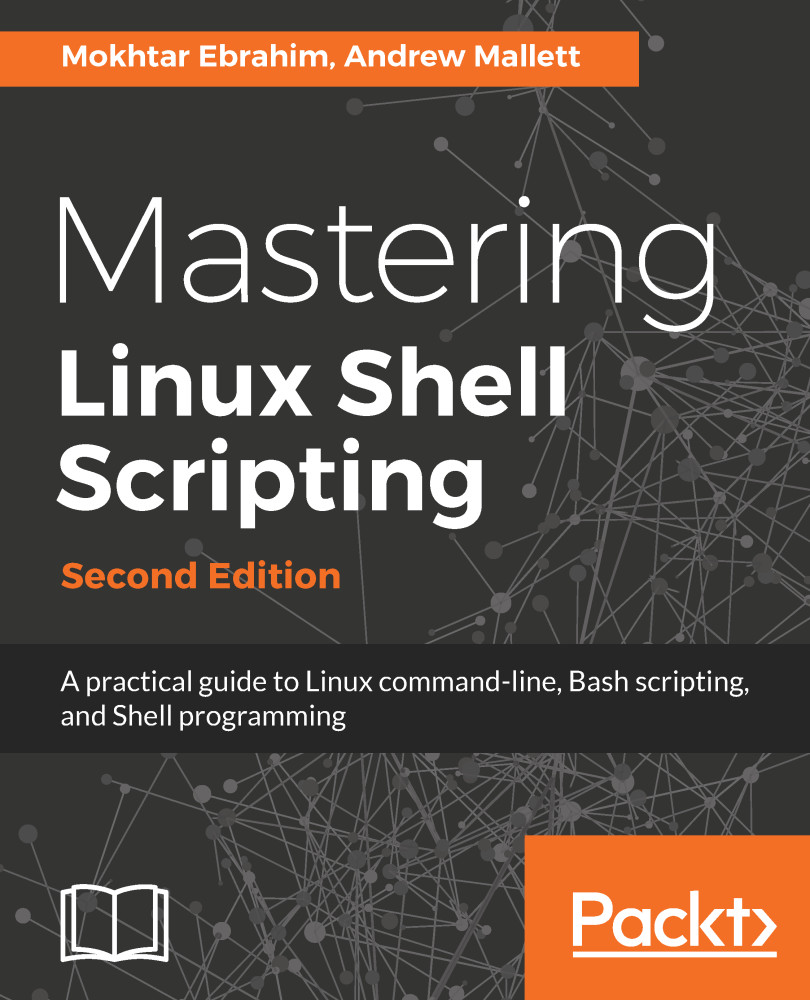
Mastering Linux Shell Scripting

Mastering Linux Shell Scripting - Second Edition

By : Mokhtar Ebrahim, Andrew Mallett
3.8 (22)
close
close
Mastering Linux Shell Scripting

Mastering Linux Shell Scripting

3.8 (22)
By: Mokhtar Ebrahim, Andrew Mallett

Overview of this book

In this book, you’ll discover everything you need to know to master shell scripting and make informed choices about the elements you employ. Grab your favorite editor and start writing your best Bash scripts step by step. Get to grips with the fundamentals of creating and running a script in normal mode, and in debug mode. Learn about various conditional statements' code snippets, and realize the power of repetition and loops in your shell script. You will also learn to write complex shell scripts. This book will also deep dive into file system administration, directories, and system administration like networking, process management, user authentications, and package installation and regular expressions. Towards the end of the book, you will learn how to use Python as a BASH Scripting alternative. By the end of this book, you will know shell scripts at the snap of your fingers and will be able to automate and communicate with your system with keyboard expressions.
Table of Contents (17 chapters)
close
close

Reading input from files

Now, it may seem that these loops can do a little more than just count down numbers. We may want to read data in from a text file and process each line. The shell built-in read command that we saw earlier in this book can be used to read a file line by line. In this way, we can use a loop to process each line of a file.

To demonstrate some of these functionalities, we will use a file that contains the server addresses. These could be hostnames or IP addresses. In the following example, we will make use of the IP addresses of Google DNS servers. The following command shows the contents of the servers.txt file:

$ cat servers.txt
8.8.8.8
8.8.4.4  

Using the read command in the condition of the while loop, we can loop as long as we have more lines to read from the file. We specify the input file directly after the done keyword. For each line that we read from...

CONTINUE READING
83
Tech Concepts
36
Programming languages
73
Tech Tools
Icon Unlimited access to the largest independent learning library in tech of over 8,000 expert-authored tech books and videos.
Icon Innovative learning tools, including AI book assistants, code context explainers, and text-to-speech.
Icon 50+ new titles added per month and exclusive early access to books as they are being written.
Mastering Linux Shell Scripting
notes
bookmark Notes and Bookmarks search Search in title playlist Add to playlist font-size Font size

Change the font size

margin-width Margin width

Change margin width

day-mode Day/Sepia/Night Modes

Change background colour

Close icon Search
Country selected

Close icon Your notes and bookmarks

Confirmation

Modal Close icon
claim successful

Buy this book with your credits?

Modal Close icon
Are you sure you want to buy this book with one of your credits?
Close
YES, BUY

Submit Your Feedback

Modal Close icon
Modal Close icon
Modal Close icon