Sign In Start Free Trial
Account

Add to playlist

Create a Playlist

Modal Close icon
You need to login to use this feature.
  • Book Overview & Buying Getting Started with nopCommerce
  • Table Of Contents Toc
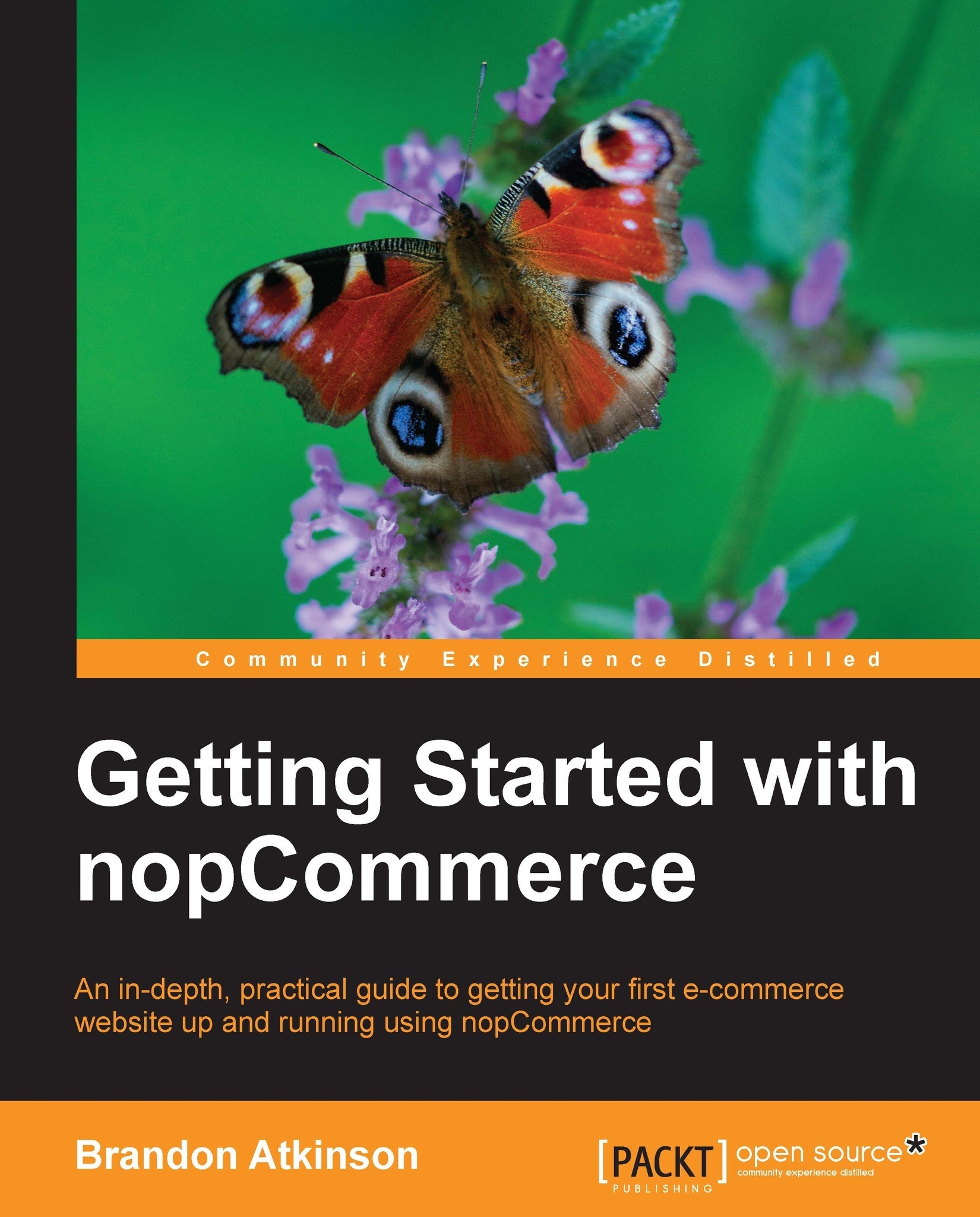
Getting Started with nopCommerce

Getting Started with nopCommerce

3.7 (3)
close
close
Getting Started with nopCommerce

Getting Started with nopCommerce

3.7 (3)

Overview of this book

nopCommerce is a powerful e-commerce engine that gives you the tools to build an online store and start making money. Starting your own e-commerce store can seem like a daunting task. However, with nopCommerce you can easily start selling products online in no time. nopCommerce comes loaded with everything you need to run a first class e-commerce storefront.Getting Started with nopCommerce walks you through all the steps to get your storefront up and running. You will learn how to download and install nopCommerce, as well as how to configure all the main components of the storefront. From learning about the public facing storefront to managing orders in the backend, you will have all the skills needed to run a successful store.Getting Started with nopCommerce is a step-by-step guide for creating your online store with nopCommerce, allowing you to build a feature-rich and customizable store to sell your products online. It guides you through installation, the public facing storefront, configuration, adding products, accepting payments, and processing orders. As you work through each chapter, your online store will grow in scope and functionality. By the time you finish this book, you will have a complete and working store.
Table of Contents (12 chapters)
close
close

Setting up a basic development environment


A development environment is an area away from your public store where you can test out changes to your site. This is always a good idea if you are making user interface changes, code changes, or critical configuration changes. You can make these in your development environment without fear of affecting your public store or impacting users on your site. Once you are satisfied with the changes, you can then apply them to your public store.

A development environment is not needed to work with nopCommerce. You can instead opt to upload the files to your hosting provider and start using your site immediately. However, this is not recommended. There are a lot of settings and changes you will want to test before applying them to your public/production site.

Installing Internet Information Services (IIS)

Your development system can utilize any of the supported operating systems. However, you will most likely need to install the Internet Information Services (IIS). IIS is a web server that is used by hosting providers to run websites. It is part of Windows and you can use it to run your nopCommerce website on your PC to help develop and customize it away from your public storefront.

To install IIS, follow these steps:

  1. Navigate to Start | Control Panel | Programs.

  2. Click on Turn Windows features on or off.

  3. Check the Internet Information Services checkbox. This will automatically check Web Management Tools and World Wide Web Services.

  4. Click on OK. This will install IIS, after which you will need to restart your system.

Installing SQL Server and Visual Studio

nopCommerce requires Microsoft SQL Server, and if you plan to perform custom development, you will also need Visual Studio. Fortunately, Microsoft provides free Express versions of this software. These versions are not as feature-packed as some of their higher-end counter parts, but they are still very powerful products and will allow you to run and modify nopCommerce in your development environment.

  • SQL Server Express 2012: This version of SQL Server is ideal for developing and powering web and small server applications. You can download this version of SQL Server from http://www.microsoft.com/sql.

  • Visual Studio 2012 Express for Web: This version of Visual Studio is made for building web applications with the latest standards. You can download this version of Visual Studio from http://www.microsoft.com/visualstudio.

After downloading each of these products, run their installers, starting with SQL Server. After SQL Server is installed, install Visual Studio to complete your development environment.

These two products will also install the other pre-requisites needed for nopCommerce, namely ASP.NET 4.5 and MVC 4.

CONTINUE READING
83
Tech Concepts
36
Programming languages
73
Tech Tools
Icon Unlimited access to the largest independent learning library in tech of over 8,000 expert-authored tech books and videos.
Icon Innovative learning tools, including AI book assistants, code context explainers, and text-to-speech.
Icon 50+ new titles added per month and exclusive early access to books as they are being written.
Getting Started with nopCommerce
notes
bookmark Notes and Bookmarks search Search in title playlist Add to playlist font-size Font size

Change the font size

margin-width Margin width

Change margin width

day-mode Day/Sepia/Night Modes

Change background colour

Close icon Search
Country selected

Close icon Your notes and bookmarks

Confirmation

Modal Close icon
claim successful

Buy this book with your credits?

Modal Close icon
Are you sure you want to buy this book with one of your credits?
Close
YES, BUY

Submit Your Feedback

Modal Close icon
Modal Close icon
Modal Close icon