Sign In Start Free Trial
Account

Add to playlist

Create a Playlist

Modal Close icon
You need to login to use this feature.
  • Book Overview & Buying Test-Driven JavaScript Development
  • Table Of Contents Toc
Test-Driven JavaScript Development

Test-Driven JavaScript Development

By : Ravi Kumar Gupta
3.7 (3)
close
close
Test-Driven JavaScript Development

Test-Driven JavaScript Development

3.7 (3)
By: Ravi Kumar Gupta

Overview of this book

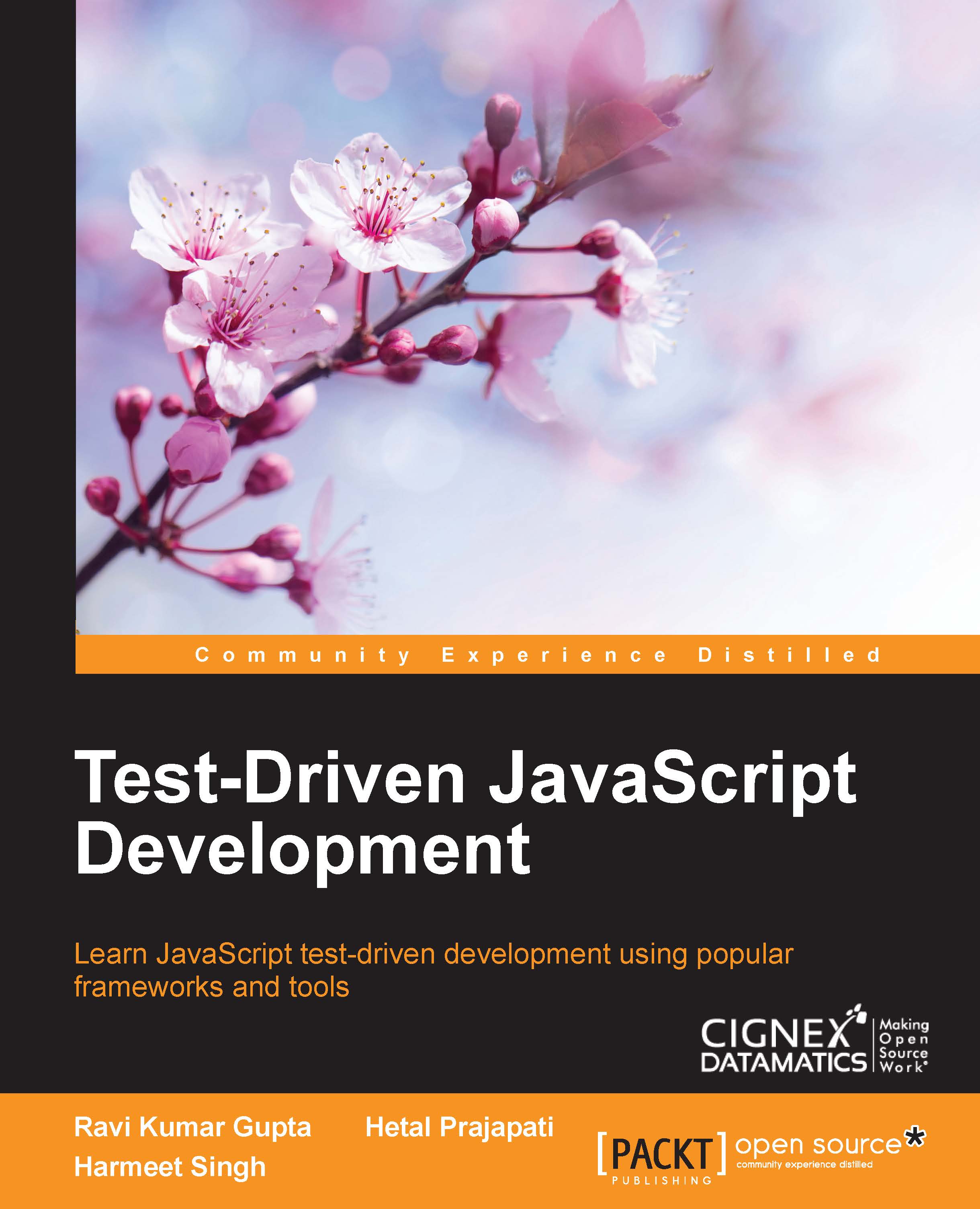
Initially, all processing used to happen on the server-side and simple output was the response to web browsers. Nowadays, there are so many JavaScript frameworks and libraries created that help readers to create charts, animations, simulations, and so on. By the time a project finishes or reaches a stable state, so much JavaScript code has already been written that changing and maintaining it further is tedious. Here comes the importance of automated testing and more specifically, developing all that code in a test-driven environment. Test-driven development is a methodology that makes testing the central part of the design process – before writing code developers decide upon the conditions that code must meet to pass a test. The end goal is to help the readers understand the importance and process of using TDD as a part of development. This book starts with the details about test-driven development, its importance, need, and benefits. Later the book introduces popular tools and frameworks like YUI, Karma, QUnit, DalekJS, JsUnit and goes on to utilize Jasmine, Mocha, Karma for advanced concepts like feature detection, server-side testing, and patterns. We are going to understand, write, and run tests, and further debug our programs. The book concludes with best practices in JavaScript testing. By the end of the book, the readers will know why they should test, how to do it most efficiently, and will have a number of versatile tests (and methods for devising new tests) to get to work immediately.
Table of Contents (11 chapters)
close
close
10
Index

Conventions

In this book, you will find a number of text styles that distinguish between different kinds of information. Here are some examples of these styles and an explanation of their meaning.

Code words in text, database table names, folder names, filenames, file extensions, pathnames, dummy URLs, user input, and Twitter handles are shown as follows: "This will start a server on port 9880 keeping runner mode QUIET as you can see in the command prompt after running the command."

A block of code is set as follows:

<script>
YUI().use('test-console','test', function (Y) {
      var testCase = new Y.Test.Case({
        /*
        * Sets up data needed by each test.

When we wish to draw your attention to a particular part of a code block, the relevant lines or items are set in bold:

toCurrencyAmount = rateOfConversion* amount;

// rounding off
toCurrencyAmount = Number.parseFloat(toCurrencyAmount).toFixed(2);

Any command-line input or output is written as follows:

npm install karma –save-dev

New terms and important words are shown in bold. Words that you see on the screen, for example, in menus or dialog boxes, appear in the text like this: "Click on the first link Capture This Browser, which will allow JsTestDriver to capture this browser."

Note

Warnings or important notes appear in a box like this.

Tip

Tips and tricks appear like this.

CONTINUE READING
83
Tech Concepts
36
Programming languages
73
Tech Tools
Icon Unlimited access to the largest independent learning library in tech of over 8,000 expert-authored tech books and videos.
Icon Innovative learning tools, including AI book assistants, code context explainers, and text-to-speech.
Icon 50+ new titles added per month and exclusive early access to books as they are being written.
Test-Driven JavaScript Development
notes
bookmark Notes and Bookmarks search Search in title playlist Add to playlist font-size Font size

Change the font size

margin-width Margin width

Change margin width

day-mode Day/Sepia/Night Modes

Change background colour

Close icon Search
Country selected

Close icon Your notes and bookmarks

Confirmation

Modal Close icon
claim successful

Buy this book with your credits?

Modal Close icon
Are you sure you want to buy this book with one of your credits?
Close
YES, BUY

Submit Your Feedback

Modal Close icon
Modal Close icon
Modal Close icon